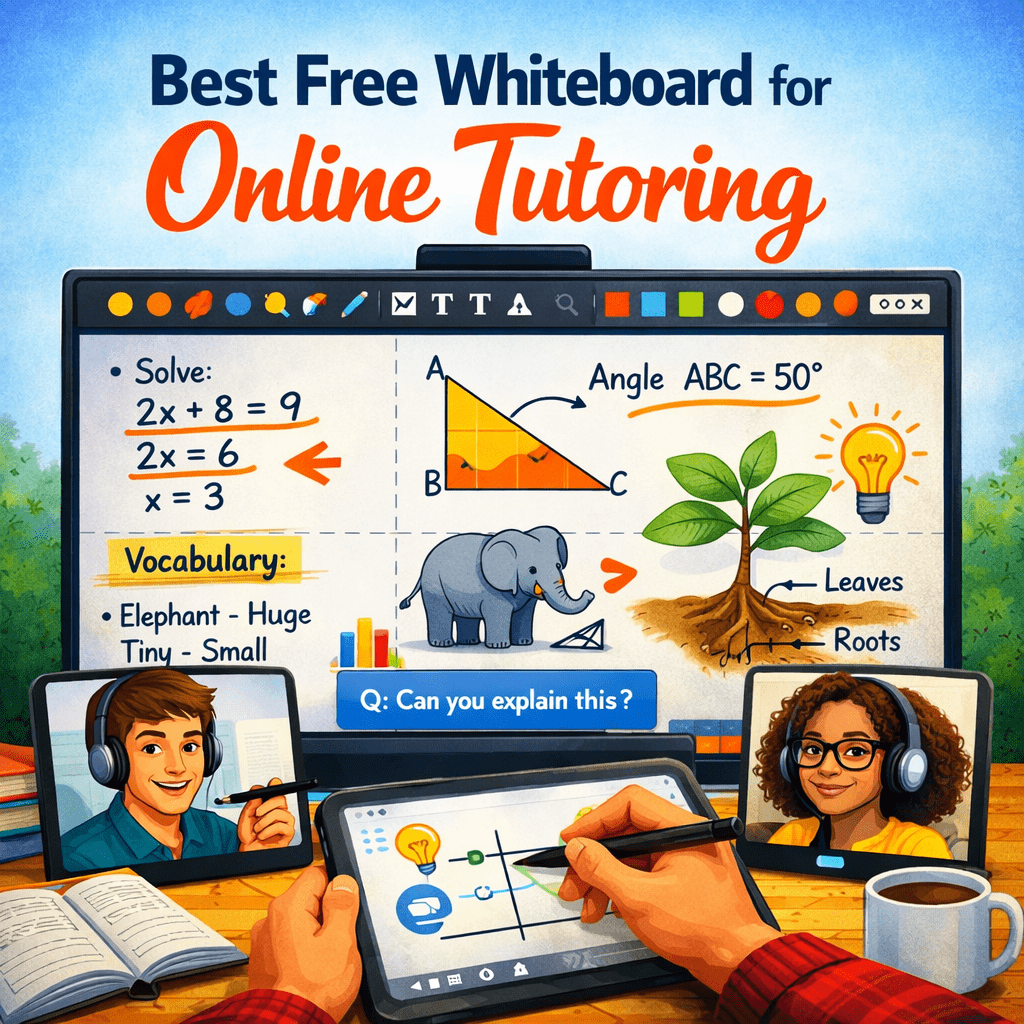
Introduction: Why Online Tutoring Depends on No-Login Whiteboards
Online tutoring has become a core part of modern education, with millions of students now learning through virtual classrooms. In this environment, the ability to explain concepts visually in real time is no longer optional—it is essential.
This is where a free online whiteboard with no login requirement becomes extremely valuable. Instead of relying on complex software or physical boards, tutors can instantly open a browser-based tool and begin teaching.
A no-login whiteboard allows educators to:
- Start teaching instantly without setup delays or account creation
- Draw diagrams, solve problems, and explain concepts visually in real time
- Collaborate with students regardless of their technical skill level
- Reduce friction in joining sessions, especially for first-time users
- Focus entirely on teaching rather than managing tools or platforms
Modern tools like OnlineWhiteboard.co have made this experience seamless by enabling instant access directly from the browser.
What Is a Free Whiteboard for Online Tutoring?
A free online tutoring whiteboard is a browser-based digital canvas that allows teachers and students to interact visually during lessons. It replaces traditional classroom whiteboards with a flexible, remote-friendly alternative.
Unlike physical boards, a digital whiteboard:
- Works entirely online through a browser
- Requires no installation or setup
- Allows real-time collaboration between multiple users
- Supports drawing, writing, diagrams, and annotations
- Can be accessed from anywhere in the world
The key advantage is simplicity: users can open a link and start interacting immediately without needing accounts or downloads.
Why No-Login Whiteboards Are the Best Choice for Online Tutoring
⚡ 1. Instant Access for Teaching Without Any Setup
- No registration process means tutors can start teaching immediately without wasting time on onboarding steps or account creation
- Eliminates technical barriers that often delay online sessions, especially for new students or parents unfamiliar with digital tools
- Ideal for spontaneous tutoring sessions, homework help, or quick doubt-solving where speed is critical
- Ensures that learning begins the moment the session starts, improving efficiency and reducing downtime
This instant accessibility makes no-login whiteboards especially useful for freelance tutors and online educators.
👩🏫 2. Significantly Better Student Engagement
- Students can join sessions instantly by clicking a shared link, removing friction and improving attendance rates
- Encourages active participation because students can see and respond to drawings in real time
- Makes learning more interactive compared to static slides or video lectures
- Helps maintain student attention by turning lessons into visual, hands-on experiences
When students can visually engage with content, their understanding and retention improve significantly.
📱 3. Fully Compatible with All Devices
- Works seamlessly across laptops, desktops, tablets, and smartphones without requiring any installation
- Supports touch input, making it ideal for mobile users who prefer drawing or interacting with fingers
- Allows stylus support for tablets, giving tutors precise control when drawing diagrams or writing equations
- Eliminates compatibility issues across operating systems, ensuring universal access
This flexibility ensures that no student is left behind due to device limitations.
🔓 4. Zero Setup Complexity and Frictionless Access
- No login, password, or account verification required before starting a session
- Removes the need for email sign-ups or onboarding processes
- Reduces drop-off rates caused by complicated setup steps
- Makes the tool accessible even to non-technical users such as young students or parents
This simplicity is especially important in fast-paced tutoring environments where time matters.
Key Features of the Best Free Whiteboard for Online Tutoring
A high-quality online tutoring whiteboard must combine simplicity with powerful teaching tools.
✏️ 1. Real-Time Drawing and Annotation Tools
- Allows tutors to draw smooth, natural strokes that mimic handwriting on a physical board, making explanations more intuitive for students
- Enables step-by-step problem solving, especially useful in math, physics, and chemistry tutoring sessions
- Supports highlighting and marking key areas to draw student attention to important concepts
- Includes tools for writing, sketching, and labeling diagrams to enhance clarity during explanations
These features help tutors break down complex topics into understandable visual steps.
🧠 2. Infinite Canvas for Structured Teaching
- Provides unlimited space to expand lessons without worrying about running out of room
- Allows tutors to organize topics spatially, making it easier to connect related ideas visually
- Supports zooming in and out, enabling both detailed explanations and big-picture overviews
- Ideal for multi-step problem solving, long-form explanations, and concept mapping
An infinite canvas ensures that lessons remain structured even when covering complex subjects.
🔗 3. Instant Shareable Links for Collaboration
- Generates a unique link that can be shared instantly with students or groups
- Allows participants to join without logging in or installing anything
- Enables real-time collaboration where all users can see updates immediately
- Supports group tutoring sessions, making it suitable for classrooms or batch learning
This feature removes barriers and makes collaboration effortless and immediate.
🎨 4. Clean and Intuitive User Interface
- Designed with simplicity in mind so that both tutors and students can focus on learning rather than tools
- Includes only essential features like pen, eraser, shapes, and text to avoid clutter
- Reduces cognitive load, especially for younger students or first-time users
- Helps maintain focus during lessons by eliminating unnecessary distractions
A clean interface improves teaching efficiency and reduces learning friction.
📂 5. Automatic Saving and Browser-Based Storage
- Saves work automatically during sessions to prevent data loss due to browser crashes or accidental closures
- Allows tutors to resume sessions without losing previous work
- Enables continuity across multiple tutoring sessions or lessons
- Provides reliability for long teaching sessions where content builds over time
This ensures that no teaching effort is wasted.
Best Use Cases for Online Tutoring Whiteboards
🎓 1. One-on-One Private Tutoring
Tutors can:
- Explain concepts step-by-step using visual diagrams that make abstract ideas easier to understand
- Adjust teaching pace based on student responses in real time
- Solve problems interactively while students watch and participate
- Provide personalized feedback using drawings and annotations
This creates a highly personalized and effective learning experience.
🏫 2. Virtual Classroom Teaching
Teachers can:
- Replace traditional chalkboards with interactive digital boards
- Conduct live lessons for multiple students simultaneously
- Demonstrate complex topics visually during lectures
- Encourage student participation through interactive drawing and problem-solving
This makes virtual classrooms more engaging and effective.
🧮 3. Mathematics and Science Education
Whiteboards are especially powerful for STEM subjects:
- Solve equations step-by-step with clear visual breakdowns
- Draw graphs, charts, and geometric figures in real time
- Explain scientific processes such as chemical reactions or physics concepts
- Help students visualize abstract formulas and theories
Visual learning significantly improves comprehension in technical subjects.
📚 4. Exam Preparation and Revision
Students can:
- Use whiteboards to revise topics visually instead of memorizing text alone
- Practice solving problems interactively with tutors
- Create concept maps for better recall
- Strengthen understanding through repeated visual reinforcement
This makes exam preparation more effective and engaging.
How to Use a Free Online Whiteboard for Tutoring
Step 1: Open a Browser-Based Whiteboard
Visit a tool like OnlineWhiteboard.co directly in your browser to begin immediately without installation or login requirements.
Step 2: Create a New Teaching Session
- Click on “Start Whiteboard” or similar option
- A blank canvas opens instantly, ready for teaching
- No account creation or setup steps required
Step 3: Share the Session Link
- Copy the generated link and send it to students via chat or email
- Students can join instantly by clicking the link
- No registration required for participants
Step 4: Begin Teaching Visually
- Use drawing tools to explain concepts step-by-step
- Write notes and label diagrams for clarity
- Solve problems interactively in real time
Step 5: Collaborate Live With Students
- Allow students to respond directly on the whiteboard
- Correct mistakes instantly using visual feedback
- Encourage interactive participation throughout the session
Benefits of Using Free No-Login Whiteboards for Tutoring
⚡ 1. Immediate Access and Fast Setup
- Start teaching within seconds without delays
- No account creation or verification needed
- Perfect for urgent tutoring sessions or last-minute help
👩🏫 2. Enhanced Teaching Clarity
- Visual explanations make complex topics easier to understand
- Improves student comprehension and engagement
- Helps break down difficult concepts into simple steps
👥 3. Stronger Student Interaction
- Encourages active participation instead of passive learning
- Allows students to engage visually during lessons
- Improves communication between tutor and student
💰 4. Completely Free and Accessible
- No subscription or payment required
- Available to all users regardless of budget
- Ideal for students and independent tutors
🏆 Top 3 Online Whiteboards for Tutoring (No Login Required)
If you’re an online tutor, teacher, or student, choosing the right whiteboard can make a huge difference in how clearly you explain concepts. The best tools are fast, browser-based, and require no signup, so you can start teaching instantly.
Below are the 3 best online whiteboards for tutoring, selected based on usability, collaboration features, and real teaching performance.
🥇 1. OnlineWhiteboard.co – Best Overall for Instant Tutoring
👉 OnlineWhiteboard.co
Why it’s #1 for tutoring
OnlineWhiteboard.co is one of the simplest and fastest whiteboards available today. It is designed specifically for instant use in teaching and collaboration, making it perfect for tutors who want zero friction.
⭐ Key Features
- No login required at all – open and start teaching instantly without any signup or account creation, which saves time during live tutoring sessions
- Real-time drawing and writing tools – lets you explain concepts step-by-step using smooth pen tools, shapes, and text, making it ideal for math, science, and problem-solving lessons
- Instant share link – you can send a link to students in seconds, and they can join without installing anything or creating accounts
- Works on all devices – supports laptops, tablets, and phones, ensuring students can join from anywhere without compatibility issues
- Clean interface designed for teaching – no distractions, so both tutor and student stay focused on learning instead of tools
🎓 Best for:
- Private tutoring sessions
- Quick doubt solving
- Online coaching classes
- One-on-one teaching
🥈 2. Ziteboard – Best for Advanced Tutoring & Math Teaching
👉 Ziteboard
Why tutors love it
Ziteboard is a powerful infinite canvas whiteboard built specifically for real-time collaboration and tutoring. It is especially popular among math and engineering tutors because of its precision tools.
⭐ Key Features
- Infinite zoomable canvas – allows tutors to zoom in and out while explaining complex diagrams or multi-step problems without running out of space, making it ideal for advanced subjects like calculus or physics
- Real-time collaboration – students and teachers can draw simultaneously, making sessions highly interactive and engaging
- Built-in video and audio chat support – enables face-to-face tutoring directly inside the whiteboard without switching tools
- Shape recognition tools – automatically converts rough sketches into clean lines, circles, and rectangles for professional-looking diagrams
- File and image import support – tutors can upload worksheets or PDFs and annotate directly on them
🎓 Best for:
- Math tutoring (algebra, calculus, geometry)
- Science explanations
- Technical subjects
- Group tutoring sessions
🥉 3. Excalidraw – Best for Simple Visual Explanations
👉 Excalidraw
Why it stands out
Excalidraw is a lightweight, open-source whiteboard that focuses on clean, hand-drawn style diagrams. It is not overloaded with features, which makes it perfect for explaining ideas quickly and clearly.
⭐ Key Features
- No login required and completely free to use – you can open the tool instantly and start drawing without any setup or registration
- Hand-drawn style visuals – gives diagrams a natural, sketch-like appearance that helps students focus on concepts instead of polished design
- Extremely lightweight and fast – loads quickly even on low-end devices or slow internet connections
- Great for diagrams and flowcharts – perfect for breaking down ideas into simple visual structures
- Easy export options – allows saving drawings as images for sharing or revisiting later
🎓 Best for:
- Concept explanations
- Flowcharts and diagrams
- Quick visual teaching
- Minimalist tutoring sessions
📊 Quick Comparison Table
| Tool | Best For | Login Required | Strength |
|---|---|---|---|
| OnlineWhiteboard.co | General tutoring | ❌ No | Fastest & easiest setup |
| Ziteboard | Advanced teaching | ❌ No (basic use) | Collaboration + math tools |
| Excalidraw | Simple explanations | ❌ No | Clean diagrams & speed |
🧠 Final Recommendation
If your goal is fast, no-login tutoring, here’s the best choice breakdown:
- 🥇 Best overall: OnlineWhiteboard.co (fastest and simplest)
- 🥈 Best for advanced teaching: Ziteboard (powerful collaboration tools)
- 🥉 Best for minimal diagrams: Excalidraw (clean and lightweight)