A good virtual workshop agenda starts with the outcome, not the activities. Decide what must be true when the session ends, then work backward in time-boxed blocks, alternate between whole-group, solo and small-group work, and leave buffers for the things that always go wrong online. Below you will find a copyable 3-hour agenda, a shorter retrospective variant, and the facilitation habits that keep the plan from collapsing on the day.
TL;DR
- Build the agenda backward from the outcome: write down what must be true when the session ends, then fill the time.
- Rotate modes: plenary, individual, small groups, plenary. Change mode often to keep energy up.
- Add 10 to 15 minutes of buffer, and if you fall behind, cut content instead of extending the end time.
- Share the roles of facilitator, timekeeper, note-taker and technical host so no one burns out.
- Keep everything on one shared canvas so the agenda, the work and the decisions live in the same place.
Table of Contents
- Start with the outcome, not the schedule
- The rhythm that holds attention on screen
- A 3-hour virtual workshop agenda you can copy
- Build in buffers and protect the end time
- Roles that keep the facilitator out of the content
- Plan for accessibility before the day
- A shorter agenda for a remote sprint retrospective
- Agenda tweaks for teachers and tutors
- Perspective: why we keep the agenda on the canvas
- Run your agenda on a shared board
- A pre-flight checklist
- FAQ
- Sources
Start with the outcome, not the schedule
Most weak agendas are lists of topics. A workshop is different from a meeting: people are there to produce something together. One template guide puts it bluntly, calling a workshop without a designed agenda a meeting with sticky notes.
Before you open a blank agenda, write three lines:
- Outcome: what will exist at the end? A ranked list, a roadmap draft, a set of retro actions, a lesson plan.
- Participants: who needs to be in the room, and who only needs the result?
- Decision rule: how will the group decide? Dot voting, consent, or one named owner.
Only then do you pick activities. The Business Analyst’s guide to running a virtual workshop makes the same point: the session plan is built from the workshop’s purpose, and the techniques are selected to serve it.
The rhythm that holds attention on screen
Online, attention drops faster than in a room, so the structure of a session matters as much as its content. A common pattern, described in this virtual workshop planning guide, cycles through four modes:
- Plenary: welcome, context, ground rules.
- Individual: silent brainstorming, so quieter people are not drowned out.
- Small groups: cluster ideas, discuss, draft an action plan.
- Plenary: share-back and decisions.
The same source describes a 3-hour strategy workshop with 10-minute check-ins, 20-minute individual brainstorming and 20-minute breakouts, with breaks between them. Treat those numbers as a starting point, not a law. A group of six product managers can move faster than thirty teachers from different schools.
A 3-hour virtual workshop agenda you can copy
This template assumes 8 to 20 participants, a single facilitator with a co-host, and one shared whiteboard. Adjust the middle blocks to your outcome.
| Time | Block | Mode | What happens |
|---|---|---|---|
| 0:00 to 0:10 | Tech check and arrival | Plenary | Everyone opens the board, adds a name sticky, tests drawing and chat. Offer private messages to the host for help. |
| 0:10 to 0:25 | Welcome and outcome | Plenary | State the outcome, the agenda, the decision rule and the roles. |
| 0:25 to 0:35 | Check-in | Plenary | One-line prompt on the board: one word for how you are arriving. |
| 0:35 to 0:55 | Silent brainstorm | Individual | Everyone adds ideas on their own area of the canvas. No discussion yet. |
| 0:55 to 1:15 | Cluster and name themes | Small groups | Groups of three or four merge duplicates and label clusters. |
| 1:15 to 1:25 | Break | None | Cameras off, step away from the screen. |
| 1:25 to 1:45 | Share-back and vote | Plenary | Each group presents in two minutes. Dot vote on priorities. |
| 1:45 to 2:25 | Deep dive on top themes | Small groups | One theme per group: risks, first steps, owners. |
| 2:25 to 2:35 | Break | None | Stretch, water, back on time. |
| 2:35 to 2:50 | Buffer | Flexible | Absorbs overruns. If not needed, extend the deep dive or end early. |
| 2:50 to 3:00 | Decisions and close | Plenary | Confirm owners and dates, quick feedback, thanks. |
Notice the buffer sits near the end, not at the very end. That gives you somewhere to borrow time from without trimming the closing, which is the part groups most often skip.
Build in buffers and protect the end time
Online sessions lose minutes to audio problems, late joiners and a link someone cannot find. Experienced planners recommend buffer blocks of roughly 10 to 15 minutes and advise keeping the end time fixed. If the session runs behind, cut content rather than stretching the session, out of respect for people’s calendars.
In practice, decide before you start what you would cut first. Mark those blocks as optional on the agenda. A cut you planned feels like facilitation; a cut you improvised feels like panic.
Roles that keep the facilitator out of the content
The facilitator’s job is process. According to the Nielsen Norman Group, facilitation means guiding a group toward its goal and is distinct from delivering a keynote or moderating research sessions to elicit specific responses. The measure of success is what the group accomplishes, not what the facilitator says.
Two researchers writing about virtual teaching add a warning: facilitators who drive the discussion or defend content can stifle collaboration and erode trust. That is the facilitator-as-expert trap, and it is easy to fall into when you know the subject well.
A simple way out is to share the load. Assign these roles before the session:
- Facilitator: runs the agenda and asks the questions.
- Timekeeper: calls time and watches the buffer.
- Note-taker: captures decisions and actions on the board.
- Technical host: admits people, fixes access problems, manages breakouts.
Distributed roles prevent burnout and keep engagement high, as the same research notes. For a small workshop, one person can combine two roles, but not facilitator and note-taker.
Plan for accessibility before the day
Inclusion does not happen by default. A guide to inclusive virtual poster sessions suggests inviting accommodation requests through an anonymous form before the session, and using the tech-check at the start to let people message the host privately. It also warns against assuming any tool is accessible: check how your whiteboard and video platform handle screen readers and keyboard navigation before you commit.
That guide is about academic poster sessions, but the lesson transfers. Satisfaction can be high when virtual events are designed with care: in the study it reports, 96% of viewers said the experience met or exceeded expectations.
Practical steps for your agenda:
- Send the agenda and board link 24 hours ahead, with a line inviting access needs.
- Offer more than one way to contribute: typing, drawing, voice.
- Avoid timed activities that depend on fast typing or fine mouse control.
- Share any slides or text in the chat as well as on screen.
A shorter agenda for a remote sprint retrospective
The same logic scales down. A retrospective is a workshop with a small, repeating outcome: two or three actions the team will actually do. For a team of five to ten, a 60-minute plan works well.
| Time | Block | Purpose |
|---|---|---|
| 0:00 to 0:05 | Check-in | One word or emoji on the board. |
| 0:05 to 0:10 | Review last actions | Done, not done, dropped. |
| 0:10 to 0:25 | Silent writing | Everyone adds notes to the chosen format. |
| 0:25 to 0:40 | Group and discuss | Cluster notes, talk about the biggest clusters. |
| 0:40 to 0:50 | Vote and choose | Dot vote, pick at most three topics. |
| 0:50 to 0:57 | Actions | Each action gets one owner and a date. |
| 0:57 to 1:00 | Close | Quick rating of the retro itself. |
Retro formats worth rotating
Changing the format every few sprints keeps the conversation from going stale. Three common ones:
- Start, Stop, Continue: three columns. Fast, good for newer teams.
- Mad, Sad, Glad: surfaces feelings, useful after a tense release.
- 4Ls (Liked, Learned, Lacked, Longed for): a fuller reflection when the team has time.
On a whiteboard, set up the columns before people arrive, and place each person’s notes in their own colour. Hide nothing: the value of a shared canvas is that the whole team sees clusters form.
Agenda tweaks for teachers and tutors
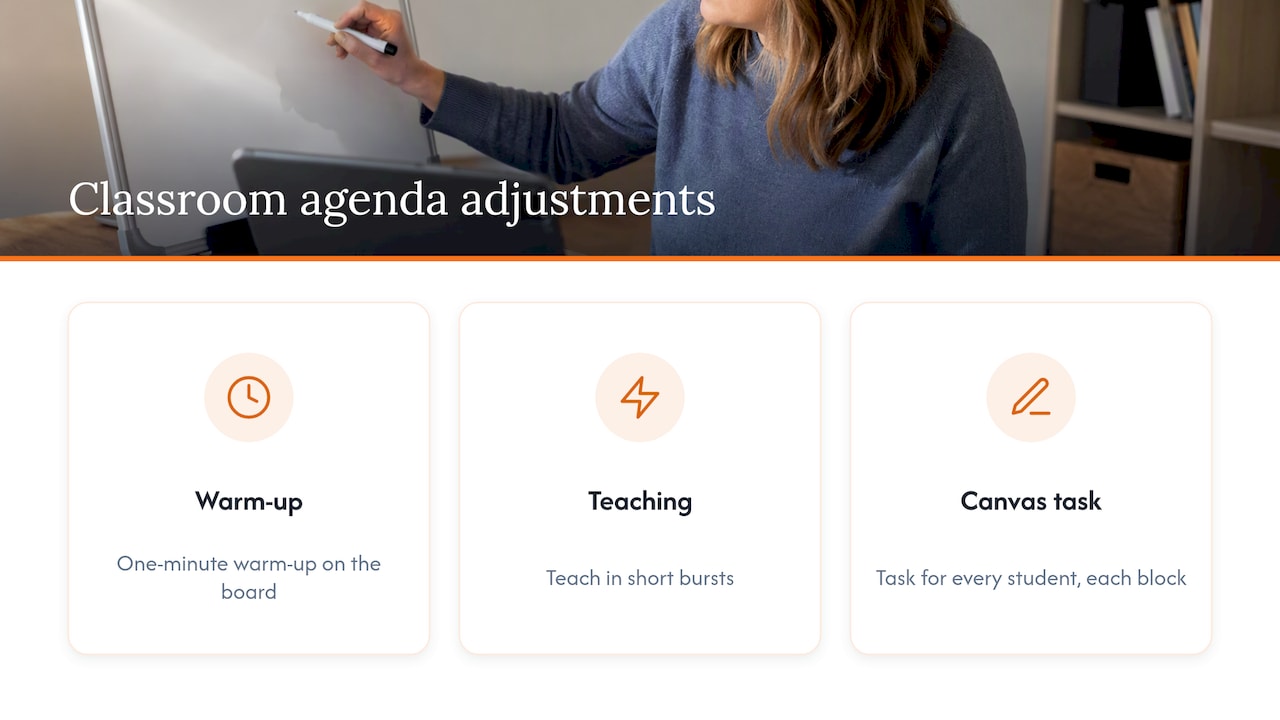
A classroom or tutoring workshop shares the same bones, with a shorter attention window. Open with a one-minute warm-up on the board, teach in short bursts, and give every student something to do on the canvas in each block. Our guides to digital classroom brainstorm activities and jigsaw activities in a digital setting show how to structure small-group rounds, and the virtual tutoring session checklist covers what to prepare before a one-to-one lesson.
One idea from teaching research is worth borrowing for any group. A virtual last-class workshop described in the Teaching & Learning Inquiry paper closes a course with a structured reflection, which is a good model for ending any workshop deliberately instead of letting it fade out.
Perspective: why we keep the agenda on the canvas
We build a browser-based whiteboard for teachers, tutors, product managers and remote teams, so we see a lot of workshops fail for dull reasons. The agenda lives in a slide deck, the work happens in another tab, and the notes end up in a third place. By the time the session ends, nobody can say where the decisions are.
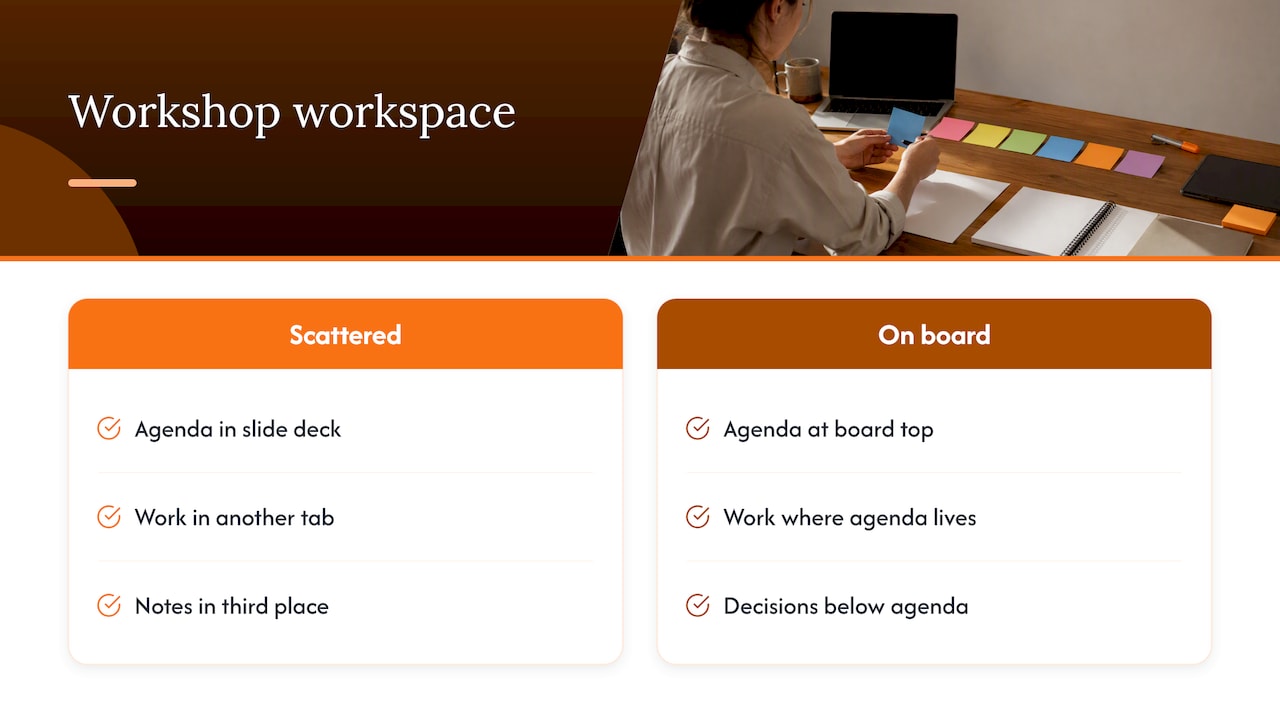
Our view is simple: put the agenda at the top of the board, in the same place where the work happens. Participants can see what block they are in and what comes next, and the note-taker can drop decisions right below. Nothing to install, nobody waiting for a download, and a link is enough for anyone to join from a laptop, tablet or phone.
The second thing we stress is friction. Every minute spent helping someone log in is a minute taken from the outcome. That is why the tech check is the first block of any agenda we would write, and why we think a tool should be ready in seconds, not after a setup ritual.
— A
Run your agenda on a shared board
If you want to try the template above, you can open a blank canvas on Onlinewhiteboard, paste the agenda table in a corner, add one frame per block, and send the link. Drawing, writing, diagramming and exporting your notes afterward are all available in the browser. For a broader look at what to expect from collaborative boards, see our guide to online whiteboard tools for teams.
A pre-flight checklist
Run through this the day before:
- The outcome is written in one sentence at the top of the agenda.
- Every block has a time, a mode and an owner.
- A buffer of 10 to 15 minutes is marked, and the first cut is chosen.
- Roles are assigned: facilitator, timekeeper, note-taker, technical host.
- The board has frames ready, prompts written, and the link tested in a private window.
- Participants have the agenda, the link and an invitation to share access needs.
- A follow-up message is drafted with the board link, decisions and owners.
FAQ
How long should a virtual workshop be?
There is no fixed rule, but three hours with breaks is a common planning length, as in the template above. Shorter sessions of 60 to 90 minutes suit a single decision or a retro. If you need more than three hours, split it into two sessions on separate days.
What is the difference between a workshop and a meeting?
A meeting shares information or makes routine decisions. A workshop is built to produce a specific output with everyone contributing, such as a prioritized list or a draft plan. Facilitators guide the process and stay out of the content, as the Nielsen Norman Group describes.
How many breaks does a virtual workshop need?
Plan a break roughly every 60 to 90 minutes and keep them at least 10 minutes long. Screen fatigue is real, and a planned break is cheaper than losing the room mid-block. In the 3-hour template, there are two.
What if the session runs behind schedule?
Use your buffer first, then cut the blocks you marked as optional. Keep the end time fixed, and move leftover topics to a follow-up message or a short second session.
Sources
- Workshop Facilitation 101, Nielsen Norman Group
- A Guide to Implementing Inclusive and Accessible Virtual Poster Sessions
- Virtual workshop planning, Workshop Weaver
- The Importance of Ending Well: A Virtual Last Class Workshop
- Workshop Agenda Template, BoardSnap
- A Business Analyst’s Guide to Running a Virtual Workshop, IIBA