An online collaborative whiteboard platform is a browser-based digital canvas that lets teams brainstorm, plan, and create together in real time without installing any software. These platforms have become the default workspace for remote teams, educators, and product designers who need a shared visual space that works across devices and time zones. Tools like Miro, Mural, FigJam, and Onlinewhiteboard give users an infinite canvas to sketch ideas, map workflows, and annotate content simultaneously. The shift from physical whiteboards to cloud-based alternatives is not just a convenience upgrade. It fundamentally changes how distributed teams think and create together.
What features should you look for in an online collaborative whiteboard platform?
The right digital whiteboard software separates productive sessions from chaotic ones. Before committing to any platform, evaluate it against these core capabilities.
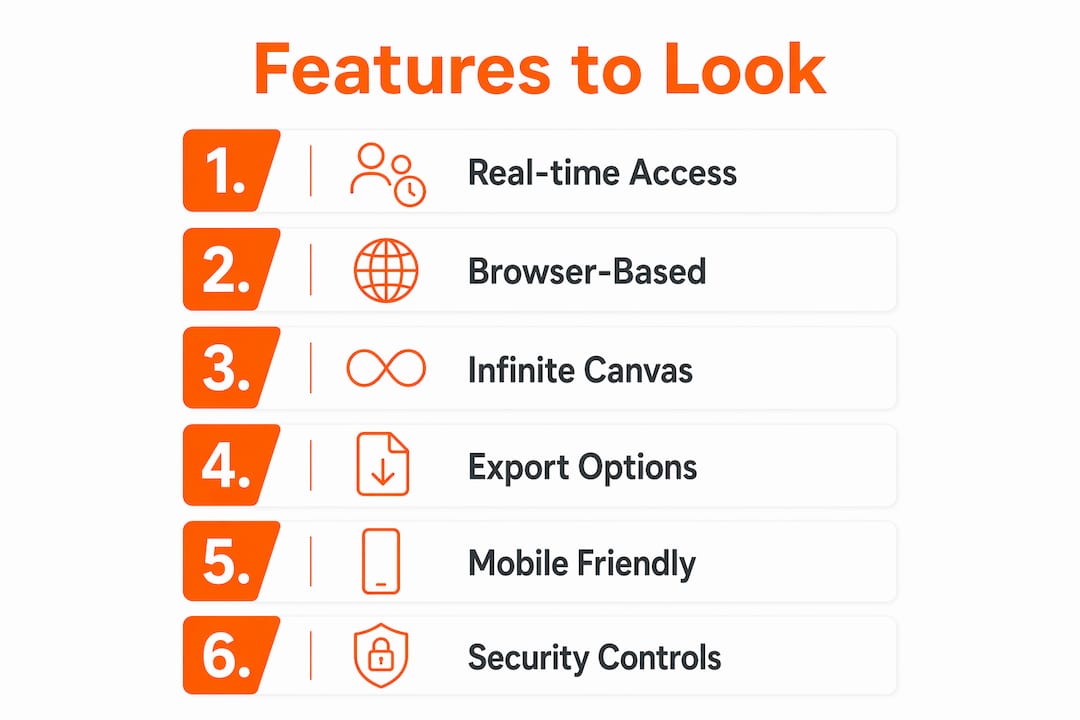
Real-time multi-user access is the baseline requirement. Multi-user synchronization means every participant’s contribution appears instantly on the shared board, which keeps discussions grounded in a single source of truth rather than scattered across email threads.

Browser-based access removes the biggest friction point in remote collaboration. No installation required means teams can start a collaborative session within 30 seconds, which matters when you are mid-meeting and need a visual space immediately.
Infinite canvas is a feature that sounds like a luxury but functions like a necessity. Infinite canvas capabilities allow large-scale brainstorming without the physical constraint of running out of space, so creative flow stays uninterrupted from the first sticky note to the final workflow diagram.
Here is a quick comparison of features across common platform tiers:
| Feature | Free tier | Paid tier |
|---|---|---|
| Real-time collaboration | Yes (limited users) | Yes (unlimited users) |
| Infinite canvas | Often limited | Full access |
| Templates library | Basic | Extensive |
| Export (PDF, PNG) | Limited formats | Multiple formats |
| Integrations | Few | Slack, Jira, Notion, and more |
| Mobile and tablet support | Yes | Yes |
Additional criteria worth checking include export flexibility, mobile optimization, and security controls. Export options in multiple formats like PDF and PNG are critical for archiving sessions and sharing outputs with stakeholders who were not in the room. Mobile and tablet optimization matters for teams that work across devices, especially in education or field-based roles.
Pro Tip: Before your first team session, test the platform’s export function by creating a sample board and downloading it in PDF format. If the output is clean and preserves all annotations, the platform is ready for real use.
How to set up and start using a virtual whiteboard tool
Getting started with most virtual whiteboard tools takes less time than most people expect. The steps below apply broadly across platforms, with minor variations depending on whether you choose a free or paid account.
- Open the platform in your browser. Most tools, including Onlinewhiteboard, require no sign-up to begin. Navigate to the URL and a blank canvas loads immediately.
- Create a new board or select a template. User-friendly templates help you build structured boards quickly, whether you need a brainstorming grid, a Kanban layout, or a retrospective format. Starting from a template cuts setup time significantly.
- Invite collaborators. Copy the board’s shareable link and send it via Slack, email, or your video conferencing chat. No account creation is required for guests on most platforms, which removes a common barrier to participation.
- Use drawing and annotation tools. Sticky notes, shapes, freehand drawing, and text boxes are the core tools. Assign colors to participants so contributions are visually trackable at a glance.
- Save and export your board. At the end of a session, export the board as a PDF or image file for your records. Teams gain significant productivity when they use integrated export and sharing tools because it creates a clear handoff document without additional formatting work.
- Share the final output. Send the exported file or a read-only board link to stakeholders, project management tools, or your team’s documentation system.
Pro Tip: Run a two-minute orientation at the start of every new session for participants who have not used the platform before. Show them how to add a sticky note and move it. That single action removes hesitation and gets everyone contributing within the first five minutes.
For teams running structured workshops, learning how to run a virtual problem framing session gives you a repeatable framework that works across most collaborative drawing platforms.
Which platforms are best for different use cases?
Not every real-time brainstorming tool fits every team. Popular platforms include Miro, Mural, FigJam, and Excalidraw, and each one targets a different primary audience. Choosing the wrong tool for your context wastes onboarding time and limits adoption.
Here is a breakdown by use case:
- Miro works best for large enterprise teams running design sprints, agile ceremonies, and cross-functional workshops. Its template library is the most extensive available, and its integrations with Jira, Confluence, and Microsoft Teams make it a natural fit for software development organizations.
- Mural targets facilitation-heavy teams and consultants who run structured workshops. Its timer, voting, and facilitation features are stronger than most competitors, making it the preferred choice for professional facilitators.
- FigJam is purpose-built for design teams already using Figma. The handoff between ideation in FigJam and execution in Figma is direct, which eliminates the translation step that slows down most design workflows.
- Excalidraw is an open-source option that appeals to developers and technical teams who want a lightweight, no-frills sketching tool. It lacks the template depth of Miro or Mural but loads faster and requires zero configuration.
- Onlinewhiteboard is the strongest option for teams, teachers, and individuals who need a clean, fast canvas without account creation or payment. It loads instantly in any browser and covers drawing, diagramming, and sharing in a single interface.
Free versions across these platforms include drawing, text, shapes, and real-time collaboration, with paid tiers adding templates and team management features. For small teams and classrooms, the free tier of most platforms covers 80% of daily needs.
| Platform | Best for | Free tier available |
|---|---|---|
| Miro | Enterprise, agile teams | Yes |
| Mural | Facilitation, consulting | Yes (limited) |
| FigJam | Design teams | Yes |
| Excalidraw | Developers, technical users | Yes (open source) |
| Onlinewhiteboard | General use, education, quick sessions | Yes |
For a broader look at how these tools compare against executive briefing and collaboration software, the platform comparison analysis from ClaudeDrive covers feature-by-feature breakdowns across several categories.
Common mistakes when using online collaborative whiteboards
Even experienced teams underuse the tools available to them. These are the most common mistakes and how to correct them before they derail a session.
- Skipping session planning. Walking into a whiteboard session without a defined objective produces a messy canvas and no clear output. Set a goal, choose a template, and share the agenda before the session starts.
- Inviting too many participants without structure. More contributors does not mean better output. Sessions with more than eight active participants need clear roles: one facilitator, defined contribution zones, and a time limit per activity.
- Ignoring export and archiving. Export flexibility is often overlooked but critical for capturing brainstorming sessions for offline use or sharing across workflows. Make exporting a standard step at the end of every session, not an afterthought.
- Failing to train participants. A two-minute walkthrough at the start of a session is not optional for new users. Unfamiliar participants spend the first 10 minutes figuring out basic tools instead of contributing ideas.
- Ignoring technical issues until they disrupt the session. Troubleshooting connectivity and platform lag before a session starts prevents the most common collaboration disruptions. Test your connection, close unnecessary browser tabs, and confirm all participants can access the board before the meeting begins.
“The most productive whiteboard sessions are the ones where the facilitator has done 30 minutes of preparation that the participants never see.”
Understanding why real-time collaboration matters for distributed teams puts these mistakes in context. When synchronous collaboration fails, teams default to asynchronous workarounds that slow decisions and fragment information.
Key takeaways
The best online collaborative whiteboard platform for your team is the one that removes friction from the moment you open it to the moment you share the output.
| Point | Details |
|---|---|
| Browser-based access is non-negotiable | Platforms that require installation add friction that reduces adoption, especially for guest collaborators. |
| Infinite canvas supports real creative work | Constrained canvas sizes interrupt brainstorming flow and force teams to manage space instead of ideas. |
| Export early, export often | Saving boards as PDF or image files after every session creates a reliable record and simplifies stakeholder handoffs. |
| Match the platform to the use case | Miro fits enterprise teams, FigJam fits designers, and Onlinewhiteboard fits anyone who needs a fast, clean start. |
| Session planning determines session quality | A defined objective and a pre-selected template consistently produce better outputs than open-ended sessions. |
Why the simplest tool is often the right one
I have watched teams spend three weeks evaluating whiteboard platforms, comparing feature matrices, and scheduling demos, only to end up using a fraction of what they paid for. The pattern repeats across industries. A marketing team adopts Miro for its template library, then uses it exclusively as a sticky note board. A product team buys Mural for its facilitation features, then runs every session without a timer or voting round.
The honest truth is that most collaboration problems are not tool problems. They are planning problems. A team that walks into a session without a clear objective will produce a chaotic board regardless of whether they are using a free browser tool or an enterprise platform with 500 templates.
What I have found actually works is starting with the simplest tool that covers your core needs, mastering it completely, and only upgrading when you hit a genuine limitation. For the majority of teams, that means a browser-based canvas with real-time collaboration, basic drawing tools, and clean export options. Onlinewhiteboard fits that description precisely, and it removes the onboarding tax that slows adoption on more complex platforms.
The teams I have seen get the most value from collaborative whiteboards share one habit: they treat the board as a living document, not a session artifact. They return to it between meetings, add context, and use it as the single reference point for a project. That behavior, more than any feature set, is what separates teams that collaborate well from teams that just meet.
— A
Start collaborating instantly with Onlinewhiteboard
Onlinewhiteboard gives you a clean, fast digital canvas that works the moment you open it in your browser. No downloads, no account required, and no complicated setup standing between your team and your first shared idea.
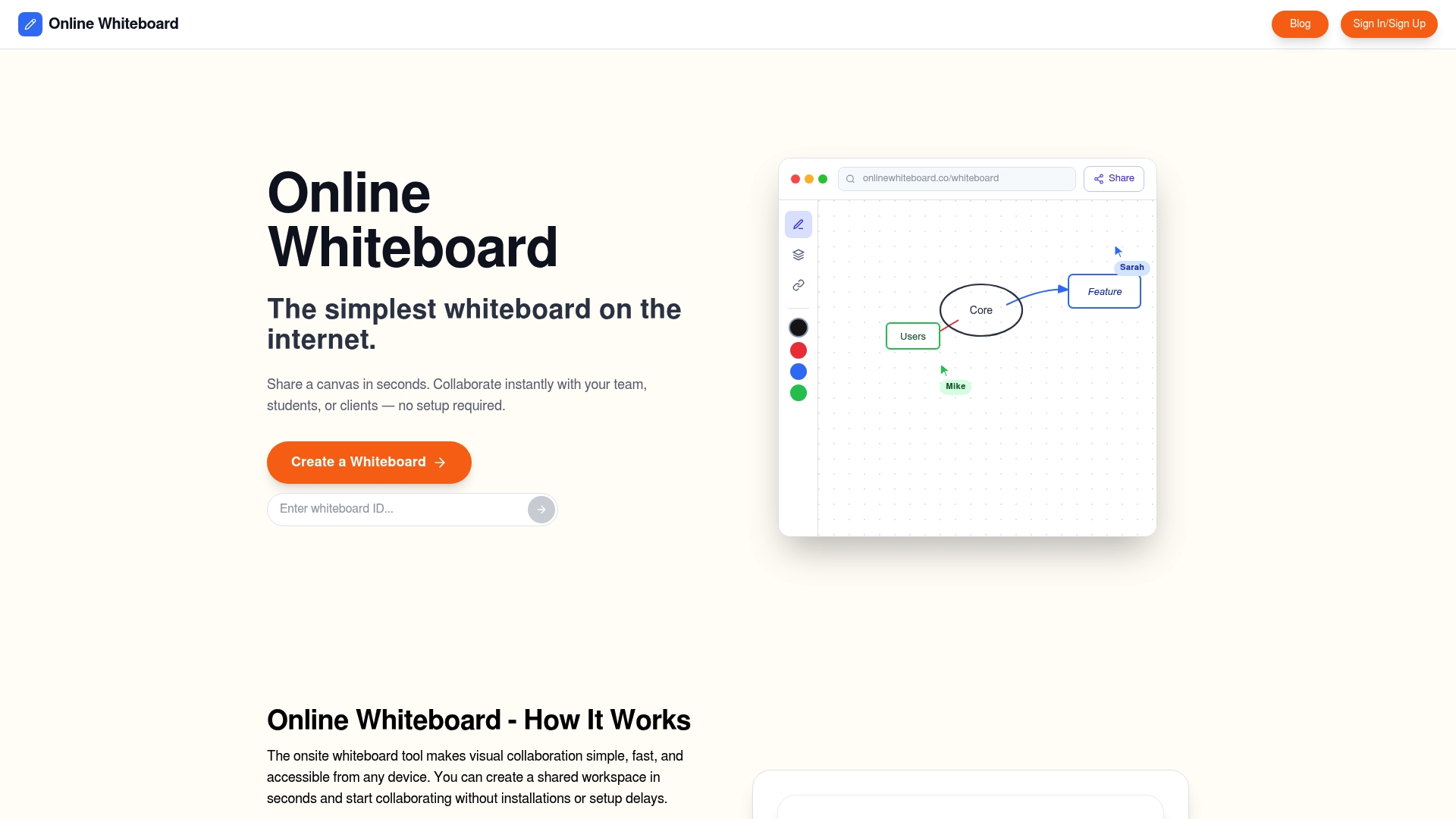
Whether you are running a team brainstorm, teaching a virtual class, or mapping out a product roadmap, Onlinewhiteboard gives you the drawing, diagramming, and sharing tools you need in one place. Invite collaborators with a single link, work together in real time, and export your board when the session ends. It is the fastest path from a blank screen to a shared visual plan, built for teams, teachers, and anyone who thinks better when they can see their ideas.
FAQ
What is an online collaborative whiteboard platform?
An online collaborative whiteboard platform is a browser-based digital canvas where multiple users can draw, write, and organize ideas together in real time. It replaces physical whiteboards for remote and hybrid teams.
Do I need to create an account to use a whiteboard tool?
Most platforms, including Onlinewhiteboard, allow you to start a session without signing up. You open the tool in your browser and begin immediately, which removes the most common barrier for new users.
What is the difference between free and paid whiteboard platforms?
Free tiers typically include drawing, text, shapes, and real-time collaboration for a limited number of users. Paid tiers add extensive template libraries, advanced integrations, and team management features.
Which whiteboard platform is best for remote teams?
The best choice depends on team size and workflow. Miro suits large enterprise teams, FigJam fits design teams, and Onlinewhiteboard works well for any team that needs a fast, no-setup collaborative canvas.
How do I share a whiteboard session with collaborators?
Copy the board’s shareable link and send it via email, Slack, or your video conferencing chat. Most platforms allow guests to join without creating an account, which keeps participation barriers low.