
Managing quick, real time collaboration across classrooms or project teams often stalls because setup and onboarding are too slow. Many tools require account creation, downloads, or advanced device setup that block instant participation for teachers, students, and remote team members. This comparison shows which collaborative whiteboard software skips registration barriers so educators and teams can decide which one supports immediate collaboration best.
Table of Contents
Online Whiteboard
At a Glance
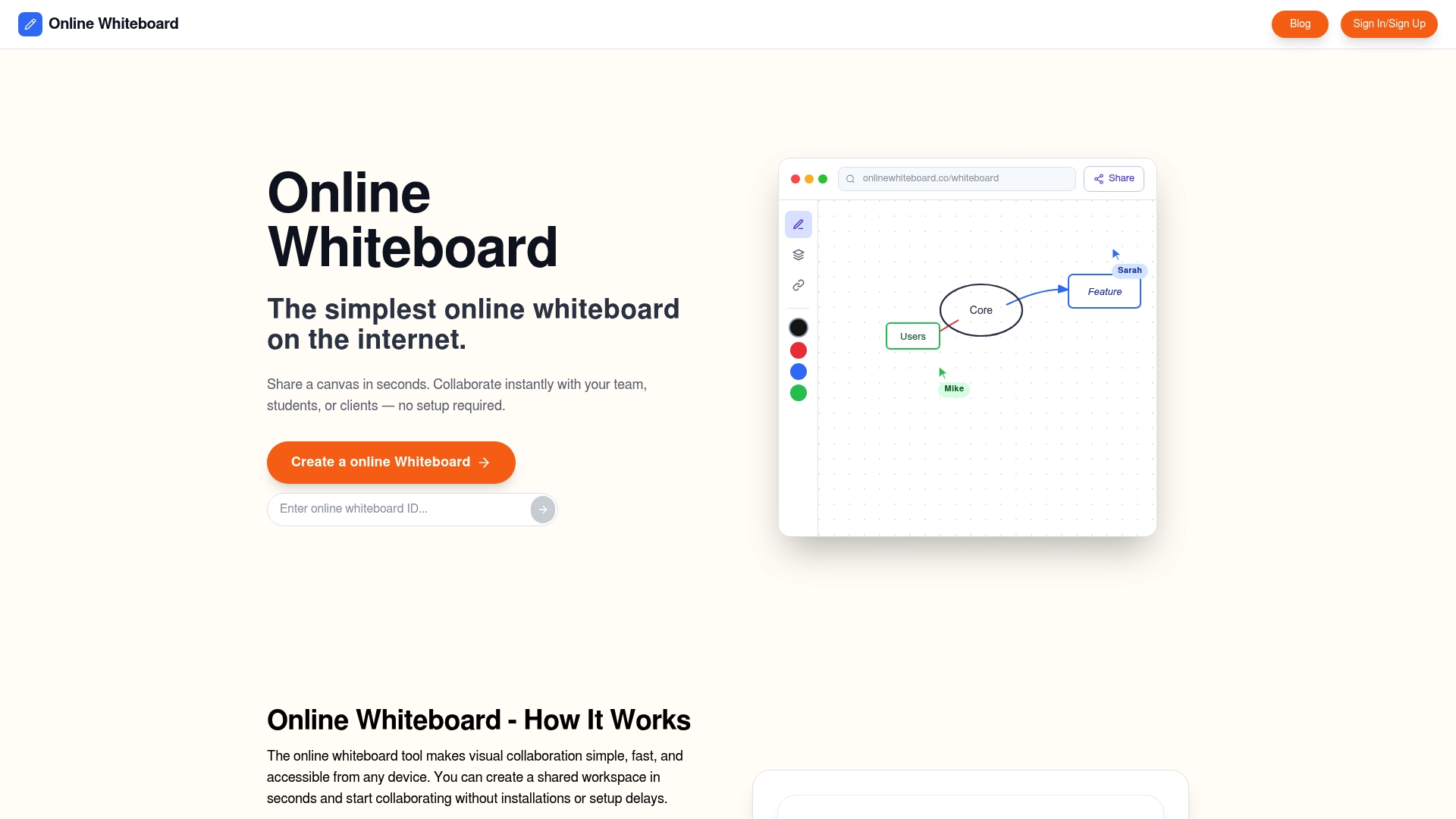
Creates an instant whiteboard that anyone can join through a unique link with no login required. The canvas supports drawing, writing, and diagramming in real time on mobile and desktop. Infinite zooming and immediate sharing make it suitable for quick lessons and brainstorming. Access works on any device and requires no installation.
Core Features
Instant creation uses a unique link so members, participants, and students can join a shared canvas without setup. The tool supports drawing, writing, and diagramming in real time and runs in the browser with mobile compatibility. Sharing works by sending the link, allowing multiple people to edit the same board at once. Boards offer infinite canvas space for mapping workflows and sketching ideas.
Key Differentiator
The standout capability is instant no setup access via link so anyone can join a session from any device. That approach removes account friction for classrooms and ad hoc team sessions. It emphasizes quick entry over advanced feature sets found in larger platforms. Link based access removes account barriers for guest participants.
Pros
The whiteboard is very easy to use and requires no downloads or onboarding for new participants. Teachers can open a board, share the link, and have a class collaborate on problems while remote. Because it is free, small groups and individual members can use it without licensing concerns or trial limits. Sharing via link means external collaborators join without creating accounts.
Cons
- Some feature and integration pages return 404, leaving advanced tools and security details unclear.
Who It’s For
This appeals to educators, classroom moderators, and teachers needing fast visual boards for lessons. Remote team members and small project groups will find it useful for quick brainstorming and planning. Individuals who want a free, device agnostic canvas for sketches and notes will also benefit. It matches workflows where fast setup matters more than advanced moderation tools.
Unique Value Proposition
Unique links create instant, account free boards that anyone can edit from a browser. That removes sign up steps and saves time when teachers switch topics or teams need a quick whiteboard during a meeting. For classrooms this translates to more live interaction and less prep for setting up collaborative spaces. Teams save meeting time because they skip account creation and waiting for permissions.
Real World Use Case
A teacher creates a board before class, posts the link to a chat, and asks students to join. Students solve problems on the canvas while the teacher observes changes and offers corrections in real time. No accounts mean late additions can join without waiting for access or installing software. A project team can sketch a roadmap within minutes and iterate without email attachments.
Website: https://onlinewhiteboard.co
Excalidraw
At a Glance
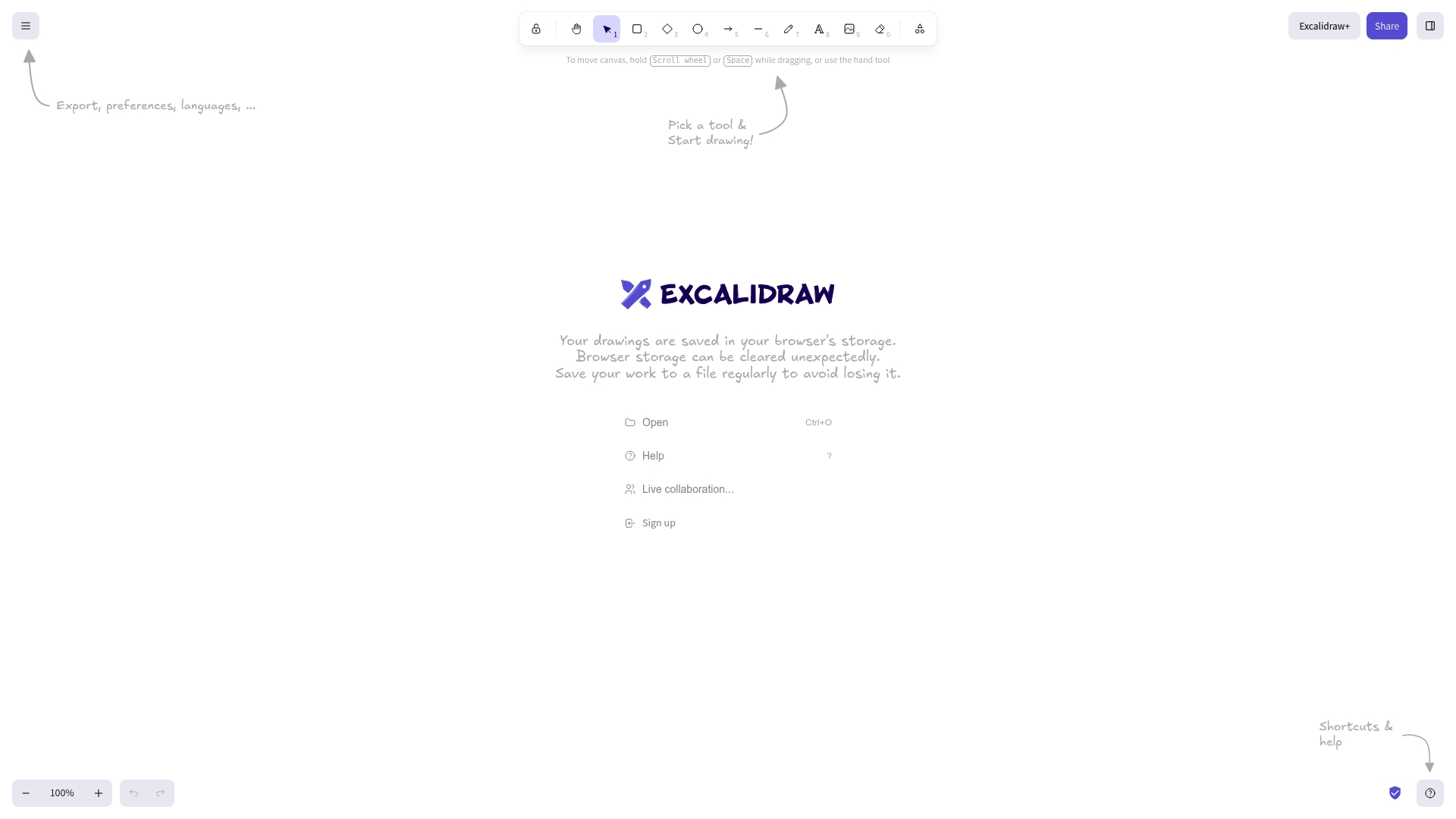
Excalidraw saves drawings in the browser storage and lets you work without creating an account. That local save model keeps the interface fast and distraction free. Users are advised to export work externally to avoid losing files when browser storage is cleared.
Core Features
Excalidraw offers a simple web based drawing canvas with basic shapes, freehand drawing, and text tools. The tool supports live collaboration so multiple people can edit the same board at once. Local storage keeps files in the browser and export options let you save PNGs, SVGs, or JSON for external archiving, and there is integration with Excalidraw+ for expanded sharing and collaboration.
Key Differentiator
The clearest difference is the minimal setup. You can open the canvas and draw without signing up or managing accounts. That low friction makes it ideal for spontaneous sketches, quick teaching demos, and ad hoc design sessions where account overhead would slow the group down.
Pros
Excalidraw is free to use and requires no registration, so onboarding a group takes seconds. The interface stays uncluttered, which helps when you need to iterate wireframes or classroom diagrams quickly. Collaboration works well for small teams because people can join via a shared link and edit in real time, while export formats let you hand off assets to other tools or store them offline.
Cons
- Local storage only. Browser storage can be cleared unexpectedly, which risks losing unsaved work.
- No built-in cloud sync, requiring you to export files manually for permanent storage.
- Lacks advanced diagramming features or plugins that power users might desire.
When It May Not Fit
If you need automatic cloud backup for audit trails or version history, this tool will frustrate you. Large teams that depend on advanced diagramming shapes, templates, or plugin ecosystems will find the feature set narrow. Enterprise buyers who need integrated single sign on or admin controls should look elsewhere.
Notable Integrations
Excalidraw links to Excalidraw+ for added sharing and hosted collaboration features. That integration provides a hosted option for teams that want persistent rooms and link based access. No other third party integrations are listed in the product materials.
Who It’s For
Digital artists, educators, and small teams who need a quick, low friction sketching tool will get the most value. Teachers using live lessons can draw and share boards without account setup. Designers prototyping layout ideas with colleagues will appreciate the speed of collaboration.
Real World Use Case
A remote design team opens Excalidraw to mock up wireframes during a sprint planning session. Team members join a shared board, sketch screens, and export the JSON to commit a starting point into their design repository. The exported images then travel into documentation or presentation slides.
Website: https://excalidraw.com
ShareTheBoard
At a Glance
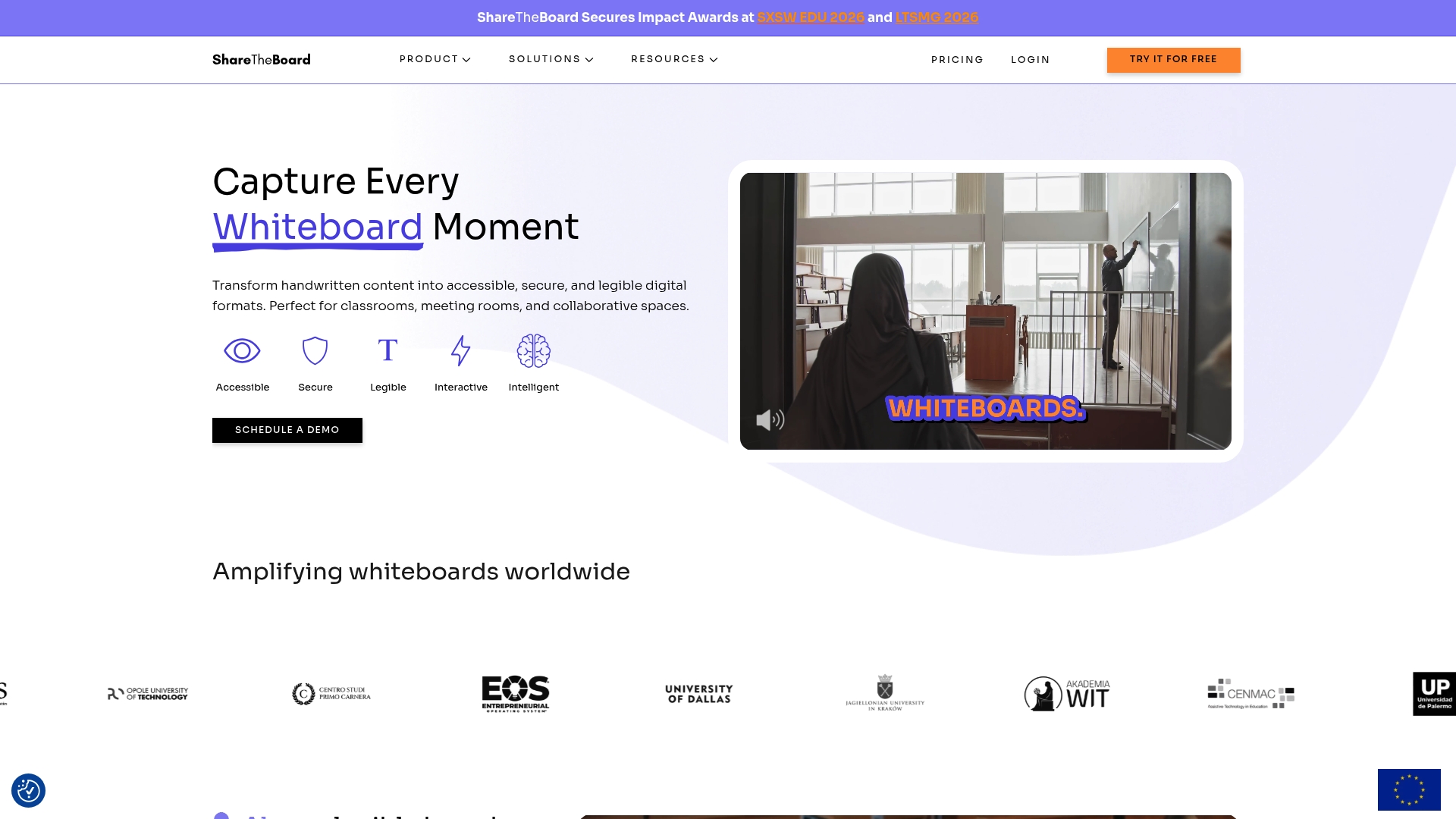
ShareTheBoard won impact awards at SXSW EDU 2026 and LTSMG 2026 for hybrid whiteboard solutions. It converts handwritten whiteboard content into searchable digital records, and creates automatic transcripts. That mix targets classrooms and meetings where capture and later searchability matter.
Core Features
ShareTheBoard captures and shares whiteboard sessions as digital canvases while keeping a secure copy of captured content. The platform boosts legibility with zoom and image clarity, and saves sessions automatically with searchable transcripts. It also supports individual contributions and connects to common video conference tools for mixed remote and in person participation.
Key Differentiator
ShareTheBoard supports a broad set of cameras, including units that are not specialized, and pairs that hardware flexibility with automatic transcription for later search. That hardware agnosticism reduces the need for custom whiteboard devices. The combination makes archival and accessibility a central workflow for educators and meeting facilitators.
Pros
ShareTheBoard makes whiteboard content easy to read for remote and in person viewers, which improves comprehension during live lessons and meetings. It supports many camera types, so schools and offices can reuse existing hardware rather than buy dedicated devices. Automatic saving and transcription let teams and students search past sessions quickly, and integrations with conferencing tools simplify delivery across classroom and meeting systems.
Cons
- Some third party reviews report setup and camera calibration can be complex depending on the room and equipment.
- The product is focused on educational and business environments and may be unnecessary for small or casual uses.
- The vendor does not publish detailed pricing tiers publicly, so buyers must request specific quotes.
When It May Not Fit
If your space lacks compatible camera hardware, performance will vary and results may fall short of expectations. Large or unusual rooms may require technical setup or external assistance to get consistent capture quality. Small teams or casual users who do not need archival transcripts may find the feature set more than they need.
Notable Integrations
- Zoom
- Panopto
- content cameras
Who It’s For
Organizations and educators who need to digitize and secure whiteboard content for both remote and in person collaboration will get the most value. IT teams that manage classrooms or hybrid meeting rooms will appreciate camera flexibility. Training departments and workshop leaders who need recorded, searchable sessions are a natural fit.
Real World Use Case
A university runs live lectures that combine students in the room and students online using ShareTheBoard for capture. Each lecture is recorded and transcribed so students can search specific explanations later. Existing classroom cameras work in many rooms, which reduces hardware spend.
Pricing
See the website for plans and pricing options. Detailed tiers and per classroom or enterprise pricing are not published publicly. Contact ShareTheBoard for a demo and a tailored quote for education or business deployments.
Website: https://sharetheboard.com
Comparison of alternatives
Collaborative whiteboard tools each prioritize distinct advantages, from instant accessibility to advanced archival capabilities. Below, we compare competitive options to help determine the match for varying workflows.
Accessibility and Onboarding
Onlinewhiteboard.co provides accessibility with no-login universal links for immediate collaboration. Excalidraw follows closely with its minimal setup approach, allowing users to start sketching without accounts, backed by local file storage options. Meanwhile, ShareTheBoard integrates deeply into hybrid environments, though requires hardware and setup to achieve full functionality. These differences cater to unique audience needs.
Archival and Persistence
ShareTheBoard leads in transforming in-person and remote sessions into digitized, searchable records with clarity enhancements. This capability is ideal for lecture captures and meetings where content longevity and retrieval are priorities. Excalidraw supports exporting work to external formats such as PNG and SVG, facilitating offline storage, but sacrifices built-in archival features. Onlinewhiteboard.co focuses on transient collaboration rather than post-session record keeping.
Best fit
- Teachers needing quick onboarding without requiring accounts should choose Onlinewhiteboard.co, excelling in immediate collaboration setups.
- Teams requiring archival tools for searchable meeting records will benefit from ShareTheBoard due to its video and transcription capabilities.
- Designers prioritizing fast sketches for wireframe collaboration in clutter-free environments will appreciate Excalidraw, thanks to its focus on simplicity and export control.
- Groups seeking local storage control for spontaneous ideas should pick Excalidraw for its exported JSON and browser-based file retention.
Our pick
For scenarios prioritizing ease of access and real-time collaboration, onlinewhiteboard.co offers the most streamlined solution. Its ability to create universal shared boards instantly, without requiring accounts or installations, makes it ideal for classes and impromptu brainstorms. However, those needing persistent archives or high-quality session records might find greater value in ShareTheBoard.
These collaborative whiteboard platforms offer distinct features tailored to various use cases, enabling users to select the most suitable option for their specific requirements.
| Product | Key Feature | Target Audience | Pricing | Notable Limitation |
|---|---|---|---|---|
| Onlinewhiteboard | Instant, no-login-required link-based access for all | Educators, remote teams, quick project groups | Free | Limited advanced integrations and feature details unclear |
| Excalidraw | Build and collaborate on minimalistic visual canvases | Small teams, educators, digital artists | Free | Lack of cloud sync requires manual exports |
| ShareTheBoard | Digitized whiteboard sessions with searchable archive | Educators, IT teams, hybrid collaboration setups | Price not published | Hardware adjustments required for optimal capture in some cases |
Finding a Faster Way to Collaborate Without Account Barriers
Choosing the right notebookcast.com alternatives often comes down to removing setup hurdles that slow teams, educators, and students. The biggest pain point is creating a shared workspace that anyone can join instantly without account logins or installations. Onlinewhiteboard meets this need by offering a simple, fast whiteboard that opens with a unique link. This makes it easy for classrooms, remote teams, and small project groups to start brainstorming, planning, or teaching without delays.
Onlinewhiteboard provides a clean canvas for drawing, writing, and diagramming in real time on any device. Its instant access eliminates common challenges like waiting for permissions or complicated onboarding. For those seeking an accessible tool designed for virtual classes and team meetings, Onlinewhiteboard.co offers a no-friction solution. Try it now to share your first board link and watch collaboration begin immediately.
FAQ
What features make Onlinewhiteboard suitable for classrooms?
Onlinewhiteboard offers instant creation of collaborative spaces without requiring account setups. Its unique link allows participants to join easily, making it ideal for classroom settings where quick access is necessary.
How does Onlinewhiteboard compare to Excalidraw for quick sketches?
Excalidraw excels with its minimal setup process, allowing users to start drawing without accounts. In contrast, Onlinewhiteboard shines in environments where classroom interaction and rapid access are crucial, as it supports real-time collaboration through a simple link format.
What is the difference between Onlinewhiteboard and ShareTheBoard regarding transcription features?
ShareTheBoard automatically generates searchable transcripts of sessions while capturing content from whiteboards. Onlinewhiteboard, while effective for real-time collaboration, lacks built-in transcription, focusing instead on instant access without account barriers.
Can Onlinewhiteboard be used effectively for individual brainstorming sessions?
Yes, Onlinewhiteboard is ideal for individual brainstorming sessions due to its free accessibility and mobile compatibility. Users can create a board and share it with others instantly, allowing for fluid idea generation and sketching.
What unique integration features does Onlinewhiteboard offer for collaboration?
Onlinewhiteboard supports easy link-based sharing, allowing multiple users to edit simultaneously without account creation. This focus on simplicity can vastly improve workflow efficiency during collaborative projects without the need for advanced integration setups.