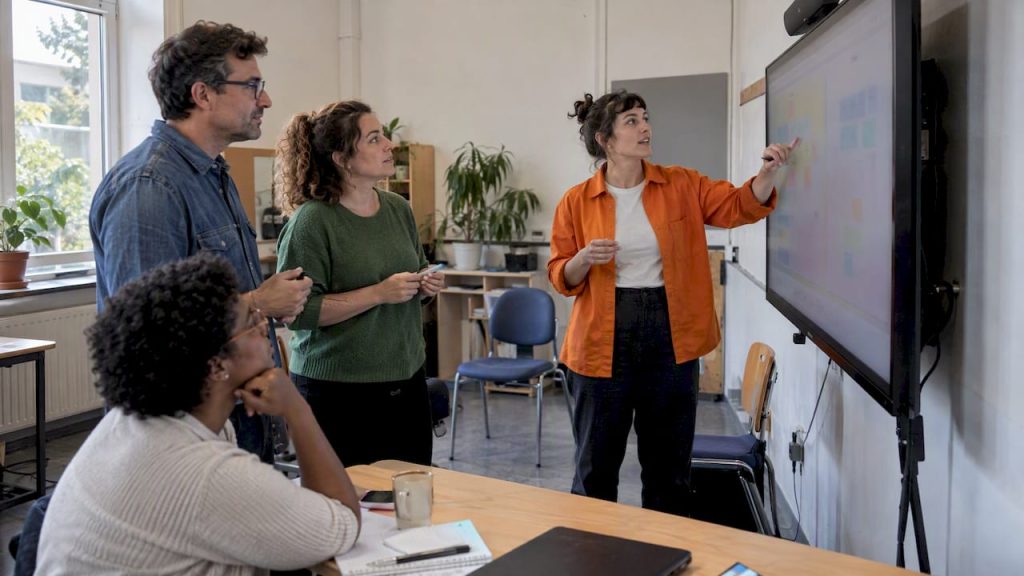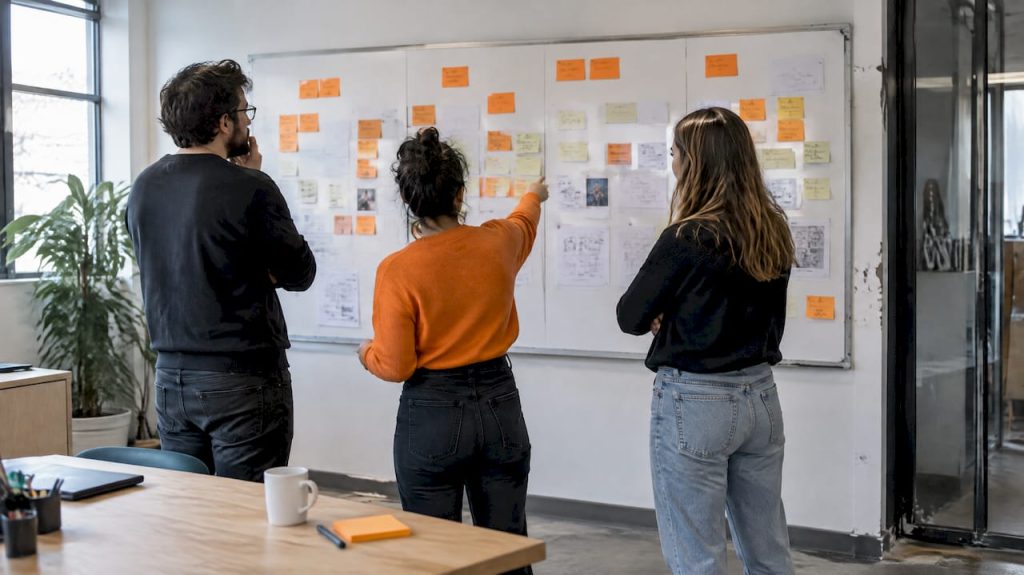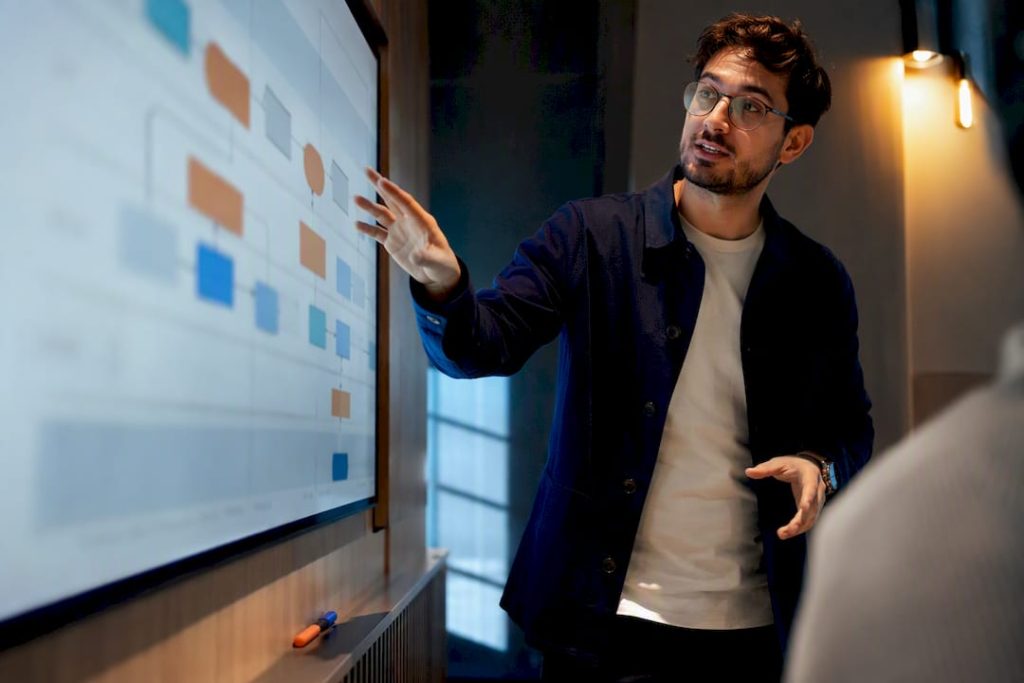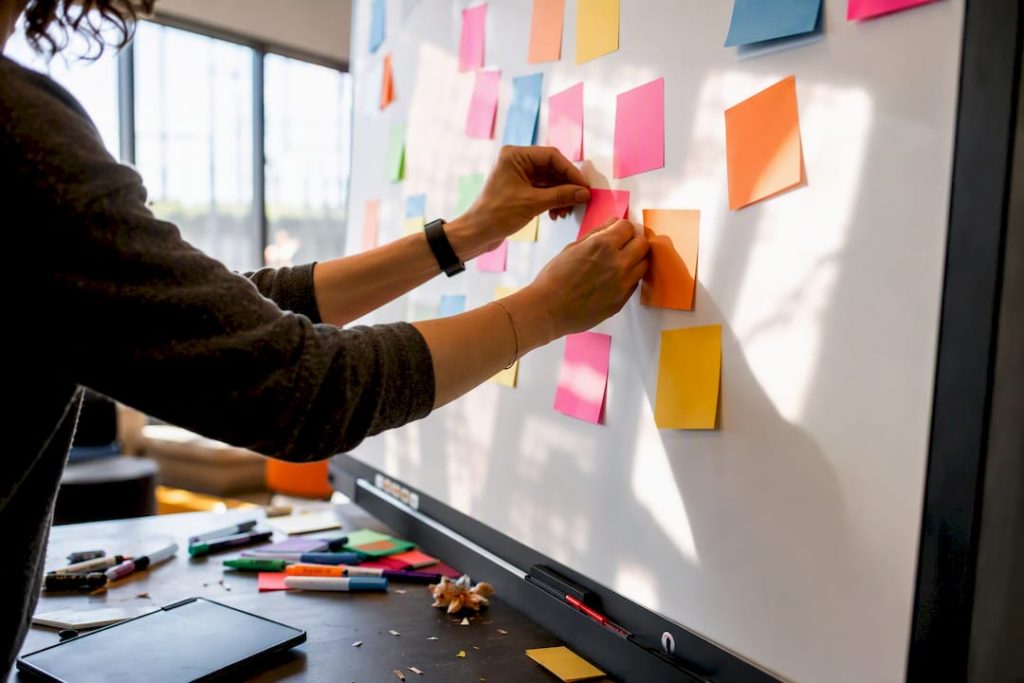
Visual collaboration reduces meetings because a shared, persistent visual artifact replaces the status updates, ideation sessions, and review calls that used to require everyone on a call at once. A commissioned TechSmith study found 67% of employees perform better with visual communication than text alone, complete tasks about 7% faster, and gain an 8% accuracy boost when text pairs with visuals. A weekly project status meeting, for instance, can move entirely onto a shared board that people check on their own schedule.
Teams that make this shift typically reclaim:
- Uninterrupted focus time previously blocked by recurring syncs
- Faster decisions, since context lives on the board instead of in someone’s memory
- Higher participation from people who think better in writing than out loud
Key Takeaways
Visual collaboration reduces meetings because persistent, shared boards replace the status updates, brainstorms, and reviews that once required live attendance.
| Point | Details |
|---|---|
| Visuals speed comprehension | Employees perform better with visual communication, completing tasks about 7% faster with higher accuracy. |
| Keep high-stakes meetings live | Reserve real-time meetings for conflict resolution, emotional nuance, and urgent decisions. |
| Roll out with templates first | Build status, ideation, and decision boards before asking teams to adopt them. |
| Measure decision speed, not just count | Track meeting hours, decision lead time, and task cycle time to prove impact. |
| Onlinewhiteboard supports fast pilots | A no-install, browser-based canvas from Onlinewhiteboard lets teams test template-based meeting replacement in a single day. |
Table of Contents
- Exactly Why Do Visuals Cut Down On Meetings?
- Which Meetings Should You Actually Keep?
- How Do You Roll Out Visual Collaboration This Week?
- How Do You Measure Whether It’s Actually Working?
- Where Does Visual Collaboration Actually Replace a Meeting?
- Sources
Exactly Why Do Visuals Cut Down On Meetings?
Visuals improve comprehension and speed, and the numbers back it up. The TechSmith research cited above found visual instructions get completed faster than text-only versions, with accuracy improving when the two formats combine. That’s not a marginal gain. It means the average person spends less time decoding what a message means and more time acting on it, which is exactly the friction that turns a five-minute update into a thirty-minute meeting.
Retention plays a role too. Younger workers in particular expect visual-first communication, and the brain processes images and diagrams through different pathways than plain text, which is why a flowchart sticks in memory longer than a paragraph describing the same process.
Process mechanics matter just as much as cognition. A shared canvas lets people contribute on their own time, so a brainstorm doesn’t need six calendars to align. It also becomes a single source of truth. Instead of a decision living in someone’s meeting notes or a Slack thread that scrolls away, it sits on a board where anyone can find it weeks later. Case reporting on visual collaboration shows organizations replacing recurring alignment meetings with exactly this kind of persistent, searchable artifact.
There’s a quieter benefit here too: equity. Live meetings tend to reward whoever talks fastest or loudest, a dynamic often called the HIPPO effect, short for “highest paid person’s opinion.” A visual board flattens that. Everyone adds their sticky note, sketch, or comment at the same visual scale, and quieter contributors who freeze up on video calls often produce their best thinking asynchronously.
- Faster comprehension cuts clarification back and forth
- Persistent artifacts remove the need for repeat status syncs
- Equal-opportunity contribution reduces who dominates the room
Pro Tip: Structure your canvas with clear zones, one for context, one for open questions, one for decisions, so contributors know exactly where to add input without needing a live walkthrough first.
Which Meetings Should You Actually Keep?
Not every meeting deserves to die. Keep meetings reserved for emotional nuance, conflict resolution, rapid high-stakes decisions, and team-building. These are moments where tone, timing, and real-time back-and-forth carry information a board simply can’t capture.
Before cutting a recurring meeting, run it through a short checklist:
- Does it have a clear purpose beyond “staying in sync”?
- Can you name the expected outcome in one sentence?
- Does every attendee actually need to be there?
- Would the same result happen faster asynchronously?
A performance review needs a live conversation. A conflict between two team members needs real-time repair, not a comment thread. A make-or-break client decision with a tight deadline needs voices in the room, timeboxed to 15 minutes with a clear owner.
Pro Tip: After cutting a meeting, watch decision-making velocity and team connectedness. If decisions slow down, reinstate a narrow, focused version of that meeting. If people feel disconnected, improve your async updates before adding meetings back.
Do visual boards work for performance conversations? No. Reserve those for live, private conversations where tone and empathy matter more than documentation.
How Do You Roll Out Visual Collaboration This Week?
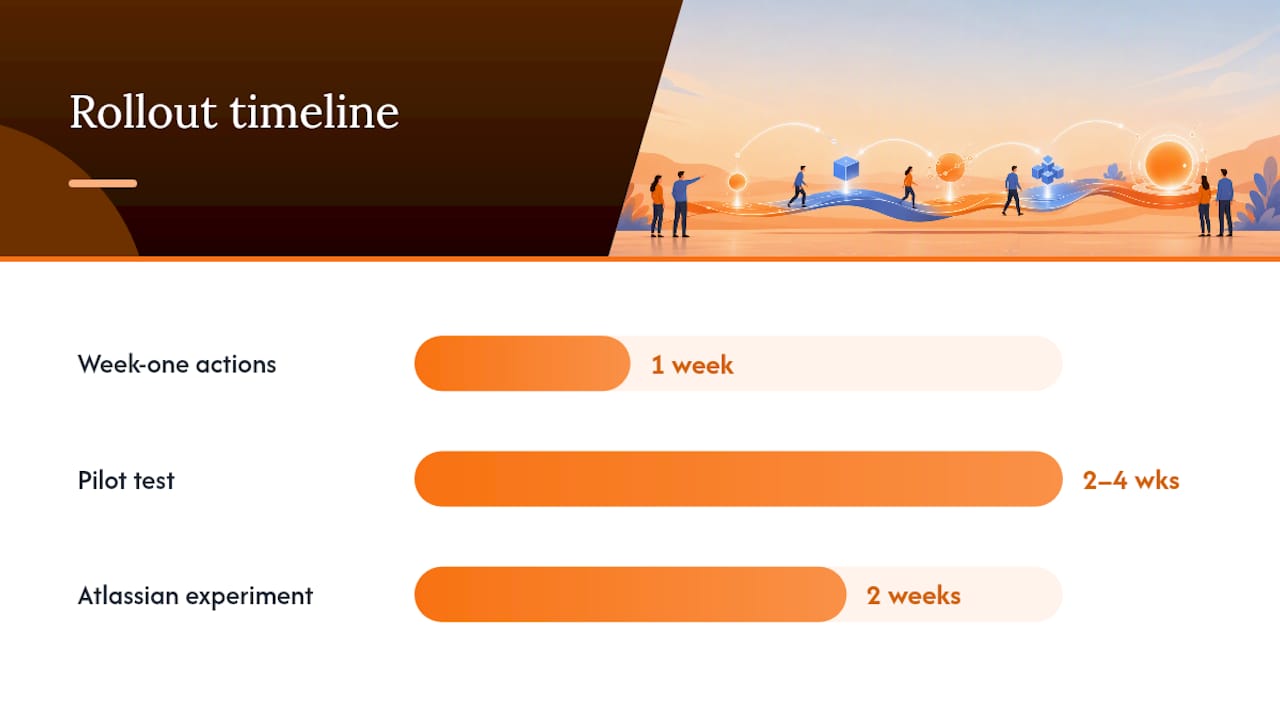
Start with three moves in week one:
- Pick one canvas tool your whole team can access without downloads or licenses.
- Build two or three templates before you ask anyone to use them.
- Set async deadlines so boards don’t sit untouched, the same way you’d set a meeting time.
From there, sequence the rollout like a real pilot rather than a company-wide mandate. Choose one team to test the approach for two to four weeks. Give them a small template library: a status board, an ideation board, and a decision brief board. The status board captures owners and due dates. The ideation board holds raw contributions before anyone filters them. The decision brief board records what was decided, who decided it, and what happens next, turning a fleeting meeting outcome into something searchable later.
Governance matters more than most leaders expect. Assign one person to own each board so it doesn’t turn into digital clutter. Require a short pre-read or pre-fill before any remaining meeting, so the live time gets spent on discussion, not recap. Tag decisions clearly on the board and convert them into tasks inside whatever tracker your team already uses, rather than letting them float.
Adoption sticks when leaders model it first. A large organizational experiment at Atlassian found teams freed up 5,000 hours of meeting time in two weeks once people committed to short async updates instead of live check-ins. That kind of shift doesn’t happen because of a policy memo. It happens because a team lead posts the first status update on the board instead of calling a meeting to give it verbally.
For teams that want a no-install starting point, a browser-based canvas like Onlinewhiteboard removes the setup friction that kills most pilots before they start. Check out this guide to online whiteboard tools for teams for a closer look at feature sets worth prioritizing.
Pro Tip: Share boards through the same channel you’d use for a meeting invite. Low-friction access matters more than the tool’s feature list.
How Do You Measure Whether It’s Actually Working?
Track five numbers: meeting count, meeting hours per person, decision lead time, task cycle time, and participation rate on shared boards. These give you a baseline and a target in the same language your leadership already understands.
Run a simple test: measure four weeks of normal meeting activity, then pilot the visual-first approach for eight weeks and compare. A meeting reduction playbook notes that the average knowledge worker loses about 31 hours a month to unproductive meetings, and organizations that trimmed roughly 40% of sessions reported real gains in both productivity and satisfaction.
- Meeting hours reclaimed per person, per week
- Time from “idea raised” to “decision made”
- Percentage of team members actively contributing to boards, not just viewing them
Quick test: Pick one recurring meeting type, move it to a board for two weeks, and check whether decisions still happen at the same pace. If they do, you’ve found your first permanent cut.
Where Does Visual Collaboration Actually Replace a Meeting?
Ideation sessions move well to a shared board: everyone adds ideas asynchronously over 48 hours, then a facilitator clusters themes, replacing what used to be an hour-long brainstorm call.

Design and content feedback loops work the same way. Reviewers leave comments directly on the artifact, and the creator resolves each one, which replaces the meeting where six people talk over each other about a single slide.
Sprint planning between product and engineering benefits from a shared roadmap board where product drops priorities and engineering estimates effort in the same space, cutting the back-and-forth planning call to a short sync on open questions only.
Handoffs between marketing and design work well as a template board capturing assets, deadlines, and approval status, so no status meeting is needed to ask “where are we?”
Pro Tip: Set a 48-hour async deadline for each workflow so boards don’t stall waiting on one person’s input.
What I’ve Learned Watching Teams Make This Shift
Model the behavior yourself: leaders who post the first update on a new board make async work feel normal instead of optional. Two pitfalls show up constantly. Teams build a beautiful template library and then never require anyone to use it before a meeting, so old habits win by default. Others cut too many meetings at once and lose the connective tissue that keeps a team feeling like a team, not just a task list. The habit that speeds everything up is simple: leaders go first, publicly, on the board. Start with the pilot checklist and the templates above, and give your team two weeks before judging the results.
Try Onlinewhiteboard for Your Next Meeting-Reduction Pilot
Onlinewhiteboard is the fastest way to test this playbook without asking anyone to install anything or learn new software. It runs entirely in the browser, so a status board or decision brief template goes live in minutes, not a procurement cycle. Persistent boards keep decisions, owners, and due dates searchable long after the conversation that produced them, and sharing permissions let you control who can edit versus view. If you’re ready to move your first recurring meeting onto a canvas, create a free board and start with one of the templates from this playbook.
Sources
- The Value of Visuals
- How visual collaboration tools can reduce meetings (Reworked)
- Meeting Reduction Playbook: Run Fewer but More Effective Meetings
- How to cut 40% of your meetings without losing alignment (MindsetOnline)