
The template worth trying first is the classic three-question format (what did you do, what will you do, what’s blocking you), timeboxed under 15 minutes, with each person speaking for 30 to 60 seconds. For distributed teams, a remote synchronous version anchors updates to a shared visual board instead of a verbal list. For teams spread across time zones, an async note template posted to a shared channel works just as well, as long as blockers get named and owned.
TL;DR:
- For five to seven people, keep the three question standup to 5 to 10 minutes, with each person speaking for 30 to 60 seconds.
- Teams with a mature board can use walk the board, moving from nearly finished to active cards and flagging cards unchanged for over a day.
- Async teams should use one shared daily thread for yesterday, today, blockers, and ticket links, tagging blocker owners and expecting replies the same business day.
- A study of 318 employees found standups improved performance and satisfaction only with psychological safety; coercive status checks lowered morale.
Table of Contents
- Copy-Ready Daily Standup Templates You Can Use Today
- Running the Meeting: A Facilitator’s Runbook
- Troubleshooting Common Standup Problems
- Where to Keep Notes and Which Tools Help
- Why These Templates Work: Scrum Guide Rules and Psychological Safety Research
- Adapting Templates by Team Size and Maturity
- Run Your Standups on a Shared Whiteboard
- FAQ
- Sources
Copy-Ready Daily Standup Templates You Can Use Today
Every team eventually needs a few variants on hand, since the right format depends on team size, how distributed the work is, and whether the group tends to drift into long status updates.
The classic three-question template is the fastest to adopt:
- What did you complete since the last standup?
- What will you work on before the next one?
- What’s blocking you, and do you need help?
Keep total meeting length between 5 and 10 minutes for teams of five to seven people, with each person capped at 30 to 60 seconds. James Shore’s guidance on stand-up meetings recommends staying brief and pushing details into a conversation after the meeting ends.
The walk-the-board template replaces person-by-person reporting with a pass through the board itself, right to left, card by card:
- Start with items closest to “done” and ask what’s needed to finish them.
- Move to in-progress items and ask who’s working on what.
- Flag any card that hasn’t moved in more than a day as a discussion item.
- Close by confirming the next card to pull.
This pattern, described in Martin Fowler’s writeup on standup patterns, ties every comment to a visible card instead of an abstract status update, which tends to shorten the meeting.
For teams with one or two people who dominate the conversation, a token or round-robin script helps: pass a physical object, or call names in a fixed order, and whoever holds the token speaks. No one interrupts until the token moves.
For an async standup note, post these fields to a shared thread: date, name, yesterday, today, blockers, and a ticket link. A short example: “September 16, Priya, Yesterday: shipped the login fix, Today: starting on the export feature, Blockers: waiting on API keys from DevOps, Ticket: PROJ-204.”
Running the Meeting: A Facilitator’s Runbook
A standup runs smoothly when the groundwork is done before anyone speaks. Use this checklist and script to keep the meeting tight.
- Before the meeting: confirm the calendar invite has the right recurring time, open the board or notes doc, set a visible timer, and assign a note-taker (this role should rotate).
- Opening: the facilitator states the format in one line, “We’ll go around with yesterday, today, blockers, 45 seconds each.”
- During: each person speaks in turn; the facilitator interrupts politely if someone exceeds the timebox, redirecting detailed discussion to a parking lot.
- Blockers: anyone who raises a blocker names it specifically and gets an owner assigned on the spot, not “later.”
- Closing: the facilitator reads back any new tickets or action items and confirms the next standup time.
Facilitation duties should rotate weekly so the meeting stays peer-owned rather than becoming a report-up-the-chain ritual. The note-taker’s only job is capturing blockers and owners, not transcribing every update.
Pro Tip: Turn every named blocker into a ticket before the meeting ends, even a rough one, so it doesn’t evaporate once people get back to their desks.
Troubleshooting Common Standup Problems
Most standups that stop delivering value fail in one of a few predictable ways, and each has a fast fix.
- Status reporting instead of coordination: if updates are aimed at a manager rather than teammates, switch to peer-to-peer phrasing (“I need help with…”) and enforce a parking-lot rule for anything that isn’t a quick coordination point.
- Long-winded updates: a visible timer and a clear stop signal, even a simple hand raise from the facilitator, keep people inside their allotted 30 to 60 seconds.
- Nobody raises blockers: make it a rule that every person names a blocker or explicitly says “no blockers,” and assign an owner the moment one surfaces.
- Remote engagement drops off: anchor the conversation to a shared whiteboard everyone can see and call on people in a fixed order instead of waiting for volunteers.
Pro Tip: If three standups in a row produce no blockers from anyone, that’s usually a sign people aren’t speaking up, not that work is going perfectly.
Where to Keep Notes and Which Tools Help
A minimal notes template needs five fields: date, attendees, blocker, owner, and ticket link. Anything more turns the note-taker into a transcriptionist instead of a tracker.
- Store notes in a calendar-linked folder or a shared board so anyone can find the last update without asking.
- Use a shared online whiteboard to run walk-the-board sessions, keeping cards, stickies, and blocker flags visible to the whole team in real time.
- For async teams, keep thread discipline: one thread per day, tag the person a blocker is assigned to, and set a response SLA (same business day works for most teams).
- Avoid duplicate note locations. One source of truth beats three partially updated ones.
Why These Templates Work: Scrum Guide Rules and Psychological Safety Research
The Scrum Guide defines the Daily Scrum as a 15-minute event for Developers to inspect progress toward the Sprint Goal and adapt the Sprint Backlog, with teams free to choose their own structure as long as the focus stays on that goal.
The Daily Scrum is a 15-minute event for the Developers of the Scrum Team to inspect progress toward the Sprint Goal and adapt the Sprint Backlog as necessary.
That flexibility matters because format alone doesn’t determine value. A 2025 study of 318 employees found standups improve performance and satisfaction only when psychological safety is present; used as coercive status checks, they lower morale instead. The practical takeaway: rotate facilitation, keep managers from turning the meeting into a report-up exercise, and let the team own the format.
Adapting Templates by Team Size and Maturity
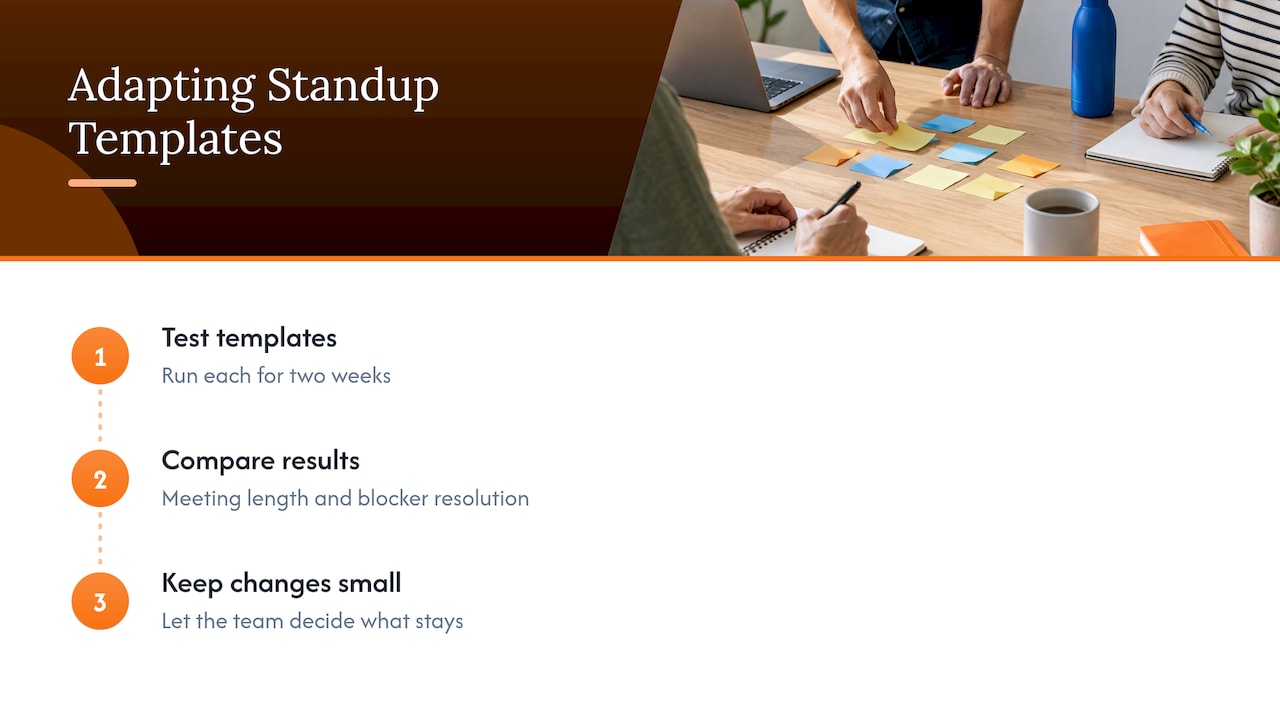
Smaller teams with a mature board tend to do better with walk-the-board, since the visuals already carry most of the context. Newer teams, or ones still building a shared board, often find the three-question format easier to start with.
Try running two templates for two weeks each, then compare average meeting length and how quickly blockers got resolved. Keep changes small and let the team decide what stays.
— A
Run Your Standups on a Shared Whiteboard
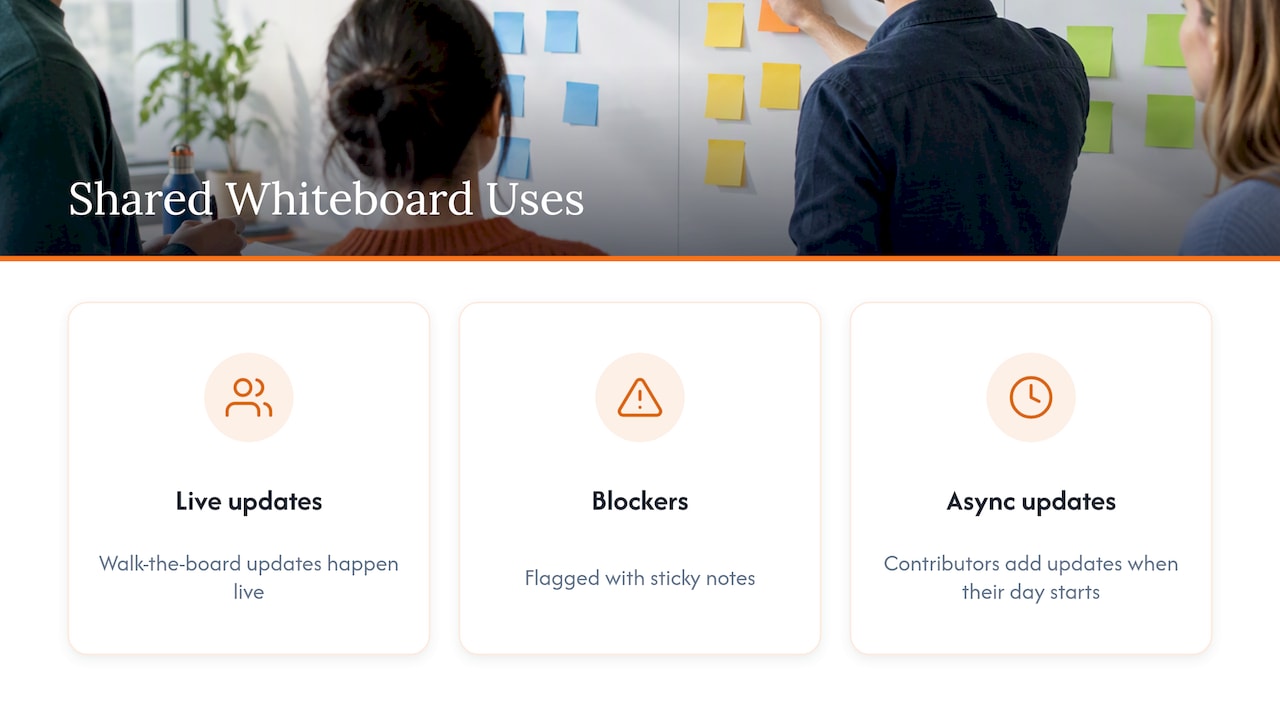
A shared canvas gives both synchronous and async standups one visible home: walk-the-board updates happen live, blockers get flagged with sticky notes, and async contributors can add their update whenever their day starts. We built Online Whiteboard to open instantly in a browser, no downloads, so a team can start running its standup template within seconds. For setup ideas, see our guide on whiteboard tools for teams.
FAQ
What is the format of a scrum standup meeting?
The common format is three questions: what you completed, what you’ll do next, and what’s blocking you, timeboxed to about 15 minutes per the Scrum Guide. Teams with a mature board often swap this for a walk-the-board format instead, moving through work items rather than people.
How long should a daily standup last?
Most teams keep standups between 5 and 15 minutes, with each person speaking for roughly 30 to 60 seconds, based on guidance from James Shore’s stand-up meeting practices. Anything consistently running longer usually signals detailed discussion that belongs in a parking lot instead.
How do you structure a one-on-one versus a standup meeting?
A standup is a brief, team-facing coordination check focused on blockers and next steps, while a one-on-one is a longer, private conversation between a manager and an individual covering growth, feedback, or concerns. The two serve different purposes and shouldn’t be combined, since mixing them tends to turn the standup into status reporting.
What should be included in a daily standup meeting agenda?
A solid agenda includes the three core questions (yesterday, today, blockers), a timebox reminder, a parking-lot note for longer discussions, and a quick blocker-to-ticket step before closing. Keeping the agenda to these few items is what practitioner guidance on standup patterns consistently recommends.
Can a daily standup be run asynchronously?
Yes, an async standup works well for distributed teams by having each person post a short update with date, yesterday, today, blockers, and a ticket link to a shared thread. Setting a same-day response expectation keeps async updates from sitting unanswered.
Sources
- Rietze and Zacher (2025) study on standups and psychological safety
- The Scrum Guide (2020)
- It’s Not Just Standing Up: Patterns for Daily Standup Meetings — Martin Fowler
- James Shore — Stand-Up Meetings guidance