The best online whiteboard games for class are the ones you already know: Pictionary, Tic-Tac-Toe, board races and SOS. Moved onto a shared digital canvas, they work for a whole class, a small tutoring group or a single student on the other side of a screen. You need a board everyone can open, a clear rule set and a learning goal. You don’t need special software.
Below you’ll find twelve games, a simple way to set up the board, math-specific activities and a method for turning play into evidence of learning. The ideas suit elementary through high school, tutoring sessions and adult classes.
TL;DR
- Classic games such as Pictionary, Tic-Tac-Toe and team board races translate directly to a shared online canvas, and they need almost no prep.
- Games teach best when the teacher sets the rules and ties them to a specific skill, not when play is left open-ended.
- Divide the board into zones before class so the canvas stays readable as the game fills it.
- Treat every game as a quick formative assessment: watch the boards, spot misconceptions, adjust the next question.
- Our browser-based board opens from a link with no download, so a game can start within seconds.
Table of Contents
- Why games work on a shared board
- Set up the board before the game starts
- Twelve whiteboard games to try
- Math whiteboard activities that feel like games
- Turn the game into a formative assessment
- Games that include your quieter students
- Our perspective: simple beats feature-packed
- Run your first game on our board
- A step-by-step plan for your first game
- Common mistakes to avoid
- FAQ
- Sources
Why games work on a shared board
A whiteboard game gives students something to do with a concept, not just something to hear. They write, draw, move pieces and see classmates’ answers appear. That visible activity is what separates a good game from a worksheet with a timer.
The research on play is worth knowing before you plan. The Institute of Education Sciences distinguishes between teacher-directed play, where teachers plan games as learning opportunities and set the rules, and child-directed free play. Games that serve academic goals sit in the first category. That is the model used throughout this article: you pick the skill, you define the rules, and the game carries the practice.
There is also a social benefit. Educators writing for Edutopia describe how activities that let students respond through a shared medium can lower the pressure for students who fear public failure compared with answering aloud in front of everyone. On an online board, a quiet student can contribute a drawing or a word without the spotlight a spoken answer brings.
Set up the board before the game starts
A crowded canvas kills a game faster than a bad rule. A few minutes of layout work before students arrive saves ten minutes of confusion.
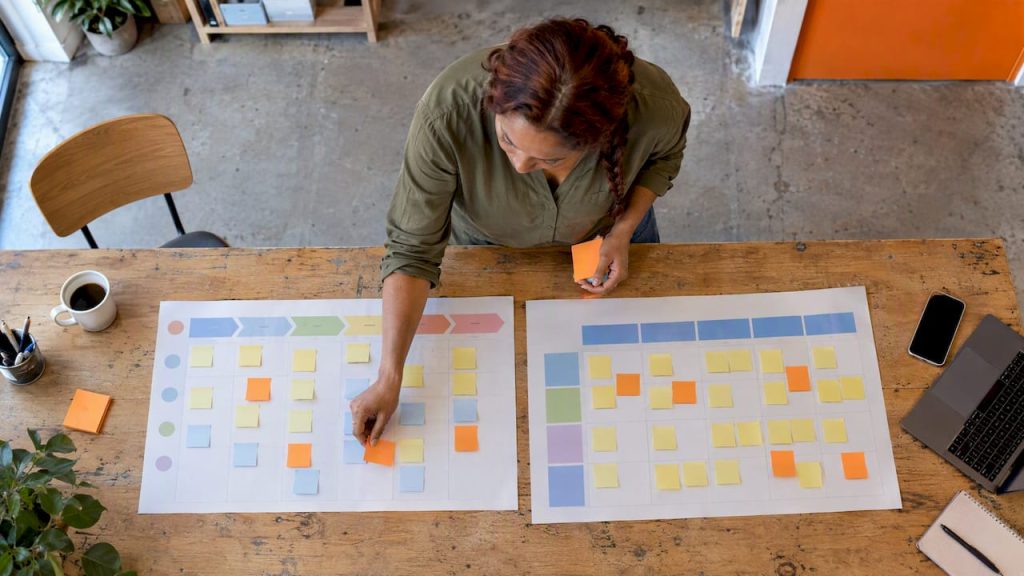
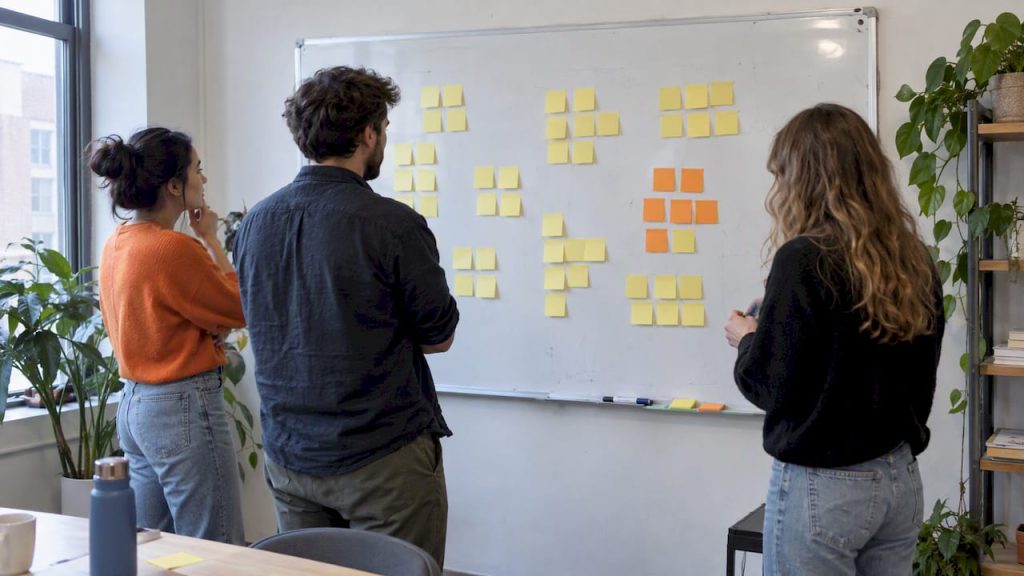
Teachers who divide the board into predefined zones (for example homework, errors, new vocabulary and student questions) keep attention where it belongs and avoid the clutter that leads to disengagement. For games, the same idea gives you a repeatable layout:
- Instructions zone. Write the rules in three lines or fewer, in the top corner.
- Play zone. The largest area, where the grid, drawing space or word bank lives.
- Scoreboard zone. A column of team names with tally marks.
- Parking zone. A margin for questions and off-topic ideas, so they don’t disrupt play.
A few practical habits help on any digital canvas:
- Create one frame or area per team so teams don’t overwrite each other.
- Test the link on a phone. Students often join from whatever device is at hand.
- Use different colors per team so a glance tells you who wrote what.
- Keep the answer key off the visible area, or reveal it step by step, a technique the same TEFL.net guide calls the reveal method.
If you want a refresher on the mechanics of writing and sketching on a digital canvas, our practical guide to drawing on a whiteboard online covers the basics.
Twelve whiteboard games to try
Each game below lists the skill it practices, the setup and a quick way to adapt it. Timing assumes a 45-minute class; most games fit into 10 to 20 minutes.
1. Pictionary
Best for: vocabulary, science terms, history events, literature.
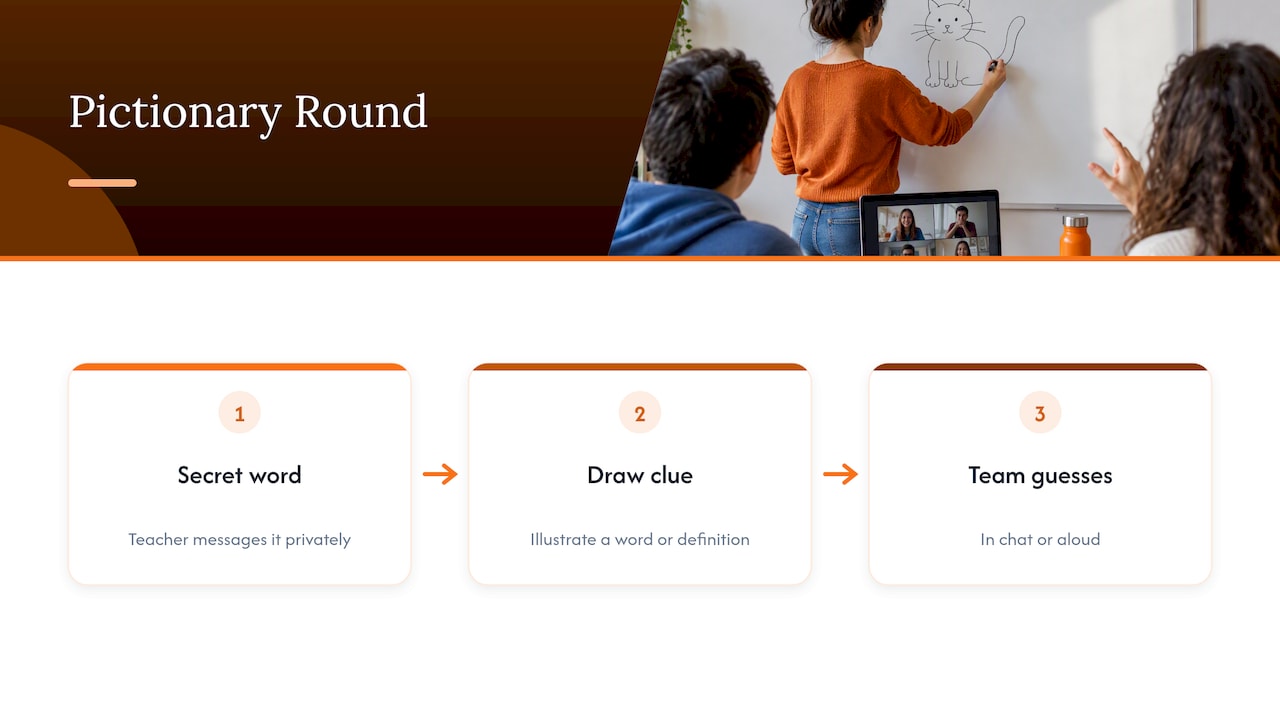
One student draws a word privately given by the teacher, and teammates guess in chat or aloud. Vocabulary teachers consistently rank Pictionary among the most dependable whiteboard games for engagement across age groups. On a shared canvas, the teacher can message the secret word to the drawer, which removes the old problem of whispering at the front of the room.
Adapt it: Ask the drawer to illustrate a definition, not just a noun. “Photosynthesis” is harder to draw than “leaf”, and the guessing reveals what students already understand.
2. Tic-Tac-Toe review
Best for: quick review at any level.
Draw a three-by-three grid and put a question behind each square. A team answers correctly to claim a square with its color. The grid is the oldest trick in review play, and it still works because the rules need no explanation. The ESL Vault collection lists Tic-Tac-Toe for review questions alongside team board races.
Adapt it: Use a four-by-four grid for older students and require four in a row. Or let teams choose the square, so strategy and content both matter.
3. Board race
Best for: math facts, spelling, grammar, any right-or-wrong answer.
Split the class into two or three teams, each with a lane on the board. A problem appears, and one member from each team writes the answer in their lane. The first correct answer scores. Rotate the writer every round so everyone takes a turn.
Adapt it: For larger classes, run the race in breakout groups with a teacher visiting each board. For tutoring, race the student against a target time instead of another team.
4. SOS
Best for: review with a strategy twist.
The game follows Tic-Tac-Toe’s logic: players try to make S-O-S in a line on a grid. One ESL teacher describes adding a review question to each turn, so a student only gets to place a letter after answering correctly. It turns a familiar puzzle into a review tool.
5. Hot seat
Best for: vocabulary and concept explanation.
One student faces away from the content. Teammates write clues on the board, and the student guesses the word. On a digital board you can hide the target word in a sticky note and reveal it afterward to check the guess. It rewards clear, concise explanation, which is a skill in itself.
6. Jeopardy-style categories
Best for: unit reviews and exam prep.
Build a grid of categories and point values. Teams pick a category and value, then answer. The ESL Vault guide groups this under team competition games. Keep the clue text hidden under shapes and slide them away to reveal each question, so the board looks like a game show rather than a quiz sheet.
7. Whiteboard directions
Best for: prepositions, spatial language, following instructions.
The TEFL.net guide describes a directions game in which one student, blindfolded, draws on the board while classmates call out where to move the pen. Online, swap the blindfold for a turned-off camera: the drawer follows spoken instructions, then everyone compares the result with the intended picture.
8. Picture dictation
Best for: listening comprehension and descriptive language.
The teacher describes a scene aloud, and students draw it on their own section of the canvas. The reveal comes at the end, when everyone compares drawings. Mistakes are visible and funny, which makes it low-stakes, and the teacher sees at a glance who misheard which detail.
9. Mystery word chain
Best for: spelling, word families, vocabulary building.
The first student writes a word. The next must write a word starting with its last letter, and each word must fit the lesson theme (animals, geography, verbs). Set a timer of 30 seconds per turn. A word that repeats or misses the theme ends the chain.
10. Sort and categorize
Best for: science, social studies, grammar.
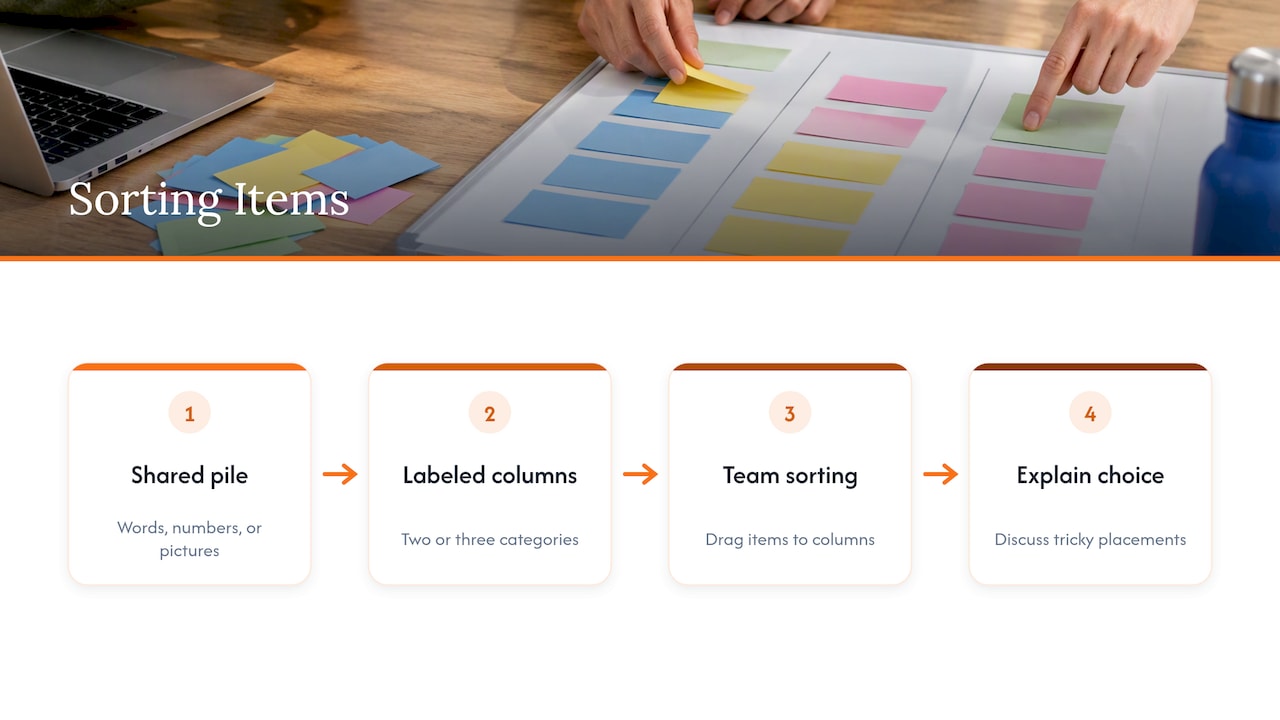
Place a pile of items (words, numbers, pictures) in the middle of the board and create two or three labeled columns. Teams drag each item to the correct column, then explain a tricky choice. Sorting by parts of speech, states of matter or primary versus secondary sources all work.
11. Story relay
Best for: creative writing and sentence structure.
Each student adds one sentence to a shared story, in a color assigned to them. Add a constraint to make it a game: the next sentence must include a required vocabulary word or a particular verb tense. Read the finished story aloud at the end.
12. Mind-map race
Best for: brainstorming, revision, topic review.
Give each team a central word and two minutes to branch out with as many related terms as possible. Points go for accurate branches, extra points for connections between branches. Our guide to digital classroom brainstorm activities has more formats in the same spirit.
Math whiteboard activities that feel like games
Math benefits from visible work. A game that asks students to show their steps, not just a final answer, gives you more to learn from.
- Estimate and defend. Post a number line and a question (“Where does 7/8 belong?”). Students place a marker and write one sentence of justification. The class discusses outliers.
- Error hunt. Write a worked problem with a deliberate mistake. Teams race to find it and correct it on the board.
- Ratio showdown. Post a multiple-choice question such as which of two ratios is correct. Students vote by moving a marker to the option they choose. One teacher-authored Edutopia piece describes using quick survey questions like this on online whiteboards to see which students are struggling at once.
- Math Tic-Tac-Toe. Use the grid from game 2, with a problem behind each square, and let teams pick the difficulty level.
- Graph it. Give teams an equation and 90 seconds to sketch its graph. Overlay the correct graph to compare.
Turn the game into a formative assessment
The smartest use of a game is as a window into thinking. The same Edutopia article reports that when students work on their own online whiteboards, teachers can see every board at once and give feedback immediately, and the authors note the strategy stays valuable after returning to in-person teaching.
A simple routine makes this concrete:
- Ask. Post the question or problem, with a clear time limit.
- Look. Scan the boards while students work. Note two or three common errors.
- Choose. Pick one correct and one incorrect response to discuss, anonymously if you prefer.
- Reteach. Address the specific misconception, then run another round.
A related strategy comes from a Edutopia piece on giant whiteboards: students work together to show their thinking, and the teacher circulates. The digital version has the same logic with fewer markers to buy and no boards to carry.
Games that include your quieter students
Not everyone enjoys a loud, competitive game. A few design choices make play friendlier.
- Let students answer in writing on the board rather than aloud.
- Use team scores, not individual ones, so a mistake doesn’t become one person’s failure.
- Offer roles beyond “the answerer”: scribe, checker, timekeeper, presenter.
- Rotate who goes first, so confident students don’t always set the pace.
Accessibility matters too. Contrast, readable text size and keyboard options affect who can participate. One edtech development firm describes WCAG 2.2 AA compliance as a foundational requirement for tools used in public schools and universities. When you choose a board for class, check how it handles zoom, color contrast and mobile screens, and write text large enough to read from a phone.
Our perspective: simple beats feature-packed
We built our board for people who need to start collaborating in seconds, and teachers are some of the busiest of those people. In our experience, the games that work best share three traits: they take under a minute to explain, they need almost no prep, and they leave a visible record of student thinking.
That is why we focus on a lightweight, browser-based canvas with no downloads or setup. A teacher shares a link, students open it on a laptop, tablet or phone, and the game begins. Infinite zoom gives each team room to work without crowding the others, and exporting the board afterward lets you keep the evidence of what students produced.
We also think the best classroom game is rarely a flashy one. A well-framed Tic-Tac-Toe grid with sharp questions beats an elaborate game with confusing rules. Pick the skill first, then the simplest game that practices it.
— A
Run your first game on our board
If you want to try these ideas without installing anything, open our online whiteboard, share the link with your class and draw a grid. It supports drawing, writing and diagramming, works on mobile, and lets you export the board when the game ends. For a first test, run the Tic-Tac-Toe review with a topic you covered last week.
A step-by-step plan for your first game
If you’ve never run a whiteboard game online, start small. The sequence below takes about 15 minutes of class time.
- Pick one skill. For example, “identify the main idea” or “multiply two-digit numbers”.
- Choose the simplest game. Tic-Tac-Toe or a board race are the safest starts.
- Prepare the board. Draw the grid, create team zones, write three lines of rules.
- Rehearse the link. Open it on a second device to confirm students can see and write.
- Explain in under one minute. Demonstrate one round, then start.
- Play for 10 minutes. Walk the boards and note errors.
- Debrief for 3 minutes. Discuss two common mistakes and ask students what strategy helped.
- Export or save the board. Use it as a record, or as the first slide in the next lesson’s review.
Common mistakes to avoid
- Too many rules. If students need more than a minute of explanation, simplify.
- No learning goal. A game without a target skill is a break, which is fine sometimes, but don’t count it as practice.
- One winner takes all. Constant losing discourages students. Use rounds and shared bonus points.
- Ignoring the quiet boards. Check teams that aren’t writing. Silence can mean confusion.
- Skipping the debrief. The talk after the game is where much of the learning lands.
FAQ
What are fun games to play on a whiteboard?
Pictionary, Tic-Tac-Toe, board races, SOS, hot seat and Jeopardy-style category grids are reliable favorites. They need little prep, and most can be adapted to any subject by changing the questions. Start with one familiar game before adding more complex formats.
Can I use online whiteboard games for math?
Yes. Board races, error hunts, number line estimates and graph sketches all work well. Ask students to show their steps, not only the answer, so you can see the reasoning behind a mistake.
How long should a classroom whiteboard game last?
Most games work best at 10 to 20 minutes, including a short debrief. Longer sessions suit unit reviews, where you can run several rounds with different question types. Stop while students still want more.
Do students need accounts or software to join?
On our board, students open a shared link in their browser, so there is no download or installation. Check your school’s device and network policies ahead of time, and test the link on a phone and a laptop before class.
Sources
- Play and Learn: Effectiveness of Play as a Teaching Strategy in the Early Grades (IES)
- Paper Tweets Build SEL Skills (Edutopia)
- 15 Things to Do with a Whiteboard (TEFL.net)
- 16 easy whiteboard games (ESL Vault)
- Whiteboard Games and Activities for ESL Classes (ESL Activities)
- How to Use Online Whiteboards to Boost Student Engagement and Confidence in Math (Edutopia)
- A Deceptively Simple Strategy for Promoting Critical Thinking (Edutopia)
- EdTech industry overview (Rginsys)