
Launching a collaborative online whiteboard instantly without setup or sign-in wastes minutes for educators and remote teams who need quick visual sessions. Many tools either demand user accounts, enforce app installs, or lock key collaboration features behind expensive subscriptions. This comparison covers access, device compatibility, and pricing for the top ideadrawn.com alternatives so educators or teams can pick the right whiteboard without hidden onboarding steps or unwanted delays.
Table of Contents
Online Whiteboard
At a Glance
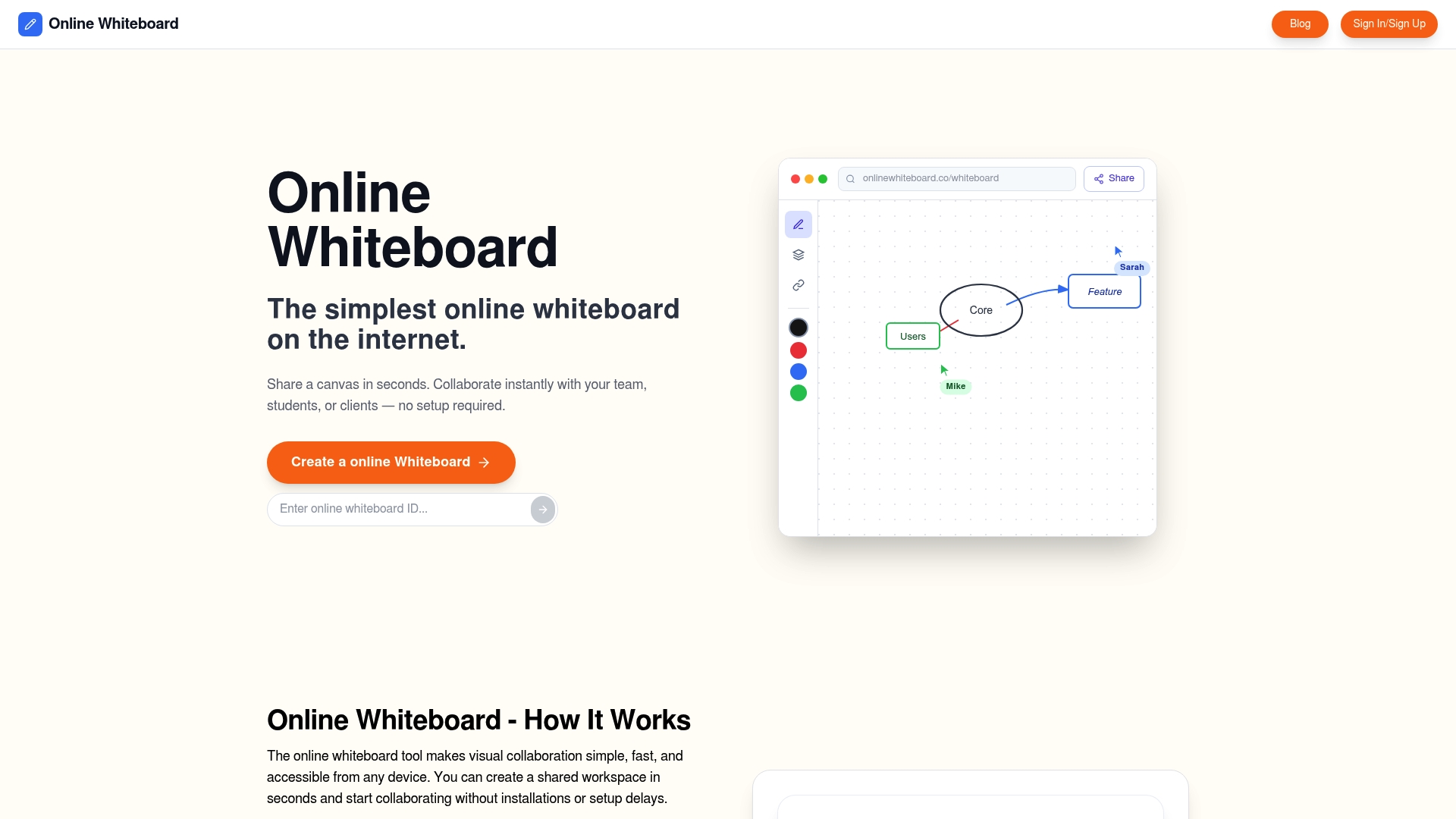
Start a shared canvas instantly with no setup or account required. The tool runs in a browser and the vendor advertises it as free, accessible on phones, tablets, and desktops. That immediate access makes it useful for teachers and ad hoc meeting hosts who need a quick visual surface.
Core Features
The core offering is a shared digital canvas you can create and share via a link, so members join without downloads. The whiteboard includes real-time drawing and writing tools for collaborative note taking, sketches, and diagrams. It targets education, remote teamwork, and short brainstorming sessions with minimal friction.
Key Differentiator
The product’s single clear advantage is that it requires no account creation, login, or installation to start a session. That lack of onboarding removes administrative steps for classroom teachers and meeting hosts. The result is immediate participation from any group member with a browser.
Pros
Very easy to start, because anyone can open the link and join a session without setup or login. Works across devices and platforms, which keeps classroom members and remote collaborators on the same page during live discussions. The vendor positions the tool as free and browser based, which makes it practical for quick lessons, lightweight project planning, and spontaneous idea mapping.
Cons
- Unclear whether storage, export, or security controls exist beyond basic sharing, which may limit use for sensitive material.
Who It’s For
Educators who add live problem solving or annotation to online lessons will find it convenient. Small remote teams that need an instant sketch pad during meetings get immediate value. Student groups, individual brainstormers, and workshop facilitators who prefer link-based access with no account work will appreciate the low friction.
Unique Value Proposition
Because sessions launch from a plain link and do not require installs or licensing, hosts can add a live whiteboard to a lesson or meeting with zero IT involvement. That reduces preparation time and avoids procurement cycles for small teams or classroom instructors. The implication is faster adoption for short, recurring activities where a full-featured platform would be overkill.
Real World Use Case
A math teacher opens a blank canvas at the start of class and pastes the link into the chat. Students join on their devices and solve problems together while the teacher annotates in real time. The same workflow also fits a product meeting where designers sketch ideas, then export screenshots if needed.
Website: https://onlinewhiteboard.co
Miro
At a Glance
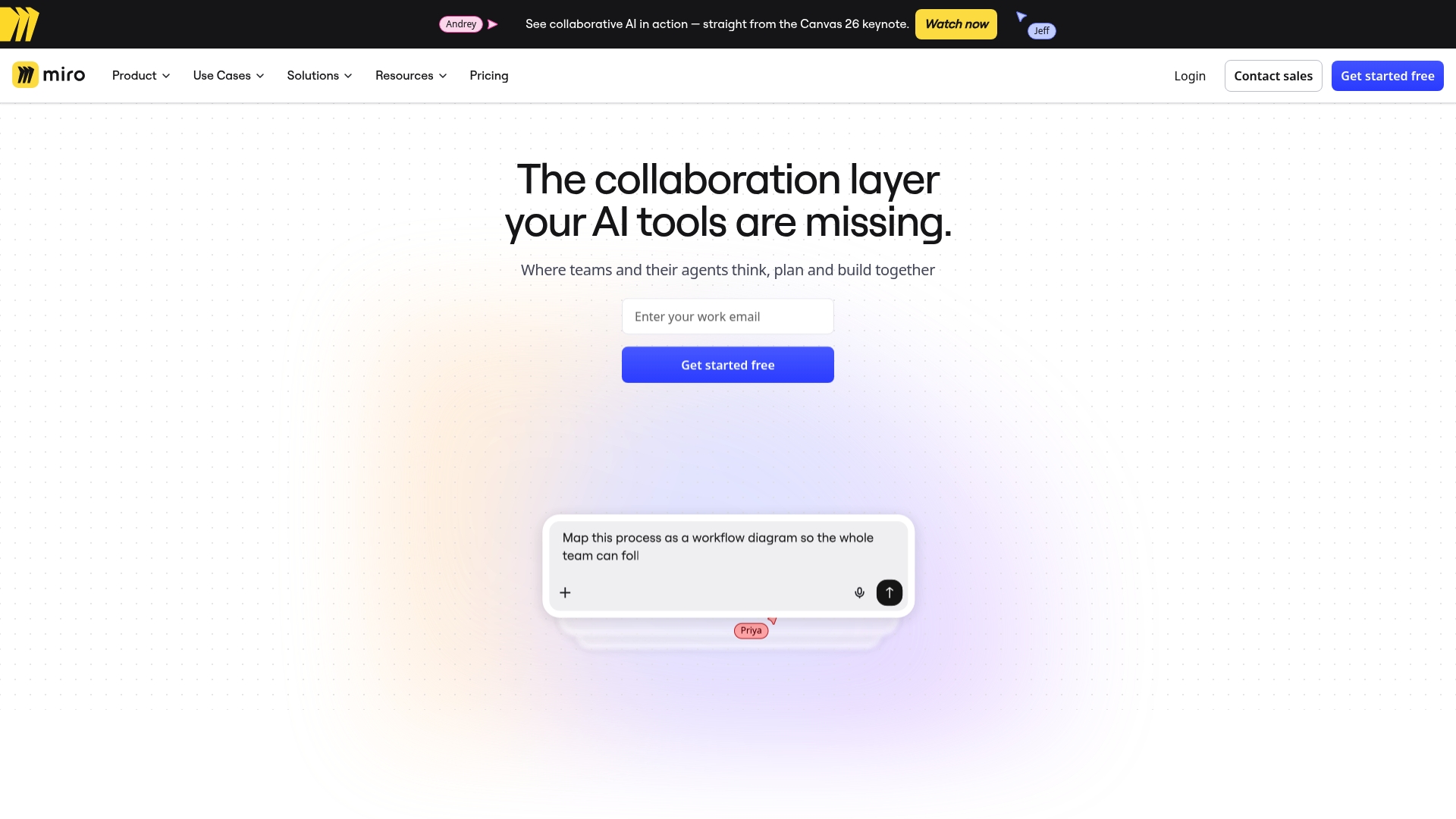
An extensive template library plus integrations with Jira and Slack help teams start workshops quickly. The platform uses an infinite canvas to map complex processes and run visual sessions with many contributors. Some members report boards feel cluttered and that large canvases can suffer performance lag.
Core Features
Miro offers a real-time collaborative whiteboard that supports live editing, voting, and comments so members can co-create together. The product includes a broad template library and widgets for flowcharts, mind maps, and retrospectives to speed setup. Integrations with several productivity apps keep notes and tasks linked to other team systems.
Key Differentiator
The single strongest selling point is the template collection paired with integrations like Jira and Slack. That combination shortens session prep and ties visual work back into team workflows. The pairing makes the boards practical for cross-functional teams that already use those apps.
Pros
The interface feels familiar to people who have used digital whiteboards, which lowers the learning curve for designers and project leads. Integration links let members sync board items with issue trackers and chat, which reduces repetitive copy and paste. The expansive canvas supports nested processes and detailed customer journey maps without forcing artificial page breaks.
Miro also offers many ready-made widgets and templates so facilitators can run structured workshops without building everything from scratch. Remote teams report smooth live collaboration on modestly sized boards, and the variety of templates speeds alignment across members.
Cons
- Newcomers can find the board cluttered when many frames and widgets accumulate in one space.
- Very large or highly detailed canvases may show performance lag for some members.
- Pricing becomes costly for teams that need many active boards or enterprise controls.
- Navigation inside complex boards can feel confusing without disciplined framing and naming.
When It May Not Fit
Small groups that need a minimal, distraction free whiteboard will likely prefer a lighter tool. Teams with strict budgets or few active boards may find the cost hard to justify. Organizations that require ultra-fast rendering on massive canvases should test performance before committing.
Who It’s For
Designers, project managers, educators, and remote teams who run frequent workshops will get the most value. Members who rely on Jira or Slack will appreciate the integration links. Teams that plan multi step processes and need a flexible visual canvas will find the tool matches their workflows.
Real World Use Case
A distributed marketing team uses Miro to brainstorm campaign concepts, map the customer journey, and align timelines. They run synchronous sketching sessions, attach comments for asynchronous follow up, and link action items to their issue tracker to keep execution visible.
Website: https://miro.com
Mural
At a Glance
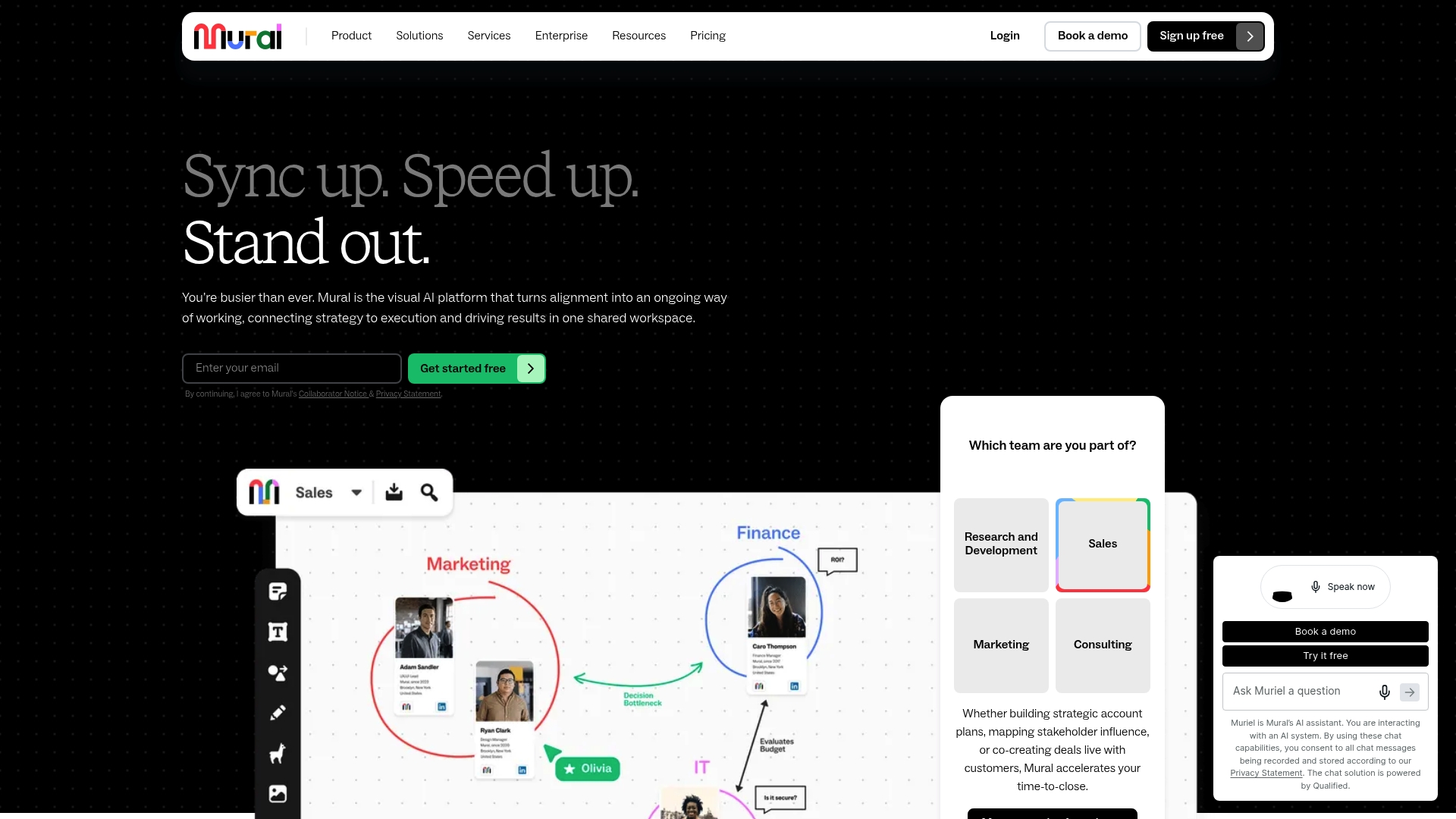
Mural embeds AI-powered tools into an infinite canvas to help teams turn messy ideas into organized plans in one shared workspace. The platform targets research, sales, marketing, and consulting teams that run remote workshops and stakeholder mapping sessions. Workshops and facilitation workflows are a clear emphasis of the product.
Core Features
Mural offers real-time collaborative workspaces where multiple people edit a large canvas and arrange sticky notes, diagrams, and templates together. The product includes expert-designed templates for stakeholder mapping, sales funnels, strategy, and workshop agendas, plus AI assists for brainstorming and feedback analysis. Built-in integrations let teams pull files and connect sessions to their meeting and project tools.
Key Differentiator
The primary distinction is the combination of an infinite, shared canvas with in-context AI tools aimed at visual facilitation and team alignment. That pairing shortens the gap between idea capture and concrete next steps during live workshops. The model targets facilitators who need both space to sketch and automated suggestions for prioritizing outcomes.
Pros
Mural excels at visual facilitation in remote workshops and alignment sessions, making it easy to run group voting and consensus activities. The interface mimics informal whiteboarding, so people familiar with physical boards pick it up quickly. Enterprise adoption by large brands signals maturity for scaled deployments, and the template library covers use cases from product roadmaps to account planning.
Cons
- Connection stability can falter, interrupting collaborative sessions and requiring reloads.
- Subscription prices trend high, which limits access for very small teams or solo consultants.
- Mouse navigation sometimes frustrates precise drawing, and shapes or lines can misalign during live edits.
When It May Not Fit
Small teams with tight budgets will find the subscription model hard to justify for occasional use. Teams that operate with unreliable internet or strict offline needs will struggle because sessions rely on stable connections. Users who require pixel-perfect drawing tools may prefer a solution focused on vector editing instead.
Notable Integrations
- Microsoft Teams for meeting-based collaboration.
- Slack for quick board links and alerts.
- Zoom to run workshops alongside video calls.
- Google Drive for file import and export.
- Atlassian Jira to tie boards to development work.
Who It’s For
Mural fits facilitators, product teams, consultants, and strategic planners who run remote or hybrid workshops. It suits organizations that need visual templates and shared space to align stakeholders. Teams that prioritize live facilitation and structured brainstorming will get the most value.
Real World Use Case
A global consulting firm uses Mural to co-create workshop agendas with client stakeholders, build real-time stakeholder maps, and visualize project roadmaps. The shared canvas helped increase engagement during client sessions and made it faster to convert workshop outputs into actionable project plans. The workflow reduced time spent translating notes after meetings.
Pricing
Mural follows a subscription pricing model with individual, team, and enterprise options. Detailed tiers, seat counts, and enterprise contracts are listed on the vendor site. Prospective buyers should review seat and feature differences on the website before committing.
Website: https://mural.co
BitPaper
At a Glance
Supports anonymous collaborators via shareable links, letting participants join sessions without creating accounts. The service also offers multiple pages and effectively unlimited whiteboard space for extended lessons or long planning sessions. That combination makes quick drop in access and longform work equally practical for tutors and small groups.
Core Features
BitPaper provides real time collaboration with voice, video, chat, and screen sharing alongside a simple drawing and typing toolset. You can drag and drop images and PDFs onto any page, and export boards as PDFs for distribution. The interface runs on desktops, tablets, and mobiles so members can join from most devices.
Key Differentiator
The clearest distinction is anonymous collaborators via shareable links. That feature reduces friction for ad hoc classes or external workshop guests who do not want an account. For tutors and moderators who run one off sessions, the link based access removes signup steps without giving up live audio or video.
Pros
Popular with online tutors, BitPaper combines a short learning curve with the core collaboration tools needed for live lessons and small group sessions. The free plan supports light usage and lets new members test board workflows before committing to paid plans. Multimedia support and PDF export make it straightforward to prepare materials ahead of a session and hand out archives afterwards. Cross platform access keeps members on the same page whether they join from a tablet or a laptop.
Cons
- Limited public third party review data for enterprise deployments. This makes it hard to judge behavior at large scale from independent sources.
- Few documented integrations are listed. Teams that rely on a specific LMS or community platform will need to validate compatibility themselves.
- Potential gaps for large organizations with complex workflows. The vendor does not detail enterprise grade deployment guides in public materials.
Who It’s For
This tool suits online educators, solo tutors, and small teams that need a quick shared canvas for live sessions. It fits moderators who prefer low friction access for guest members and who value multimedia import and straightforward exports. Organizations requiring heavy customization or deep integration should evaluate fit carefully.
Real World Use Case
An online tutor opens a session link and invites students to join anonymously by pasting the link in chat. Students draw, answer problems, and listen over integrated audio while the tutor saves the board and exports the lesson as a PDF for later review. The session requires no account setup and works across phones and laptops.
Website: https://bitpaper.io
Comparison of alternatives
Onlinewhiteboard.co excels by offering instant usability with no account or software requirements, making it uniquely accessible for rapid collaboration.
Integration and Customization
Miro stands out with its notable template library and integrations with Jira and Slack. These features streamline preparation workflows for structured brainstorming sessions while maintaining compatibility with widespread team management platforms. This advantage serves teams already deeply embedded in tool-based ecosystems or those requiring multilayered project tracking during collaborative activities.
Specialized Facilitation Benefits
Mural provides unique support for structured workshops via its built-in AI tools and extensive visualization templates. These aids help groups organize ideas and prioritize outcomes effectively, aligning well with teams such as consultants or product strategists who depend on predefined frameworks and facilitated decision-making processes.
Best fit
- Teachers integrating live annotations into lessons will find onlinewhiteboard.co’s quick setup and device-agnostic access.
- Facilitators managing frequent complex workshops will appreciate Mural’s AI suggestions and visualization aids tailored to professional ideation.
- Solo tutors needing multimedia import and export for session continuity can rely upon BitPaper for intuitive yet versatile access without requiring accounts.
Our pick
Onlinewhiteboard.co is the recommended solution for groups aiming to prioritize speed and ease of access in live collaborative settings. Offering instant link-sharing without account requirements, it allows hosts to focus on content rather than setup logistics. For teams that rely more heavily on integration or redistributable visual templates, alternatives like Miro or Mural may complement specific professional needs better.
Use the table below to quickly compare the unique features and best-use scenarios for these alternative online whiteboard tools.
| Product Name | Key Feature | Best For | Pricing | Notable Limitation |
|---|---|---|---|---|
| Onlinewhiteboard | Browser-based instant shared canvas | Educators, small teams | Free | Limited information on storage/security features |
| Miro | Extensive template library with integrations | Large remote teams | Price not published | Boards can become cluttered and suffer performance lag |
| Mural | AI assistance and templates for workshops | Facilitators and consultants | Subscription-based | Connectivity issues during collaborative sessions |
| BitPaper | Anonymous access via shareable links | Solo tutors and educators | Free basic plan, paid options | Few integrations noted for enterprise workflows |
How to Find Reliable ideadrawn.com Alternatives That Remove Collaboration Barriers
The article highlights common challenges such as complex onboarding, installation hurdles, and high costs faced by educators, remote teams, and product managers using ideadrawn.com alternatives. Narrowing on these pain points, Onlinewhiteboard offers a straightforward solution with instant access via a simple shared link. This eliminates setup friction for classrooms and spontaneous meetings, letting participants join on any device without accounts or downloads.
Experience a clean digital canvas built for real-time drawing, diagramming, and idea mapping designed specifically for educators, designers, small teams, and remote collaborators. Visit Onlinewhiteboard to start a session and enjoy fast, flexible, and browser-based collaboration that fits lightweight brainstorms and quick lessons. Explore how easy it is to paste a link into your chat and launch a shared whiteboard that keeps everyone engaged without delay.
FAQ
How can I start using Onlinewhiteboard for my teaching sessions?
Onlinewhiteboard allows instant access with no setup or account required. The tool runs in a browser, making it perfect for teachers who need a quick visual surface during classes. Start by creating a shared link and sharing it with your students to begin collaborating in real time.
What is the difference between Miro and Onlinewhiteboard?
Miro offers an extensive template library and integrations with tools like Jira and Slack, which help teams quickly start workshops. In contrast, Onlinewhiteboard’s strength lies in its no-account-required access, making it more suitable for brief sessions or spontaneous meetings without the need for setup.
Can I use BitPaper for long planning sessions like Onlinewhiteboard?
BitPaper supports multiple pages and effectively unlimited whiteboard space, which makes it practical for long planning sessions. Onlinewhiteboard primarily targets instant collaboration and quick sessions, so for extended use, BitPaper might better fit your needs.
How secure is Onlinewhiteboard for sensitive material?
Onlinewhiteboard does not clarify its storage, export, or security controls beyond basic sharing. This limitation may discourage users from utilizing it for sensitive materials, so consider this when planning your sessions.
What audience does Mural specifically cater to compared to Onlinewhiteboard?
Mural fits facilitators, product teams, and strategic planners who require visual templates and a structured approach during remote workshops. Onlinewhiteboard works well for educators and small remote teams needing immediate and simple access to a whiteboard without additional complexity.