
Launching an online whiteboard for fast group brainstorming without mandatory account setup is often muddied by friction and limited sharing options. Many tools require full registration for every session or restrict free use to basic features, slowing down spontaneous collaboration. This comparison presents instant-access, shareable whiteboard alternatives so you can match a solution to your team’s speed and ad hoc meeting needs.
Table of contents
Online whiteboard
At a glance
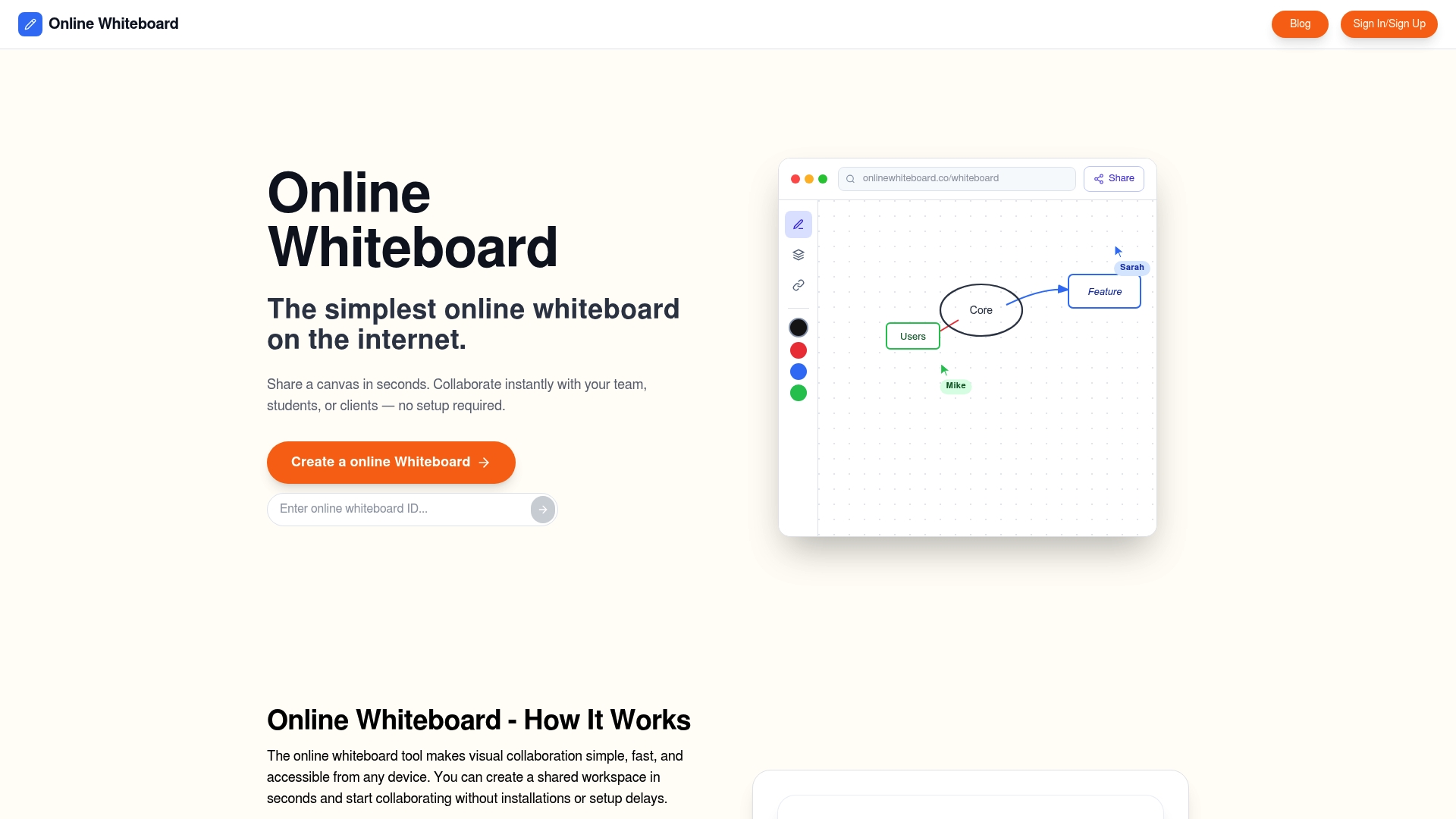
You can open a private board with a single click and start drawing immediately without logging in. Boards are private by default and can be shared via instant links for group work. The experience runs in any browser and supports phones, tablets, and laptops.
Core features
The product offers Instant whiteboard creation with a single click so members can begin a session immediately. It provides shareable links that grant access without account setup. Multiple members can draw and write at the same time with real-time multi-user drawing and writing. The canvas works across devices and requires no downloads or installations in a web browser.
Key differentiator
Instant access with no login or setup needed allows any member to join a board and contribute right away. That lowers the barrier for ad hoc sessions during lessons or quick team huddles. Because membership and sign up are optional, the tool fits short meetings and guest contributors who do not want to create accounts.
Pros
- Fast startup. A single click creates a private board so groups waste no time launching a session. This is useful for pop-up workshops and class moments.
- Simple sharing. Instant links let instructors and meeting hosts invite contributors without managing accounts. Guests join immediately from any device.
- Real-time collaboration. Multiple members can draw and type at once which keeps brainstorming fluid and participatory.
- Cross-device access. The whiteboard runs in a browser on phones, tablets, and laptops which removes device compatibility work.
- Free to use. The vendor advertises free access which suits casual use, classroom exercises, and quick team sketches.
Cons
- The tool has limited advanced drawing and diagramming tools compared to dedicated graphic or diagramming software, so teams needing precise shapes or version history will need a different tool.
Who it’s for
This product fits members who need a quick visual canvas without administrative overhead. Teachers running interactive class segments, remote teams doing short brainstorming sessions, and individuals sketching ideas will find the flow useful. It suits situations where inviting external contributors quickly matters more than complex editing features.
Unique value proposition
Instant board creation with a single click cuts meeting setup time and reduces friction for guest contributors. That lets instructors and meeting hosts start collaborative work during a single agenda item without account invites. For teams that value speed over advanced editing, this tradeoff saves time and keeps conversations visual.
Real world use case
A remote product team opens a board at the start of a weekly meeting to sketch a user flow. Members add notes and draw alternatives while the meeting progresses. The host copies an instant link into chat so an external stakeholder can join and annotate in real time.
Website: https://onlinewhiteboard.co
Excalidraw
At a glance
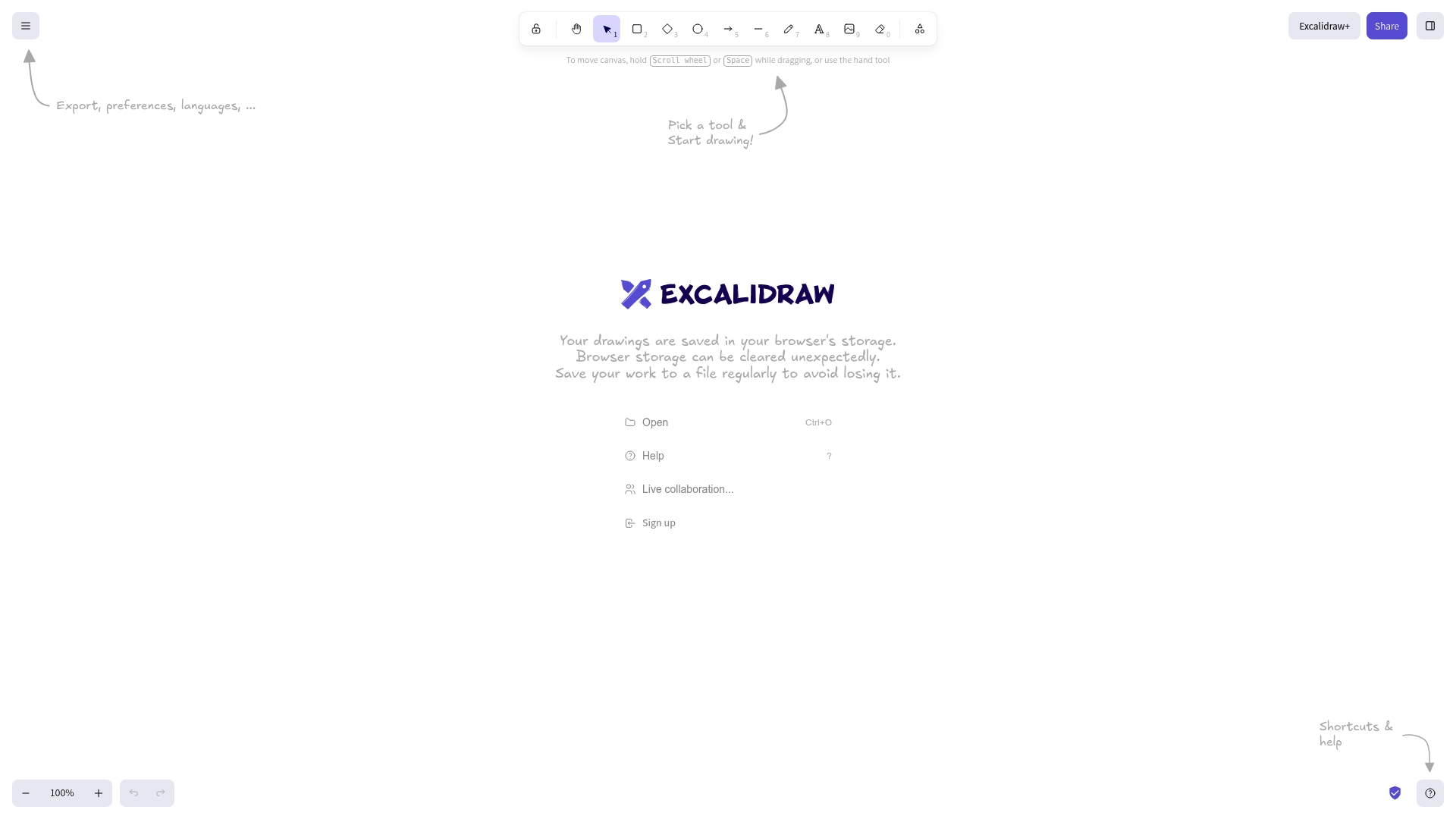
Excalidraw relies on local browser storage, so you must save regularly to avoid losing work if the browser clears storage. The app uses a hand drawn aesthetic and a very small interface to let you sketch ideas fast. Real time collaboration is available through Excalidraw Plus, not the free site.
Core features
Excalidraw offers a minimal sketching canvas with a distinctive hand drawn visual style. The interface stays uncluttered so you can draw, move shapes, and annotate quickly. Files save to local browser storage and you can export drawings to common file formats for sharing. The vendor lists live collaboration as part of Excalidraw Plus, and basic export and sharing work from the free version.
Key differentiator
The product stands out for its deliberate hand drawn look and immediate feel. That aesthetic reduces visual friction and helps teams capture rough ideas instead of polishing diagrams. The focus on speed and minimal tools makes it better for fast ideation than for formal diagramming.
Pros
- Extremely quick to use. The interface loads fast and you can start sketching in seconds.
- Distinctive visual style. The hand drawn appearance helps teams accept rough work during early brainstorming.
- Lightweight and low overhead. It runs in the browser without heavy menus or toolbars.
- Generous free tier. The free experience includes export and local saving for casual work.
- Good for education and demos. Teachers can sketch concepts live without a steep learning curve.
Cons
- Lacks advanced diagramming tools. There is no native support for UML, detailed flow controls, or formal diagram templates.
- Limited precision controls. Object sizing and automatic spacing options are minimal compared with full diagram editors.
- Fewer native integrations. The product does not ship with many built in connections to other apps.
- Version control is basic. It does not provide strong enterprise grade history or branching features.
When it may not fit
If your team needs strict diagram standards or advanced layout controls, this tool will feel too simple. For regulated projects that require robust version histories, this tool lacks enterprise workflows. If you expect hosted team storage and deep integrations, you will need a different solution.
Who it’s for
Casual users, students, and educators who need a fast, low friction canvas will like this tool. Small teams using informal collaboration and quick sketches will find it efficient. Designers who want a rough early stage canvas rather than polished diagrams will also benefit.
Real world use case
A product designer sketches three alternate interface ideas during a 20 minute brainstorming session. They export the preferred sketch to a PNG and share it in a chat. Later the team uses Excalidraw Plus for a short live session to refine one concept together.
Website: https://excalidraw.com
Whiteboard.chat
At a glance
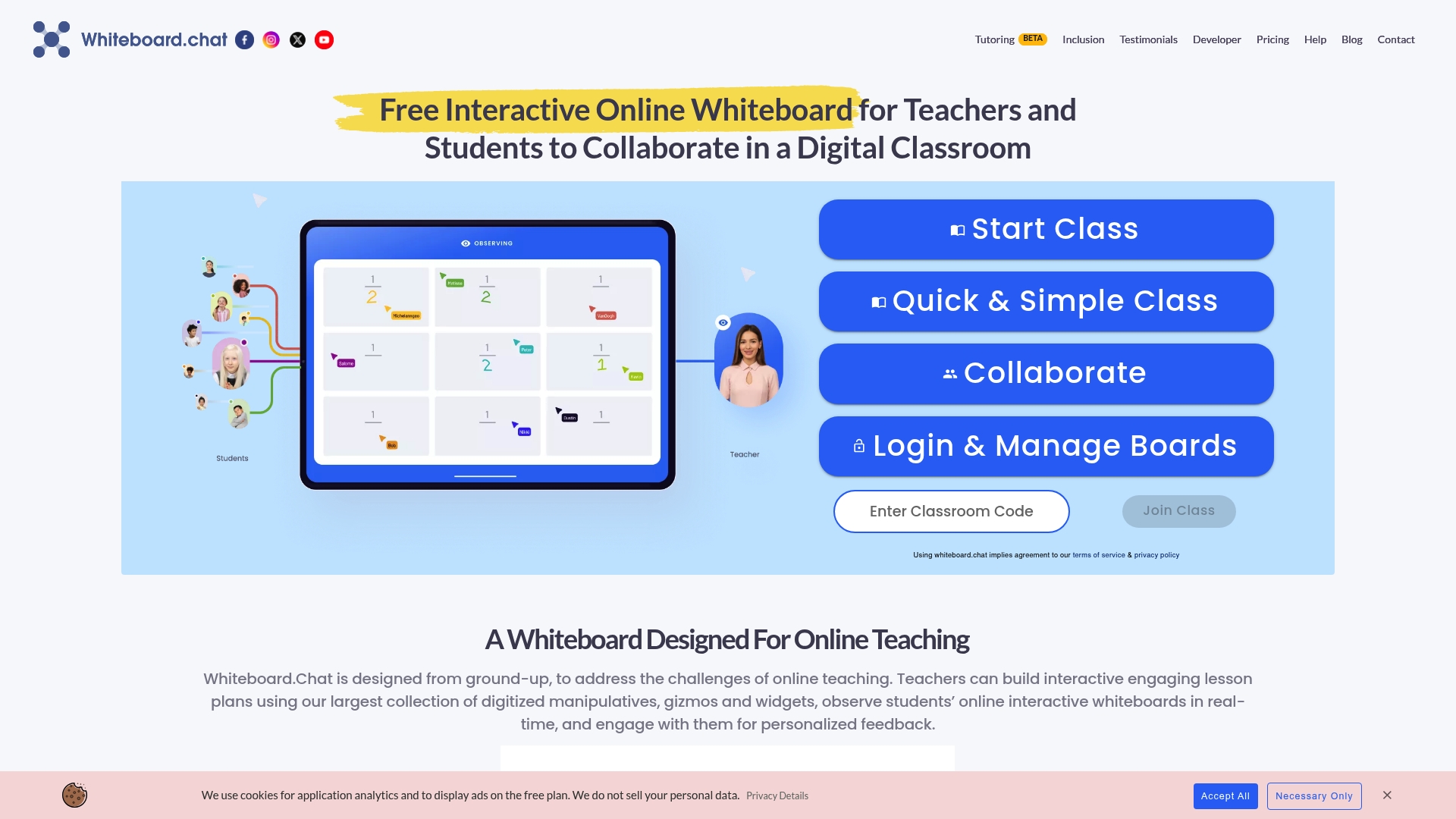
Free use without student registration lets teachers open a board and have learners join from any internet enabled device. The tool puts a large library of manipulatives and widgets at a teacher’s fingertips. Paid plans add AI powered student engagement metrics and nudges for classroom monitoring.
Core features
- Real time collaboration for teachers and students with shared whiteboards and live cursors.
- Large collection of digital manipulatives, widgets, and gizmos teachers can drop onto boards for interactive lessons.
- Teacher observation tools for giving feedback while students work on tasks.
- Breakout group auto assignment to split students into separate boards quickly.
- Integrations with Microsoft Teams, Google Classroom, Webex, and Google Drive for rostering and file sharing.
- Multiple boards management with configurable expiration periods to control board longevity.
Key differentiator
The standout point is no mandatory registration for basic use, which lowers friction for K-12 classrooms and drop in sessions. That accessibility makes it easier for substitute teachers, guest presenters, and families with limited device access to join. The feature set favors live teaching needs rather than heavy administrative controls.
Pros
- Very lightweight and fast to load. This reduces wait time for classes that start every hour.
- Free version available with no license cost for basic teaching workflows. That helps schools with tight budgets.
- Digital manipulatives library gives ready made activities, saving teachers time on lesson prep.
- Integrations with major classroom platforms simplify rostering and assignment links for typical school setups.
- No registration required for basic use, which lowers the barrier for one off sessions and guest access.
Cons
- The hotkey system can feel cluttered and the interface relies heavily on mouse interaction, which trips up some teachers and students.
- Template variety is limited, so lesson designers may need to build custom boards repeatedly.
- Security features are basic and the product lacks multi factor authentication for stronger account protection.
- Boards expire unless refreshed, which can disrupt long term projects or archives.
When it may not fit
Districts that require strict session privacy or formal access controls will find the security features lacking. Teams that need persistent, long lived boards for multi week projects will be frustrated by board expiration rules. Schools that want extensive polished templates out of the box will need a platform with a larger template library.
Who it’s for
K-12 teachers, tutors, and small educational groups that need a quick, no friction whiteboard for live lessons. It suits educators who value low setup time and wide device compatibility. Districts with higher security or archival needs should look elsewhere.
Real world use case
A middle school teacher opens Whiteboard.chat before class and drops a set of manipulatives onto a math board. Students join from tablets or home laptops without creating accounts. The teacher watches student cursors, gives inline feedback, and uses a breakout group assignment to run a peer activity.
Website: https://whiteboard.chat
Conceptboard
At a glance
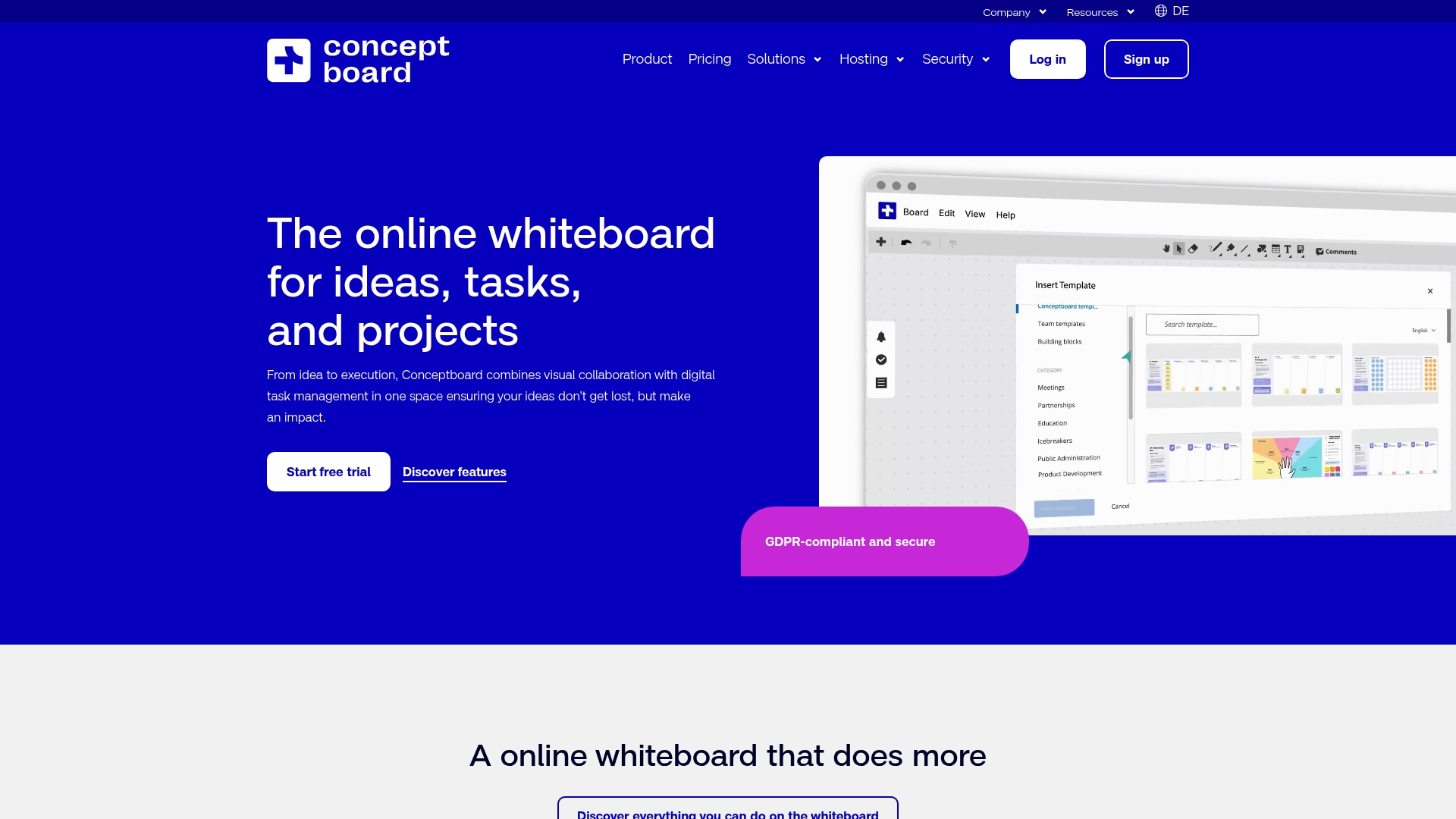
Conceptboard reports more than 14 million users worldwide. That usage claim suggests the product sees adoption across large and small organizations. The platform emphasizes visual collaboration paired with built in task management and flexible hosting options.
Core features
- Visual collaboration canvas for freeform sketching, image placement, and sticky note style brainstorming. Boards support both synchronous and asynchronous work.
- Built in task management with tagging, deadlines, and assignment directly on the board so tasks live where decisions are made.
- Project folders and structured workflows to group boards by team, phase, or initiative.
- Security and hosting choices with options for hosting in Germany or private infrastructure. The vendor advertises GDPR and ISO 27001, 27017, and 27018 compliance.
Key differentiator
Conceptboard combines a visual whiteboard and digital task management inside the same workspace. That blend reduces context switching because teams can mark up ideas and convert them into tasks on the same canvas. For teams that want visual conversation and action items without moving into a separate project tool, this combined model is the primary appeal.
Pros
- Very approachable interface that helps new users get productive quickly. The layout and built in templates shorten setup time for workshops and run of the mill team sessions.
- Strong native communication features, including in board commenting and presence indicators. These make remote collaboration feel more direct than email threads.
- Security options and hosting flexibility that appeal to public sector and corporate buyers. The vendor advertises GDPR and ISO standards, which supports privacy and compliance needs.
- Template library and simple task features suit short term projects and visual planning. Teams can map ideas to next steps without a separate task tracker.
Cons
- Performance can degrade with very large files or sprawling boards. Users report slowdowns when boards accumulate many assets and annotations.
- Some features still feel like beta and show occasional glitches. That creates friction for workflows that require high reliability.
- Integration breadth lags specialized workflow platforms. Teams that rely heavily on niche tooling may find fewer native connectors.
- Not optimized for long term, highly complex project management that needs advanced Gantt or resource leveling features.
When it may not fit
Avoid Conceptboard if you need advanced scheduling, resource management, or heavy duty portfolio planning. Organizations that require a tightly integrated enterprise workflow and many third party connectors may find the integrations insufficient. Teams that maintain very large boards with hundreds of attached files should plan for possible performance issues and test at scale before committing.
Notable integrations
- Microsoft Teams
- Google Drive
- Dropbox
- OneDrive
- Atlassian Confluence
- Webex
Who it’s for
Conceptboard fits teams and organizations that want visual collaboration plus light project controls in one place. It suits remote and hybrid groups that run workshops, map user journeys, or convert brainstorms into tracked tasks. Public sector and corporate users who need hosting and compliance options will find the platform appropriate.
Real world use case
A multinational product team runs weekly cross functional workshops on Conceptboard. Designers sketch flows, product managers add tasks with deadlines, and stakeholders leave threaded feedback on the same board. The team moves items from idea to assigned work without exporting content to a separate task tracker.
Website: https://conceptboard.com
Comparison of alternatives
When exploring efficient whiteboarding solutions, several platforms excel in distinct areas such as simplicity, collaboration, and expanded functionality.
Advantages in usability and specialized functionalities
Online Whiteboard offers the simplest onboarding process with instantaneous access, making it highly suited for quick, impromptu collaborations. Excalidraw highlights an aesthetic and minimalistic design, which aids informal idea-sharing workflows. For educators, Whiteboard.chat provides specific features like educational widgets, ensuring a strong fit for classroom environments. Lastly, Conceptboard’s ability to pair visual elements with task management appeals to organizations focusing on structured productivity.
Integration with specific workflows
Excalidraw and Whiteboard.chat exhibit strengths in their ability to integrate into specific user environments—Excalidraw for its export features suited to independent professionals and Whiteboard.chat with K-12 platform compatibility for educational institutions. Conversely, Conceptboard embraces enterprise needs with compliance and hosting choices, accommodating legal-specific organizational use cases.
Best fit
- Use Online Whiteboard for rapid setup without logistical overhead, making it apt for impromptu brainstorming sessions.
- Employ Whiteboard.chat for interactive teaching owing to its custom lesson widgets and observational tools.
- Select Conceptboard for tasks requiring integrated task assignment and compliance-sensitive storage options.
Our pick
Online Whiteboard becomes a preferred tool for users prioritizing efficiency and broad device support for collaboration due to its no-account-needed instant creation functionality. While the platform bridges swift cooperative tasks effectively, users interested in enterprise-grade integration or regulated educational needs may find exploring Conceptboard and Whiteboard.chat respectively advantageous.
Discover which online whiteboard tools align best with your collaboration and creativity requirements.
| Product | Key Features | Best For | Pricing | Notable Limitation |
|---|---|---|---|---|
| Onlinewhiteboard | Instant board creation, multi-user drawing | Quick collaboration needs | Free | Limited advanced drawing tools compared to specialized software |
| Excalidraw | Hand-drawn style, browser-based, local save | Casual quick sketches | Generous free tier | No advanced diagramming tools |
| Whiteboard.chat | Educational widgets, no registration needed | K-12 classrooms | Free & Paid | Limited template variety |
| Conceptboard | Visual task management, template library | Team brainstorming sessions | Not disclosed | Performance degrades with large or complex boards |
Discover a smart solution among webwhiteboard.com alternatives
For those facing challenges with complicated setup, limited sharing options, or the need for fast, collaborative visuals, OnlineWhiteboard offers a strong alternative. This tool provides instant board creation without login, making it ideal for teachers, remote teams, and anyone looking to brainstorm or sketch ideas quickly. The clean interface and real-time multi-user drawing help reduce friction during meetings or lessons.
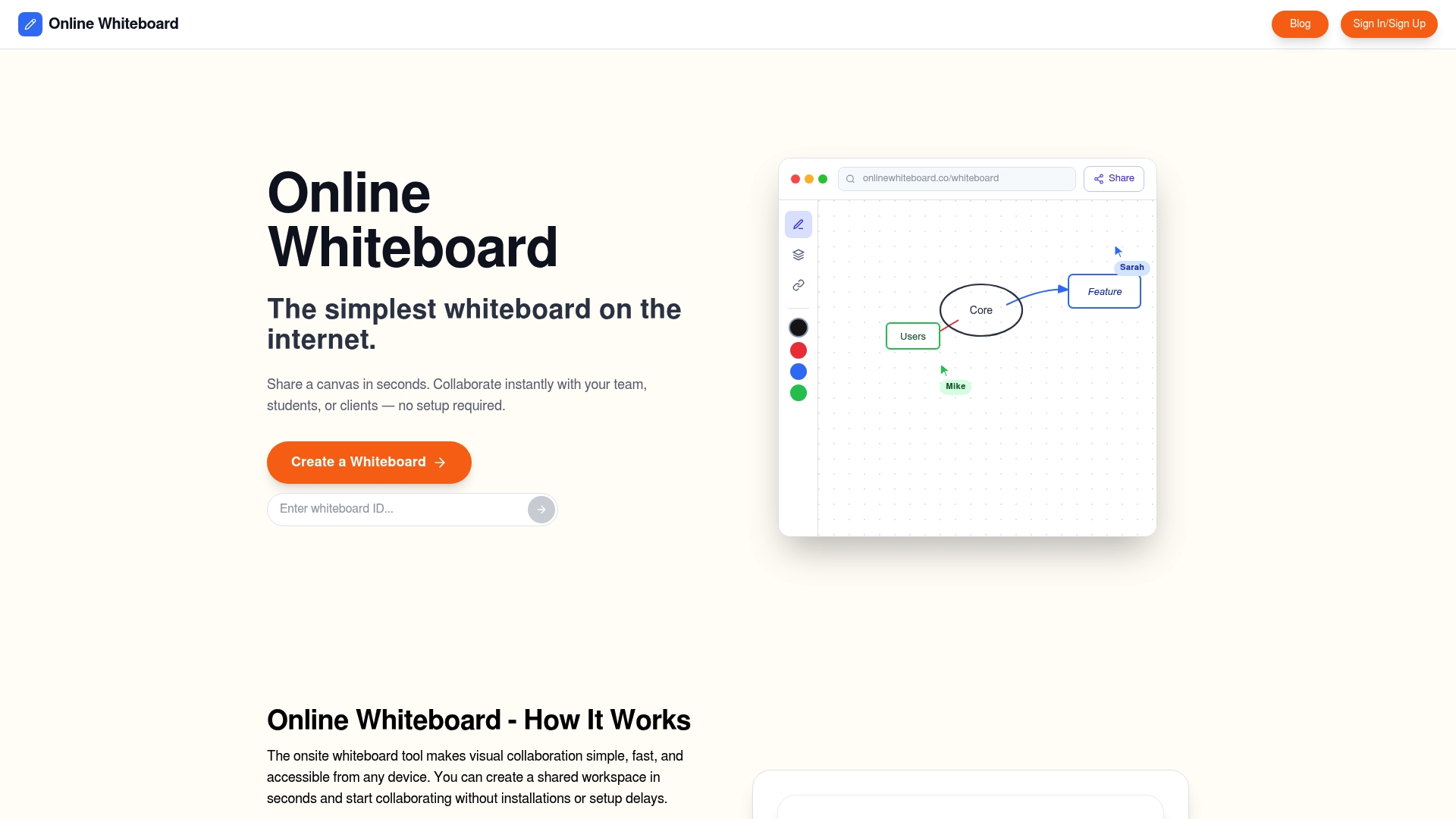
Explore how OnlineWhiteboard’s simple sharing and cross-device access can save your team valuable time. Visit OnlineWhiteboard.co to create your first private board with a single click and start collaborating effectively today.
FAQ
What features make Onlinewhiteboard a suitable choice for immediate visual collaboration?
Onlinewhiteboard allows users to create a private board with just a single click, enabling immediate drawing and brainstorming. This feature makes it ideal for fast-paced environments such as classrooms or team meetings where participants need to jump in without delays.
How does Onlinewhiteboard compare to excalidraw in terms of visual aesthetics?
Excalidraw offers a distinctive hand-drawn visual style, which aids in capturing rough ideas effectively during brainstorming sessions. In contrast, Onlinewhiteboard focuses on user-friendly instant access and real-time collaboration, making it more attractive for teachers and teams who prioritize quick setup over aesthetic details.
What is the cost structure for using Onlinewhiteboard, especially for casual users?
Onlinewhiteboard is free to use, which appeals to casual users, classroom exercises, and quick team sketches. This no-cost access allows teams to collaborate without the burden of subscription fees, making it great for ad hoc meetings.
Can Onlinewhiteboard support real-time collaboration for larger groups?
Yes, Onlinewhiteboard supports real-time collaboration, allowing multiple users to draw and write simultaneously on a shared board. This makes it effective for brainstorming sessions, enhancing participation and fluidity in group discussions.
What limitations does Onlinewhiteboard have in comparison to specialized diagramming tools?
Onlinewhiteboard lacks advanced drawing and diagramming capabilities that are found in dedicated graphic software, which may not suit teams needing precise shapes or detailed version histories. Users looking for more complex diagramming features may need to consider alternative platforms.