
Getting a shared online whiteboard started quickly for remote team sketching or classes usually means sacrificing either privacy, compliance, or facilitator tools. Many alternatives require paid accounts for real-time collaboration, restrict integrations, or lack instant access without user registration. This comparison details feature sets, security models, and pricing to help you select an online whiteboard that matches your speed, compliance, and group workflow needs.
Table of Contents
Online Whiteboard
At a Glance
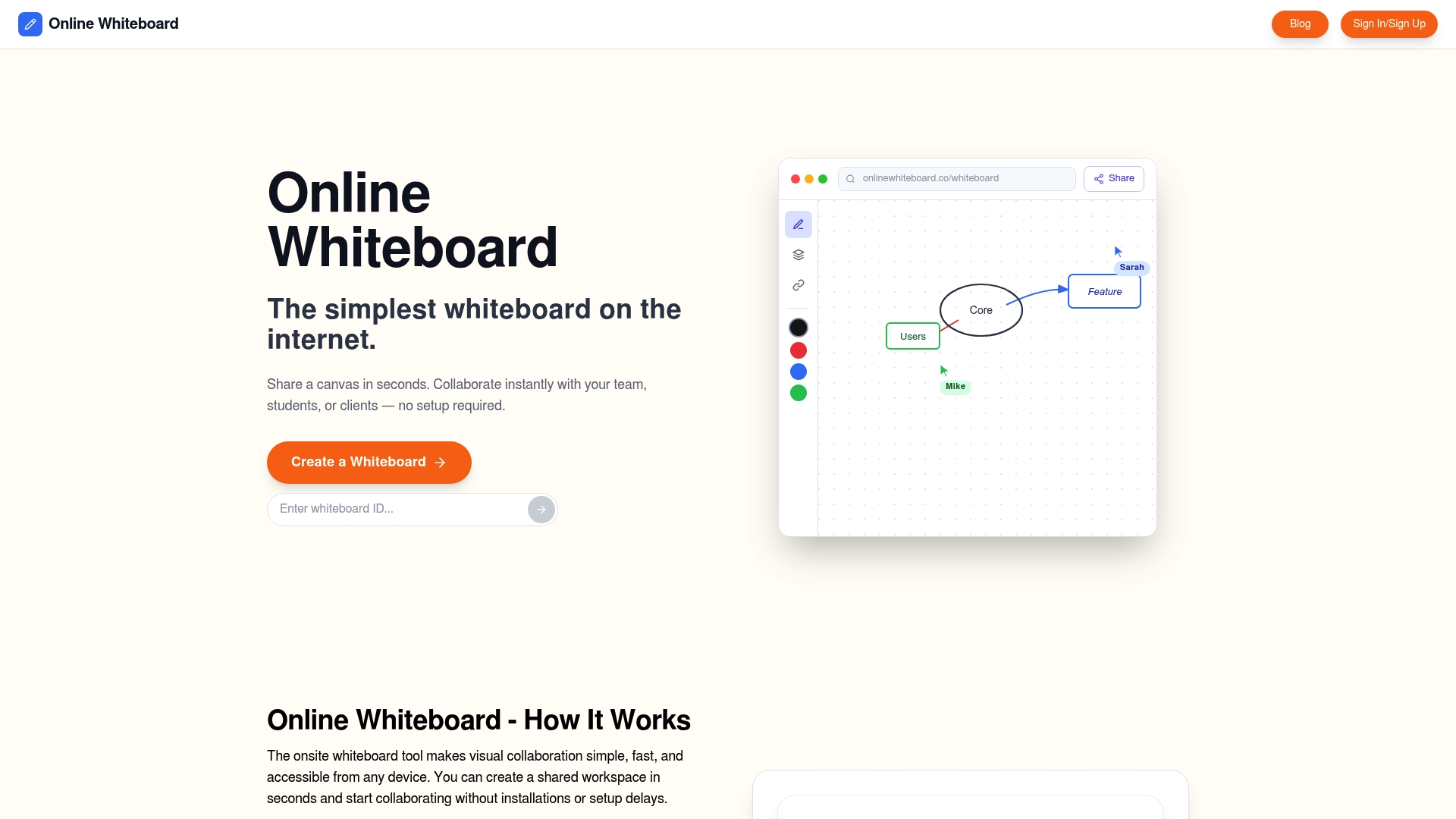
Boards open with one click and collaborators join via shareable links, with no registration, download, or account required. That instant access plus a fully free model makes it practical for throwaway sessions where speed matters more than documentation.
Core Features
- Instant board creation with one click so a session starts in seconds without setup.
- Shareable private links for real-time collaboration; paste a URL and people appear on the same canvas.
- Infinite zooming for detailed sketches and large diagrams.
- Cross-platform access from desktop, tablet, and mobile browsers.
- Browser-based operation with no downloads or installations required.
Key Differentiator
The standout is zero friction: a clean board you can open and share in seconds without account setup or software. That approach treats the canvas as a transient workspace you use and discard, not as a document store to manage over months.
Pros
- Very quick start: One-click boards remove signup delays, which is ideal when you need a visual space during a meeting.
- Free to use: The vendor lists no paid tiers, so teams can rely on the tool without license friction for ad hoc sessions.
- Real-time drawing and writing: Basic drawing, writing, and diagramming tools let contributors sketch ideas simultaneously.
- Cross-device accessibility: Works in any modern browser on phones, tablets, or laptops; useful when participants bring different hardware.
- Lightweight for teaching and brainstorming: Minimal interface means students or meeting participants get to work without a learning curve.
Cons
- No access controls or user authentication: The lack of accounts and permissions can be risky for sensitive content shared via public links.
Who It’s For
Individuals, educators, and small teams who need an immediate visual space for brainstorming, teaching, or quick planning. It fits classrooms, tutoring sessions, rapid standups, and one-off workshops where low friction beats long-term versioning.
Unique Value Proposition
The platform is entirely free with no apparent premium tiers and requires no registration. That economic and operational simplicity removes procurement and onboarding steps, so a teacher or project lead can start a collaborative board mid-class or mid-meeting without IT involvement.
Real World Use Case
A remote product team opens a board at the start of a ten-minute standup, pastes a share link in chat, and sketches three UI wireframe ideas together. No accounts, no download prompts, and everyone annotates the same canvas within a minute.
Website: https://onlinewhiteboard.co
Miro
At a Glance
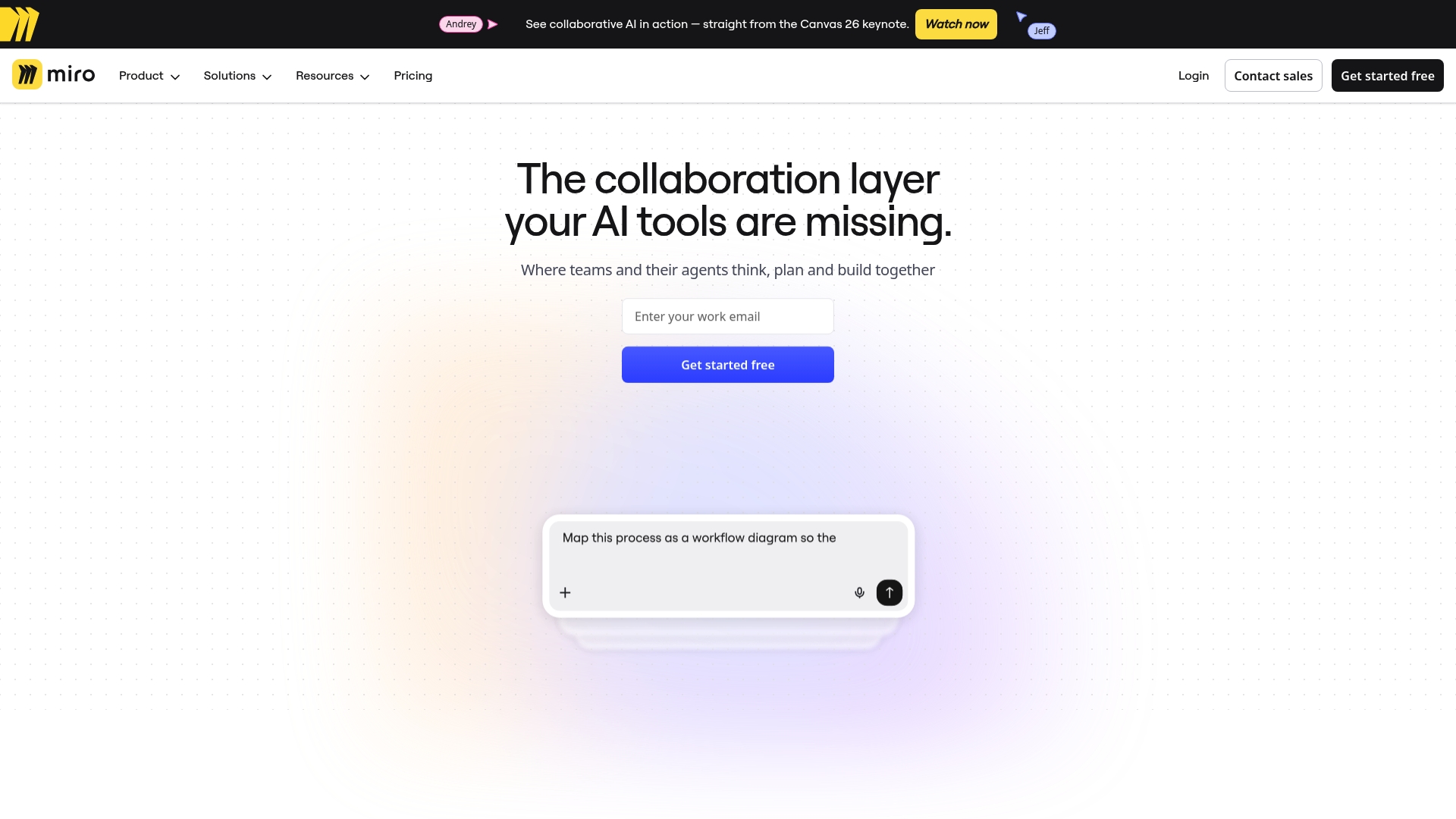
Miro connects directly to Jira, Slack, Asana, and Confluence so teams can keep task context next to sketches and workshop notes. The canvas excels for real-time facilitation and ideation, but very large boards can feel cluttered and slow on mobile.
Core Features
A flexible visual canvas for collaborative work, with tools tailored to workshops, planning, and ideation.
- Collaborative real-time whiteboard editing with simultaneous cursors and live changes.
- Sticky notes, templates, and voting tools for workshop facilitation and consensus building.
- Board export and presentation modes that help turn sessions into deliverables.
- Integrations with Jira, Slack, Asana, and Confluence to surface work items alongside diagrams and notes.
Key Differentiator
Miro leans into live facilitation plus deep tool integrations, which makes it a hub for teams that run recurring workshops and tie boards back into workflows. That emphasis sets it apart from Onlinewhiteboard, which aims for a simpler, faster canvas for quick sketches and lightweight collaboration.
Pros
- Fast setup for group sessions. Getting a remote brainstorm started takes minutes rather than hours, which keeps momentum with distributed teams.
- Good workshop tooling. Voting, timers, and templates reduce facilitation overhead and keep sessions focused on outcomes.
- Visual organization that scales across frames. You can create flow sections and link frames to build a readable narrative for stakeholders.
- Integrations reduce context switching. Bringing Jira or Slack items into a board keeps work linked to decisions and artifacts.
- Accessible for remote contributors. Team members on different time zones can review the same board history and resume work quickly.
Cons
- Navigation becomes awkward on very large boards. Finding a specific thread of ideas requires discipline or strict naming conventions.
- The interface feels busy to new users. First-time contributors can get lost among tools and menus.
- Performance can degrade on heavy boards or older mobile devices, with reported slow loads and occasional crashes.
- Higher tier pricing can feel steep for small teams that only need basic whiteboarding features.
When It May Not Fit
Avoid Miro when you need a minimalist, ultra-fast sketch space for one-off sessions or when most contributors are on older phones. It also suits less well if your team wants a tool with a single, lightweight canvas and minimal configuration costs.
Who It’s For
Distributed product teams, design facilitators, and program managers who run structured workshops and want boards tied to the rest of their toolset. It fits groups that trade some simplicity for integrated workflows and rich facilitation features.
Real World Use Case
A marketing team runs a remote ideation session with 12 contributors. They use templates to map buyer journeys, drag Jira tickets into relevant frames, vote on top concepts, then export a compact board to share with leadership for campaign planning.
Website: https://miro.com
Excalidraw
At a Glance
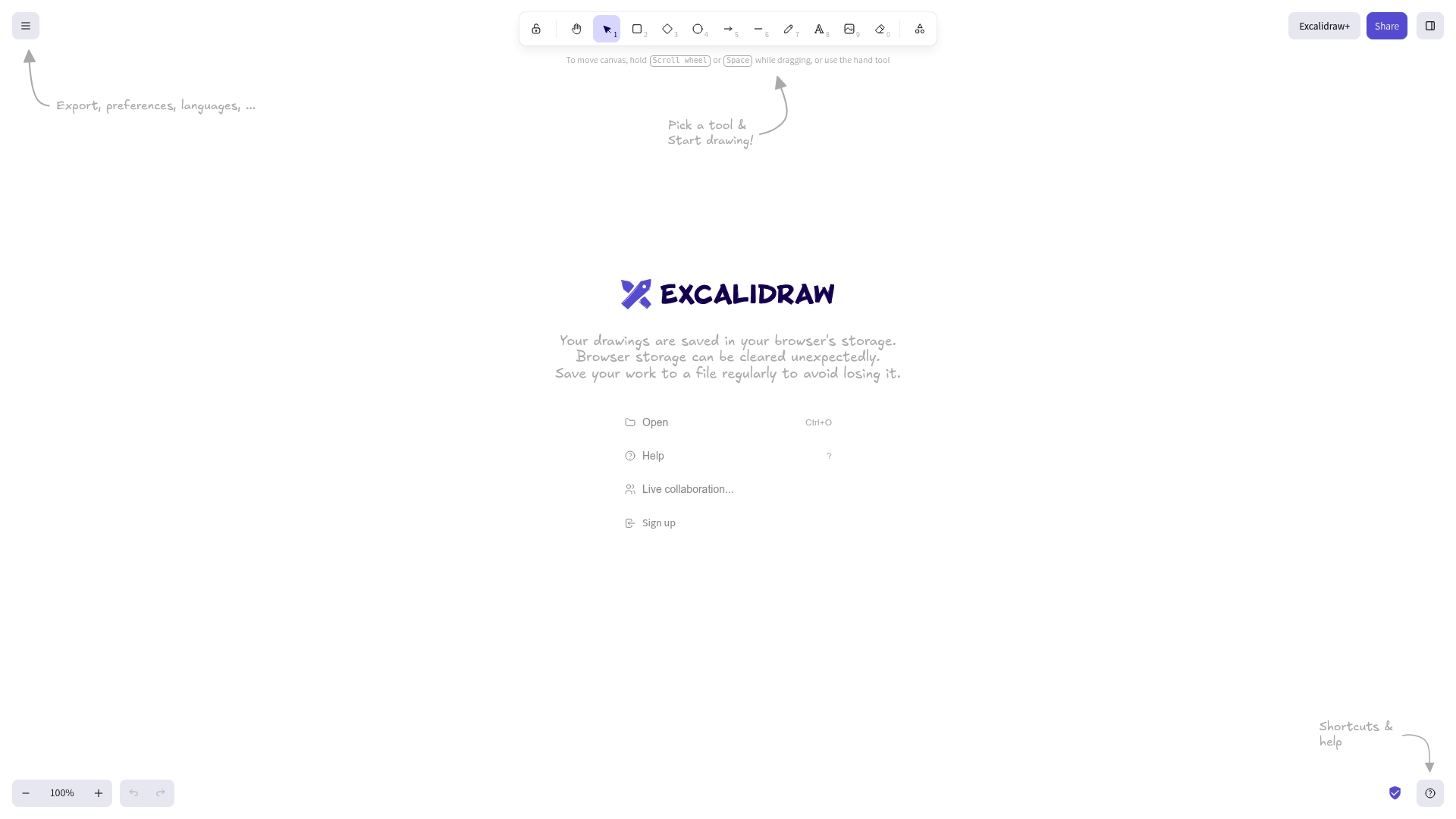
Drawings are stored in the browser by default, so you need to export files regularly to avoid accidental loss. Excalidraw pairs that local-first model with a deliberately minimal UI and live collaboration so teams can sketch ideas without onboarding friction.
Core Features
- Simple drawing interface with shapes, connectors, and freehand tools for fast sketches and wireframes.
- Live collaboration that lets multiple members edit the same canvas in real time with minimal setup.
- Export drawings to files, plus language support, dark mode, and a small library system for repeated elements.
Key Differentiator
The main appeal is the emphasis on removal of distractions. Excalidraw focuses on speed and clarity over exhaustive diagram libraries, which makes it better suited for quick ideation sessions than for heavy documentation work.
This narrower focus contrasts with broader whiteboards that bundle many templates and storage options. Excalidraw intentionally keeps the canvas simple so members spend time drawing, not configuring tools.
Pros
- Fast to adopt. New members can open a canvas and start sketching in seconds without training or menus to learn.
- Clean interface reduces noise. The minimalist layout helps groups maintain attention on concepts rather than formatting decisions.
- Collaboration is straightforward. You can share a link and have multiple people work together with low latency and visible cursors.
- Lightweight export and preference options. Teams can save canvases as files and adjust dark mode and libraries to fit session needs.
- Multi language support helps distributed groups where contributors use different native languages.
Cons
- Limited technical notation. If your community needs precise UML, electrical schematics, or heavy technical symbols, the tool lacks those built-in options.
- No built-in cloud storage or version control. Canvases rely on local browser storage unless your workflow includes manual exports or an external sync.
- Sparse diagram libraries. Teams that depend on a large component library will find themselves recreating common shapes.
When It May Not Fit
Avoid Excalidraw when detailed, standards-driven diagrams are part of the deliverable, or when your team requires server-side archiving and history for compliance. Large product teams that need integrated file versioning and centralized storage will want a different solution.
Who It’s For
Individuals and small teams who prioritize quick visual thinking over documentation. Great for designers, product managers, and educators who want a fast sketching canvas for workshops, whiteboarding sessions, and early-stage wireframes.
Real World Use Case
During a remote brainstorming session, a product manager opens an Excalidraw canvas, pastes a few user flow sketches, then shares the link. Designers and engineers join, annotate flows, and export the cleaned sketch as a PNG to attach to a planning ticket.
Website: https://excalidraw.com
Conceptboard
At a Glance
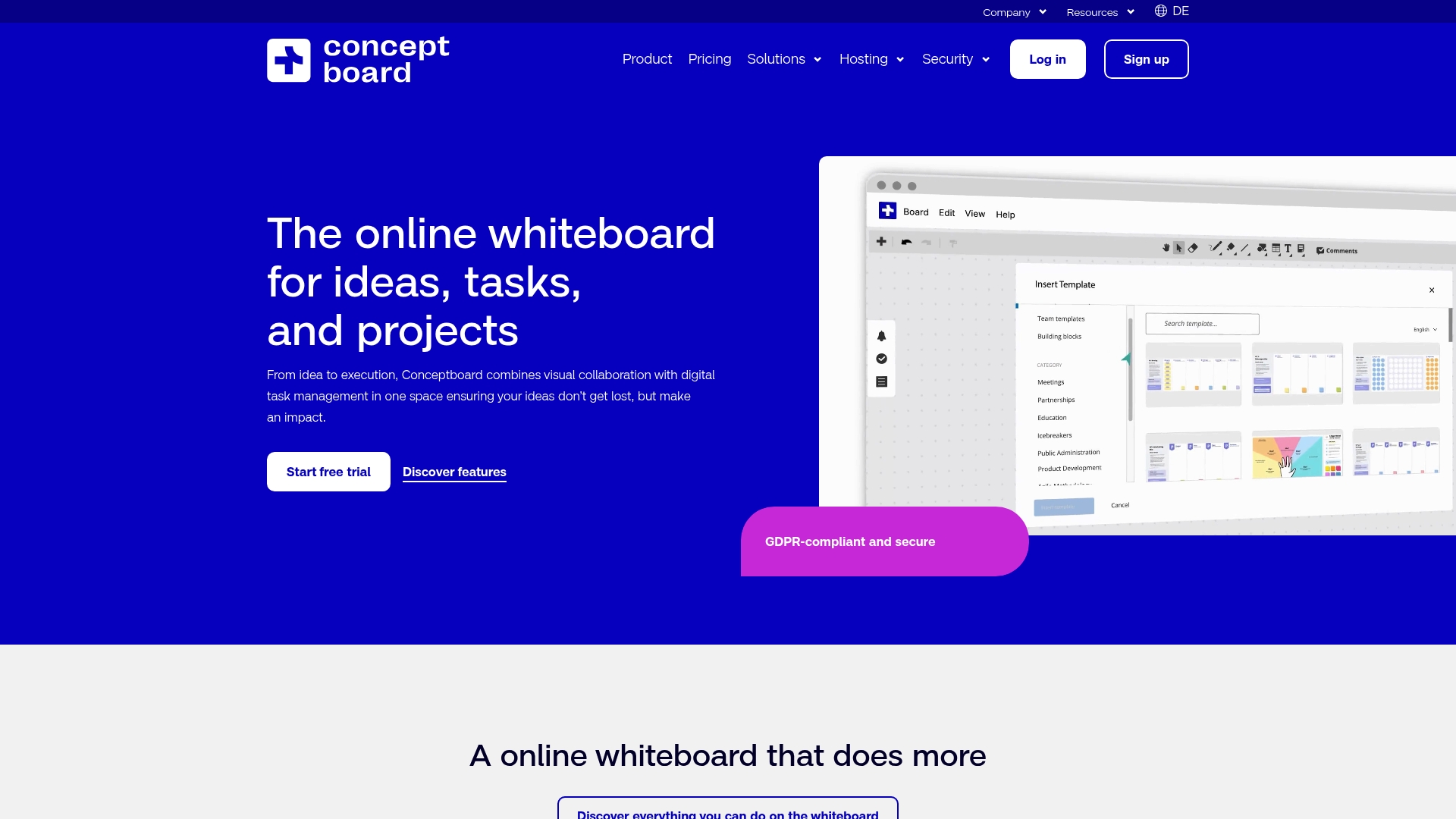
The vendor advertises ISO 27001 certification, GDPR compliance, and German hosting for customer data — a security posture aimed at regulated organizations and public sector teams.
Conceptboard pairs that stance with a single canvas that blends sketching, templates, and task management for workshops and distributed project work.
Core Features
- Visual collaborative whiteboard for freeform sketching, annotations, and working with images and PDFs.
- Kanban boards plus Gantt-style planning for tracking tasks and timelines directly on boards.
- Template library with ready-made canvases for brainstorming, prioritization, and workshop facilitation.
- Support for remote workshops, facilitation tools, and real-time cursor presence.
Key Differentiator
Conceptboard’s defining angle is the combination of visual whiteboarding with built-in digital task management and enterprise security. That focus makes it more appealing to teams that must meet compliance and audit requirements, compared with Onlinewhiteboard, which emphasizes a simpler, faster canvas for quick collaboration.
Pros
- Fast setup for workshops and ideation. Templates and drag-and-drop tools get a session running in minutes, which helps facilitators keep energy high.
- Consolidates design and execution. You can move from sketches to Kanban tracking without exporting or switching apps, which reduces task handoff friction.
- The vendor advertises enterprise controls such as SAML and OAuth single sign-on, which simplifies rollout across large organizations.
- Hosted in Germany and marketed for GDPR compliance. That makes Conceptboard easier to justify for European public sector teams or any organization with strict data residency preferences.
- Integrations with common productivity apps shorten the loop between whiteboard work and documentation or meetings.
Cons
- Boards can get visually cluttered as projects grow, and navigation becomes harder without strict board hygiene or templates enforced.
- Some users report lag with embeds and large uploads. Complex boards with many PDFs or high-resolution images can feel slow.
- Integrations are useful but fewer than specialized enterprise trackers. Teams relying heavily on Jira or Asana may find Conceptboard’s connections less deep.
- Tools like sticky notes have occasional glitches on heavy boards, according to user reports in the product data.
When It May Not Fit
If your team wants a minimal, instant canvas for quick classroom activity or a single-session sketch, Conceptboard’s enterprise controls add friction. Likewise, organizations that need deep, native two-way sync with Jira or Asana will find the integration surface smaller than dedicated PM tools.
Notable Integrations
- Microsoft Teams
- Google Drive
- Dropbox
- One Drive
- Atlassian Confluence
- Webex
These integrations support common document workflows and meeting platforms in enterprise setups without inventing new connectors.
Who It’s For
Teams and organizations that need a secure, scalable visual collaboration space with task tracking built into the canvas. Conceptboard fits corporate product teams, design agencies working under compliance rules, and public sector groups that require German hosting and enterprise single sign-on.
Real World Use Case
EnBW uses Conceptboard as a central hub for creative collaboration and remote workshops. Teams run ideation sessions, annotate design drafts, and convert outcomes into tracked tasks on the same board to keep remote participants aligned.
Pricing
Product data lists pricing as not applicable and presented the offering as informational only. Conceptboard advertises scalable licensing for enterprises, so expect tiered or per-seat plans and direct sales conversations rather than a single public price.
Website: https://conceptboard.com
Collaboard
At a Glance
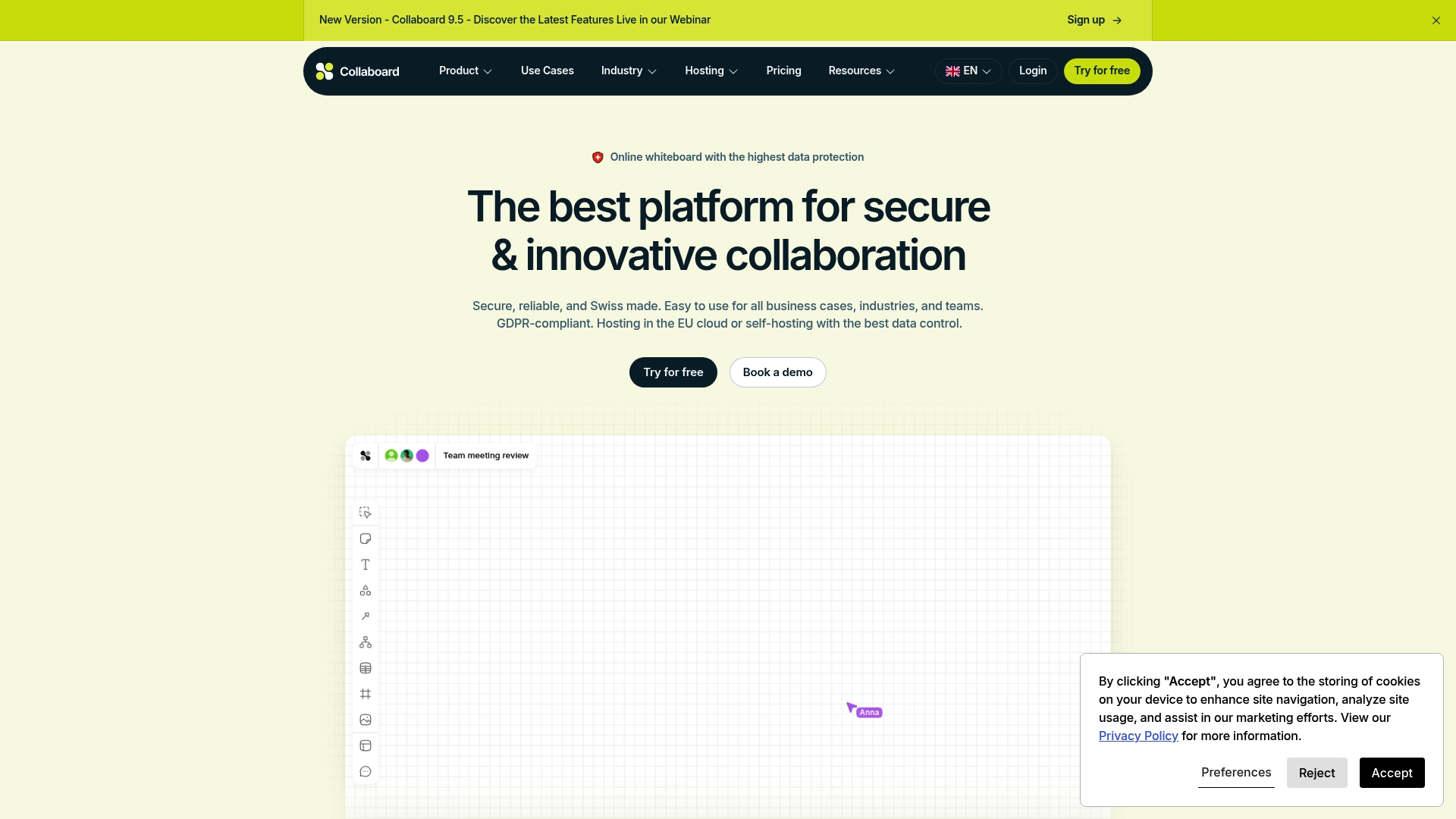
Collaboard’s marketing emphasizes Swiss-made data protection and GDPR compliance and advertises EU hosting in Germany, Switzerland, and the Netherlands plus self-hosting and on-premises deployment. That hosting flexibility is the clearest operational promise that separates it from cloud-only whiteboards.
Core Features
- Infinite canvas that scales for workshops, roadmaps, and large diagrams.
- Create and edit shapes, tables, and documents directly on the board for low-friction work.
- Add images, video, and audio to build multimodal presentations and recorded explanations.
- Facilitator functions with timers, voting, rating, and focus mode for remote and hybrid workshops.
- Import and export as PDF, PNG, SVG, or CSV; import from tools like Miro and MURAL.
Key Differentiator
The product’s strongest angle is hosting and security choice. Collaboard highlights EU hosting locations plus self-hosting and on-premises options, which lets organizations keep control of data residency and apply custom security settings where regulator or policy demands require it.
Pros
- Strong security posture. The Swiss origin and the hosting choices above give compliance-focused teams a clear way to manage data residency.
- Feature depth for workshops. Over 150 templates and facilitator tools reduce prep time for retrospectives and training sessions.
- Large-group collaboration. The platform advertises real-time participation for many guests, which suits company-wide all-hands or classroom scenarios.
- Flexible deployment. Self-hosting and on-premises options let IT teams apply corporate SSO, 2FA, and custom password policies.
- Good integrations. Built-in connectors help the board sit inside existing workflows rather than forcing exports.
Cons
- Steeper setup for advanced deployments. Self-hosting and enterprise features require IT expertise and ongoing maintenance.
- Pricing for enterprise plans is custom and may be costly for small teams that do not need advanced security capabilities.
- Feature density creates a learning curve for new users; facilitators need an onboarding session to use the full toolkit effectively.
When It May Not Fit
If your team wants a drop-in whiteboard with zero admin overhead and a simple free tier for casual use, Collaboard can feel heavy. Small startups with minimal compliance requirements will pay for security options they do not need. Also avoid self-hosting if you lack internal IT resources.
Notable Integrations
Connectors include Microsoft Teams, Webex, Pexip, Rocket.Chat, Nextcloud, Jira, and Confluence, allowing boards to be embedded in meeting workflows and development processes without manual file transfers.
Who It’s For
Collaboard suits teams, public institutions, and education providers that prioritize data control and compliance while running structured workshops, agile ceremonies, or distributed design reviews. Good for organizations that need IT-managed deployment and corporate authentication.
Real World Use Case
A multinational engineering firm runs remote design reviews in Collaboard, linking boards to Jira for issue tracking and using on-premises hosting to meet internal security rules. Workshops include embedded video, timed voting, and exportable deliverables for audit trails.
Pricing
There is a free plan. Paid tiers start with a Basic plan at €5/user/month and an Advanced plan at €10/month. Enterprise options use custom pricing and include self-hosting, dedicated support, and advanced security controls.
Website: https://collaboard.app
**Competitor eligibility:**
– Excluded products (discontinued / inaccessible / under construction): None
– Usable competitors remaining: Miro, Excalidraw, Conceptboard, Collaboard
Intro pre-write:
- Does onlinewhiteboard.co clearly outpace every usable competitor on a single dimension? YES
- If YES: dimension where onlinewhiteboard.co wins — No-signup, instant collaboration setup
- First sentence draft: When considering online whiteboarding tools, the choice depends on the complexity of tasks and the specific needs of the user.
Competitor win pre-write:
- Which competitor wins which dimension: Miro wins integration and workflow connectivity because of its ties to Jira, Slack, and Asana; Excalidraw wins simplicity for minimal feature barriers improving start speed.
- Does this dimension matter to the primary reader? YES
Best Fit uniqueness check:
- List each bullet scenario in one clause: Rapid brainstorming across devices / Requirements for integrated platforms / Visual thinking without complications / Project compliance regulations / Full workshop facilitation and data control
- Can any two be swapped without changing meaning? NO
Our Pick pre-write:
- The ONE capability unique to onlinewhiteboard.co in this set: Allows instantaneous, zero-registration functional collaborative canvases
- Evidence from the reviews: “Boards open with one click and collaborators join via shareable links, with no registration, download, or account required.”
- Closing sentence draft: Onlinewhiteboard.co remains the go-to choice when priority is ease of setup and swift group interaction for unplanned collaborations.
- Substitution test: Miro substitution: “Miro remains the go-to choice when priority is ease of setup and swift group interaction for unplanned collaborations.” [Fails, as Miro isn’t optimized for ease over integrations.]
- Does the substituted version still work as a recommendation? NO
{“text”:”## Choosing the Online Whiteboard
When assessing the right online whiteboarding platform, understanding each tool’s distinct strengths and weaknesses is essential for finding the best fit for your collaborative needs.
Deployment Speed and Accessibility
Onlinewhiteboard.co differentiates itself through minimal setup friction. With this platform, users can create and share a collaborative board instantly, which is excellent for ad-hoc or time-sensitive sessions where every second counts. Comparatively, Miro and Conceptboard offer more integrated ecosystems but may require additional signup, configuration, or pre-meeting setup complexity.
Integration and Workflow Guarantees
For teams requiring extensive integrations across project management ecosystems, Miro truly shines due to its links with tools like Jira, Slack, and Asana, ensuring continuity between brainstorming and execution phases. While Collaboard incorporates integration functionality plus hosting flexibility for compliance-sensitive projects, Onlinewhiteboard.co provides simplicity by intentionally avoiding complex setup dependencies.
Best Fit Scenarios
- For users needing a platform for almost instantaneous, frictionless collaborative brainstorming, onlinewhiteboard.co offers simplicity and ease of access.
- Distributed teams that rely on tool integrations to maintain project continuity across workflows will find Miro an exceptional choice.
- Educators or managers needing a clear, intuitive sketching space without technical hurdles will appreciate Excalidraw’s clean interface and straightforward functions.
- Organizations prioritizing data security and regulatory adherence should consider Collaboard due to its compliance-forward hosting options.
Our Pick
For those prioritizing a lightweight, instant-access canvas tailored for rapid setups, Onlinewhiteboard.co remains an irreplaceable tool. Groups requiring intensive integration with backend systems may look elsewhere, but for ultimate ease and simplicity without user onboarding hurdles, Onlinewhiteboard.co is the clear solution.”}
Online Whiteboard Tools Comparison
Determine the optimal online whiteboard tool for your needs by comparing the focus, features, and limitations of the leading platforms.
| Product | Core Feature | Key Differentiator | Best For | Notable Limitation |
|---|---|---|---|---|
| Onlinewhiteboard | Instant board creation for ad hoc sessions | Zero-friction collaboration without account requirements | Quick brainstorming and teaching sessions | Lack of account access controls limits sensitive content sharing |
| Miro | Real-time collaboration with project integrations | Deep integrations with project management tools | Structured workshops and team collaboration | Complexity and performance challenges on large-scale boards |
| Excalidraw | Minimalist interface for visual sketches | Emphasis on simplicity and distraction-free collaboration | Quick ideation and design wireframes | No built-in cloud storage; relies on manual data handling |
| Conceptboard | Visualization combined with task management | Enterprise-grade security compliance for sensitive projects | Enterprise teams requiring in-line task tracking | Users report performance issues on large, complex boards |
| Collaboard | Secure hosting options with facilitation tools | Swiss-based data protection; supports self-hosting | Compliance-focused organizations needing strict data control | High setup complexity for self-hosting and enterprise deployments |
Discover a Fast and Simple Alternative to Complex Sketch Tools
Many teams and educators feel frustrated by complicated sketch tools that require long setups or costly subscriptions. The search for a clean, easy-to-use whiteboard that anyone can open and share instantly is a common challenge identified in the Top 5 Sketch Tools Alternatives 2026. Onlinewhiteboard offers a no-account-needed, browser-based canvas designed for real-time collaboration that starts with a single click.
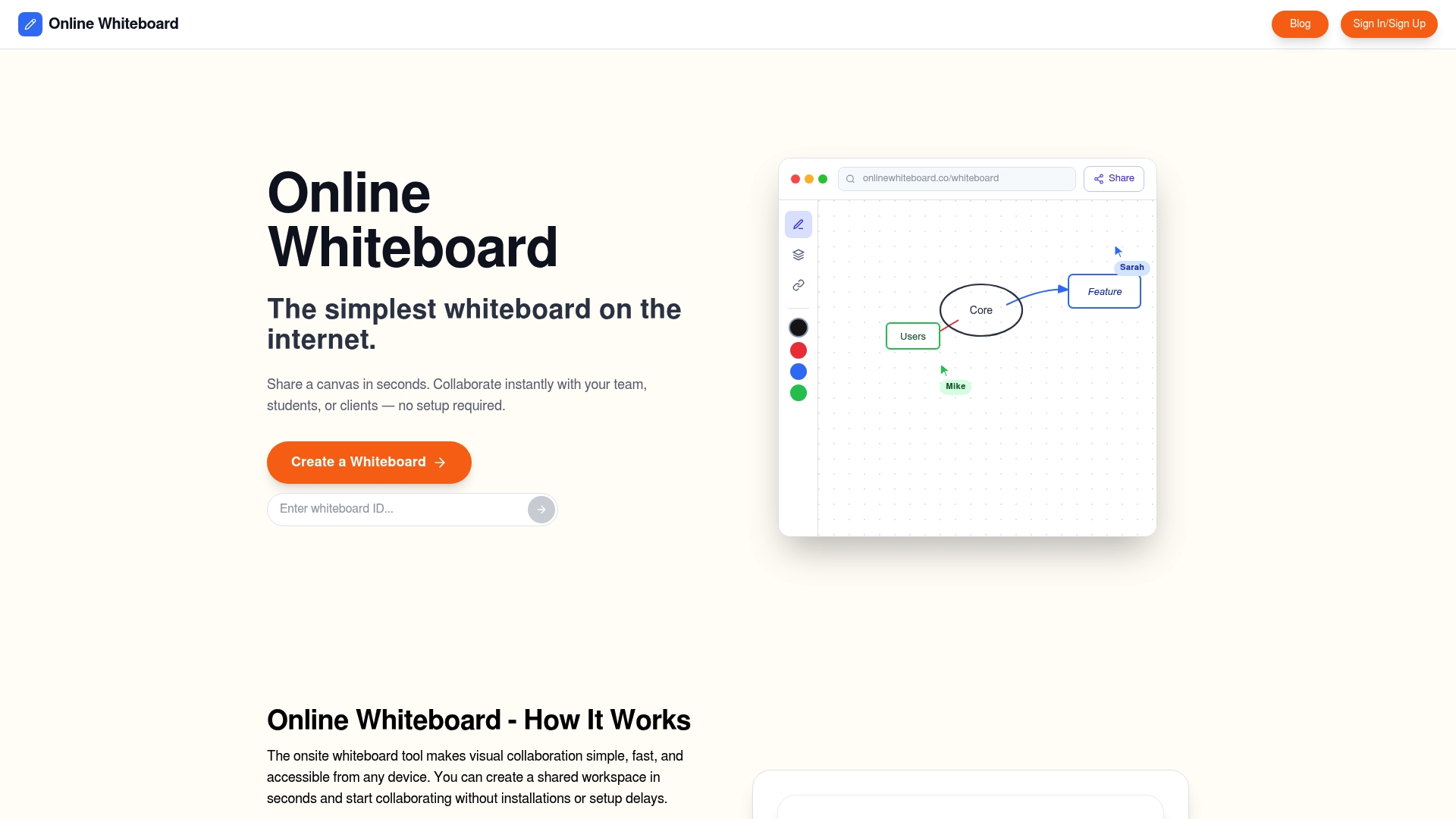
If you want to create, brainstorm, and diagram without distractions or delays, try Onlinewhiteboard. Quickly invite collaborators, sketch ideas, and share your visual plans. Act now to turn your next workshop or meeting into a productive session where ideas flow freely and results come fast.
Frequently Asked Questions
How does Onlinewhiteboard support quick collaboration?
Onlinewhiteboard allows for instant board creation with just one click, making it ideal for throwaway sessions. This feature enables users to open and share a board without any setup, prioritizing speed for real-time collaboration. If you require a quick visual space during meetings, Onlinewhiteboard is the right choice.
What is the difference between Miro and Onlinewhiteboard for workshops?
Miro excels in providing deep integrations with tools like Jira and Slack, making it highly suitable for structured workshops and ongoing project management. Onlinewhiteboard, on the other hand, is designed for quick, ad-hoc sketch sessions without the need for account setups, making it perfect for spontaneous brainstorming. Choose Onlinewhiteboard when speed and low friction are your top priorities.
Which platform is better for users who prioritize security?
Conceptboard offers enhanced security features, including GDPR compliance and enterprise controls, making it suitable for teams needing strict data management. In contrast, Onlinewhiteboard is optimized for simplicity and speed, allowing users to start sessions quickly without the added complexity of compliance features. If your main concern is ease of use without elaborate security protocols, Onlinewhiteboard may be more appealing.
Can I use Excalidraw for detailed technical diagrams?
Excalidraw provides a simple drawing interface more suited for quick sketches rather than complex technical diagrams. This tool emphasizes fast ideation and collaboration without oversimplifying the user experience. If your focus is on detailed technical notations, you might consider exploring other tools that specialize in that area.
How does Onlinewhiteboard handle multi-device access?
Onlinewhiteboard offers cross-platform access from any modern browser, ensuring that users can collaborate from desktops, tablets, or mobile devices. This feature makes it easy to join sessions regardless of the device, accommodating participants with different hardware. When you need a flexible whiteboard that works on any device, Onlinewhiteboard is a convenient option.