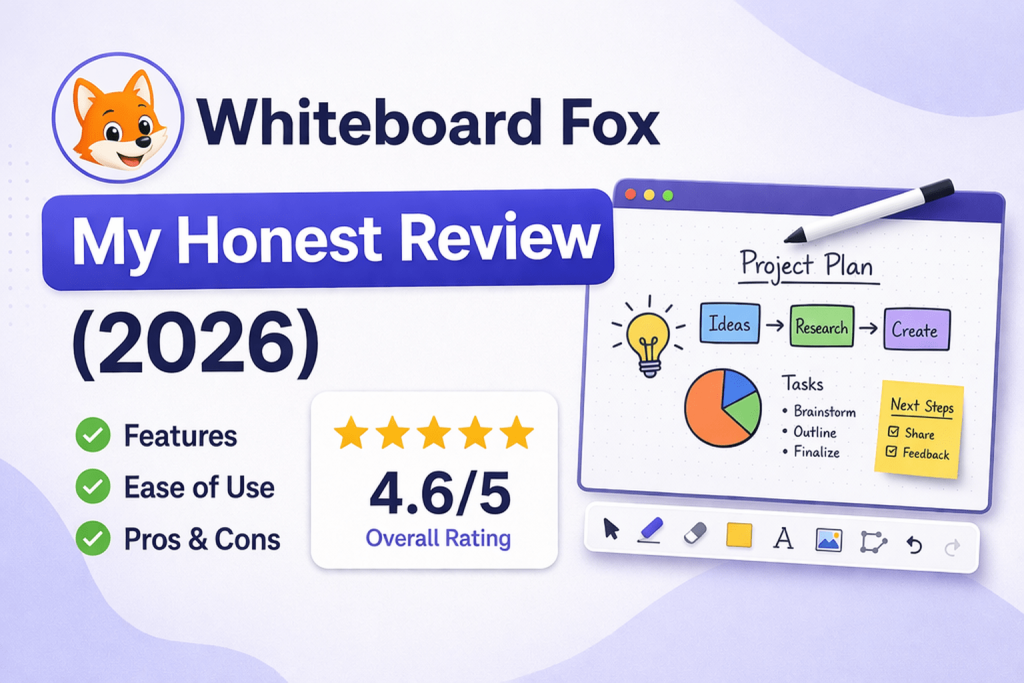
Whiteboard Fox is a lightweight online whiteboard tool that allows instant collaboration without signup. It is best suited for quick brainstorming, teaching, and short sessions, but lacks advanced features required for complex workflows or long-term team collaboration.
Introduction
The rise of remote work, distributed teams, and online education has fundamentally changed how people collaborate. Traditional communication methods such as emails, static documents, and slide presentations are increasingly being replaced by more interactive and visual approaches. Among these, online whiteboards have emerged as one of the most effective tools for real-time idea generation and structured collaboration.
Within this rapidly expanding category, Whiteboard Fox has built a distinct identity. Unlike feature-heavy platforms that require onboarding, configuration, and subscriptions, Whiteboard Fox focuses on immediacy. It eliminates friction by allowing users to start drawing and collaborating instantly, without creating an account or installing software.
This simplicity is both its greatest strength and its primary limitation. In this detailed Whiteboard Fox review, we go beyond surface-level observations and analyze how the tool performs across different use cases, how it compares with competitors, and whether it can still compete in an increasingly sophisticated collaboration software market.
What is Whiteboard Fox?
Whiteboard Fox is a browser-based digital whiteboard that enables multiple users to collaborate visually in real time. It is designed to replicate the experience of a physical whiteboard while removing the constraints of location and device dependency.
The platform operates entirely through a web browser. Users can create a whiteboard session instantly and share a link with collaborators. Anyone with the link can join the board and begin interacting with it, which makes it especially useful in environments where speed and accessibility are critical.
Unlike more advanced tools, Whiteboard Fox does not attempt to serve as a full collaboration ecosystem. Instead, it positions itself as a lightweight solution for quick ideation and communication. This makes it particularly appealing for scenarios where the goal is to exchange ideas rapidly rather than manage complex workflows.
Core Value Proposition of Whiteboard Fox
To understand the role of Whiteboard Fox in the broader market, it is important to examine its core value proposition. The platform is built around three key principles: speed, simplicity, and accessibility.
Speed is evident in how quickly users can begin collaborating. There is no need to sign up, configure settings, or learn a complex interface. This reduces friction and allows teams to focus entirely on the task at hand.
Simplicity is reflected in the minimal design. The interface includes only essential tools, which makes it easy for anyone to use, regardless of technical expertise. This is particularly valuable in educational environments or cross-functional teams where users may have varying levels of familiarity with digital tools.
Accessibility ensures that the platform works across devices and network conditions. Because it is lightweight, it performs well even on slower connections, which makes it suitable for global teams and classrooms.
Key Features of Whiteboard Fox (Deep Dive)
Instant Access Without Signup
One of the defining characteristics of Whiteboard Fox is its zero-barrier entry. Users do not need to create accounts, verify emails, or remember passwords. This allows sessions to begin immediately, which is particularly useful in time-sensitive situations.
In many collaboration scenarios, the biggest challenge is not the lack of tools but the delay in getting everyone onboarded. Whiteboard Fox removes this bottleneck entirely. Participants can join a session simply by clicking a link, which significantly improves efficiency during workshops and meetings.
This feature also reduces resistance from external participants, such as clients or students, who may be reluctant to sign up for new platforms.
Real-Time Collaboration
Real-time collaboration is at the heart of Whiteboard Fox. Multiple users can interact with the board simultaneously, drawing, writing, and annotating content as the session progresses.
This creates a dynamic environment where ideas can evolve organically. Unlike asynchronous tools, where feedback is delayed, real-time interaction allows participants to build on each other’s ideas instantly.
The responsiveness of the platform plays a crucial role here. Smooth synchronization ensures that all participants see updates without noticeable lag, which helps maintain the flow of discussion.
Minimalist Interface and User Experience
The design philosophy of Whiteboard Fox prioritizes usability over feature density. The interface is intentionally simple, with a limited set of tools that are easy to understand and use.
This simplicity reduces cognitive load and allows users to focus on content rather than navigation. In many cases, complex tools can become a distraction, especially for users who are not familiar with advanced features.
However, this minimalist approach also means that certain functionalities are missing. Users who require structured frameworks, advanced diagramming tools, or integrations may find the platform limiting.
Canvas and Visual Flexibility
Whiteboard Fox provides a flexible drawing space that supports freeform ideation. Users can create diagrams, write notes, and connect ideas visually.
This flexibility is particularly valuable in brainstorming sessions where the structure is not predefined. Participants can explore ideas freely and organize them dynamically as the discussion evolves.
However, the lack of built-in templates means that users must create structures manually, which can be time-consuming in more formal settings.
Cross-Device Compatibility and Accessibility
One of the strengths of Whiteboard Fox is its compatibility across devices. The platform works seamlessly on desktops, laptops, tablets, and smartphones.
This ensures that participants can join sessions regardless of their device or location. In educational settings, this is especially important, as students may be using different types of devices.
The platform’s lightweight architecture also contributes to its accessibility. It performs well even on lower bandwidth connections, which makes it suitable for users in regions with limited internet infrastructure.
Export and Persistence Limitations
Whiteboard Fox allows users to export their boards as images, which provides a basic way to save and share content. However, this functionality is relatively limited compared to more advanced tools.
One of the key drawbacks is the lack of persistent storage in the free version. Boards may expire after a certain period, which can disrupt long-term projects.
For users who rely on whiteboards as part of their workflow documentation, this limitation can be significant.
Comparison with Top Competitors (Detailed Analysis)
| Feature | Whiteboard Fox | Miro | FigJam | Excalidraw | Tldraw |
|---|---|---|---|---|---|
| Signup Required | No | Yes | Yes | No | No |
| Ease of Use | Very High | Medium | Medium | High | High |
| Templates | None | Extensive | Extensive | Limited | Basic |
| Integrations | None | Extensive | Moderate | None | Limited |
| Best Use Case | Quick sessions | Enterprise | Design teams | Sketching | Visual workflows |
Whiteboard Fox clearly differentiates itself through its simplicity. While competitors focus on building comprehensive ecosystems, Whiteboard Fox focuses on delivering a fast and frictionless experience.
This creates a trade-off. Users gain speed and ease of use but lose access to advanced features and integrations.
User Experience in Real-World Scenarios
In real-world usage, Whiteboard Fox performs exceptionally well in scenarios where speed is the primary requirement. For example, in a classroom setting, a teacher can start a session instantly and engage students without worrying about onboarding.
Similarly, in a brainstorming session, teams can quickly map ideas without spending time setting up tools. This immediacy enhances productivity and keeps discussions focused.
However, when the scope of work increases, the limitations become more apparent. In complex projects that require structured workflows, version control, or integration with other tools, Whiteboard Fox may not be sufficient.
Strengths and Weaknesses (Expanded Perspective)
Whiteboard Fox excels in delivering a seamless and intuitive user experience. Its ability to eliminate friction makes it one of the fastest tools to deploy in collaborative environments.
At the same time, its simplicity limits its applicability in more advanced scenarios. The absence of templates, integrations, and persistent storage means that it cannot replace full-featured collaboration platforms.
Future Outlook and Market Position
The online whiteboard market is evolving rapidly, with increasing emphasis on artificial intelligence, integrations, and immersive collaboration experiences.
To remain competitive, Whiteboard Fox may need to expand its feature set while maintaining its core simplicity. This could include introducing optional templates, improving storage capabilities, and enhancing security features.
However, there is also an opportunity for the platform to double down on its niche. By positioning itself as the fastest and simplest whiteboard tool, it can continue to attract users who prioritize speed over complexity.
Final Verdict
Whiteboard Fox delivers exactly what it promises: a fast, simple, and accessible online whiteboard for quick collaboration.
It is not designed to replace enterprise tools or support complex workflows. Instead, it excels in scenarios where speed and ease of use are the primary requirements.
For users who need a lightweight solution for brainstorming, teaching, or quick meetings, Whiteboard Fox is an excellent choice. For those who require advanced features, it may be necessary to explore alternative platforms.
FAQ (Optimized for SEO + Featured Snippets)
What is Whiteboard Fox best used for?
Whiteboard Fox is best used for quick brainstorming sessions, online teaching, and real-time collaboration without signup.
Does Whiteboard Fox require an account?
No, users can start using Whiteboard Fox instantly without creating an account.
Is Whiteboard Fox suitable for teams?
It works well for small teams and short sessions but lacks features for large-scale collaboration.
What are the limitations of Whiteboard Fox?
Its main limitations include lack of templates, integrations, and long-term storage.