Whiteboard Fox is a browser-based online whiteboard that lets multiple users draw and collaborate on a shared canvas in real time, with no account or login required. Open a link, share it, and you are drawing together within seconds. That speed-to-canvas is the tool’s defining feature, and it makes Whiteboard Fox a genuinely useful option for educators running live tutoring sessions, remote teams sketching out quick ideas, and creatives who need a shared visual space without the overhead of a full-featured platform. This guide covers everything you need to know: features, pricing, honest comparisons, and practical tips for getting the most out of it.
What are the main features and pricing plans of Whiteboard Fox?
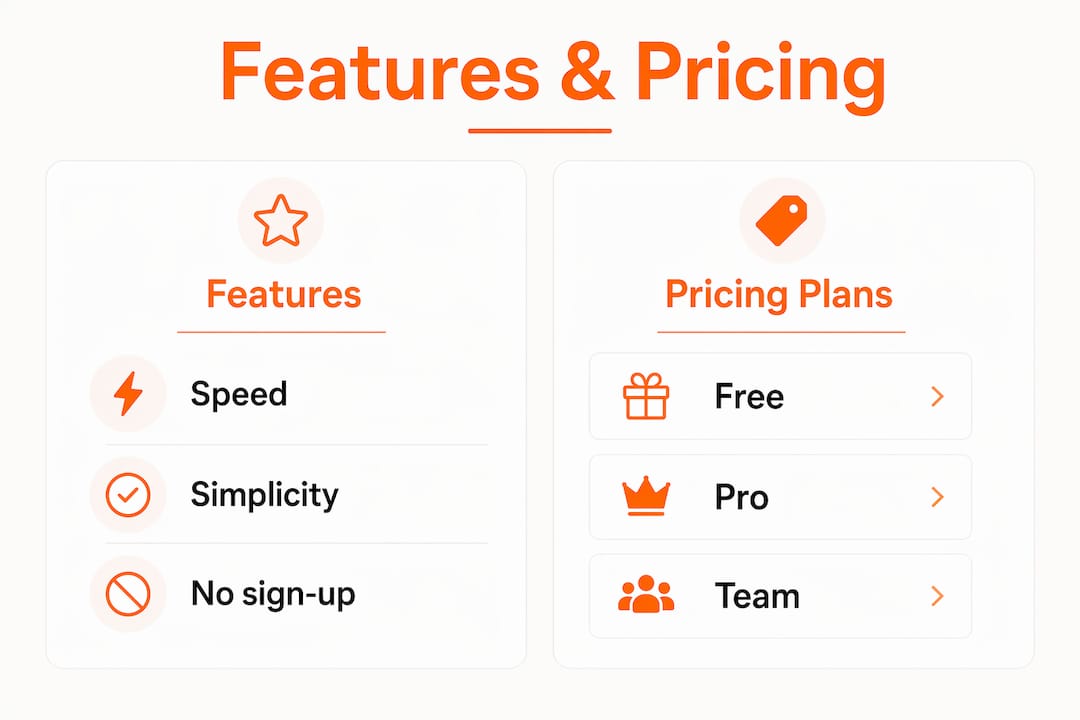
Whiteboard Fox delivers a focused set of drawing tools designed for speed, not complexity. The core toolkit includes a pen, eraser, text boxes, shapes, and highlighter, along with undo/redo controls and zoom. Real-time sync means every collaborator sees changes as they happen, with no refresh required. The platform also supports stylus input such as Apple Pencil and Surface Pen, and works across all modern browsers on desktop, tablet, and mobile with both scroll-to-zoom and pinch-to-zoom controls.

Plan breakdown and pricing
| Plan | Price | Key features |
|---|---|---|
| Free | $0/month | 7 colors, ads displayed, boards expire after 14 days |
| Pro | $8/month | 73 colors with opacity, no ads, dark mode, boards never expire |
| Team | $15/user/month | Everything in Pro plus premium support and team management |
The free tier is genuinely usable for one-off sessions, but the 14-day board expiration is a hard constraint that catches users off guard. If you plan to revisit a board, upgrading to Pro at $8/month removes that limit entirely.
Key features across all plans include:
- Real-time multi-user collaboration via shared link
- Drawing tools: pen, shapes, text, highlighter, eraser
- Image drag-and-drop onto the canvas
- Zoom controls and stylus support
- No guest login required for collaborators
Pro Tip: If you are on the free plan and your session produces anything worth keeping, export or screenshot the board immediately after the session ends. Waiting even a few days creates unnecessary risk of losing work before the 14-day window closes.
What Whiteboard Fox does not offer is equally worth noting. There are no template libraries and no deep integrations with tools like Slack, Zoom, or Jira. The platform is a blank canvas by design, which is a deliberate trade-off rather than an oversight.
How does Whiteboard Fox compare to Miro and Excalidraw?
Whiteboard Fox excels at speed and simplicity in ways that Miro and Excalidraw do not prioritize. Miro is built around structured workflows, offering hundreds of templates, integrations with Zoom, Slack, and Jira, and workspace management for large teams. That depth is powerful for ongoing project work, but it comes with a learning curve and a setup cost that makes it the wrong tool for a five-minute sketch session. Whiteboard Fox removes every barrier between the idea and the canvas.
Excalidraw sits between the two. It is open-source, free, and offers diagramming-friendly features like connectors and shape libraries that Whiteboard Fox lacks. Excalidraw also requires no sign-up for basic use, making it a closer competitor. The difference is that Excalidraw skews toward technical users who want clean diagrams, while Whiteboard Fox feels more like a physical whiteboard in digital form, favoring freehand drawing and live annotation.
| Feature | Whiteboard Fox | Miro | Excalidraw |
|---|---|---|---|
| No sign-up required | Yes | No | Yes |
| Template library | No | Yes (hundreds) | Limited |
| Integrations | None | Zoom, Slack, Jira, more | GitHub, limited |
| Board persistence | 14 days (free) | Permanent | Permanent |
| Stylus support | Yes | Yes | Yes |
| Best for | Quick sketches, tutoring | Structured team workflows | Technical diagrams |
The practical takeaway is straightforward. Whiteboard Fox wins when speed and zero friction matter most. Miro wins when a team needs a persistent, organized workspace with workflow tools. Excalidraw wins when the output needs to look clean and structured without a paid subscription.
- Choose Whiteboard Fox for live tutoring, ad-hoc remote sketches, and quick brainstorms where setup time is a real cost
- Choose Miro for sprint planning, product roadmaps, and cross-functional team collaboration with integrations
- Choose Excalidraw for technical diagrams, architecture sketches, and open-source flexibility
Understanding real-time collaboration benefits helps clarify why the right tool depends entirely on the session’s purpose, not just the feature list.
What are the best practices for using Whiteboard Fox effectively?
Getting the most from Whiteboard Fox requires understanding its design philosophy. The platform is optimized for quick ideation, live tutoring, and ad-hoc sketches rather than structured project planning. Using it as a long-term project hub creates friction it was never designed to handle.
Follow these practices to avoid the most common pitfalls:
- Treat the board link like a room password. Whiteboard Fox uses link-based access without advanced permissions, which means anyone with the URL can join and draw. Share the link only with intended collaborators, and do so during the live session rather than posting it in public channels.
- Export before the session ends. Free-tier boards expire after 14 days, and there is no automatic archive. Screenshot the board or use the export function immediately after the session to preserve decisions, sketches, or notes.
- Pair it with a task tracker. Whiteboard Fox is optimized for creating visual artifacts, not full workflow management. After a brainstorm, move action items into a dedicated tool like Notion, Trello, or Asana. The whiteboard captures the thinking; the task tracker drives the follow-through.
- Use it for explanation, not documentation. A Whiteboard Fox session works best as a live thinking tool during a call or tutoring session. It is not the right place to store reference material or build a knowledge base.
- Avoid sharing confidential data on open boards. The platform has no advanced auditing or permissions system. Sensitive business information, personal data, or proprietary diagrams belong on platforms with proper access controls.
Pro Tip: For recurring sessions with the same group, upgrade to Pro and reuse the same board link. This creates a consistent shared space without the overhead of generating and distributing a new link each time.
Running a structured session? The guide on virtual problem framing pairs well with Whiteboard Fox’s speed-to-canvas approach for remote teams that want a repeatable facilitation method.
What creative and educational use cases benefit most from Whiteboard Fox?
Whiteboard Fox’s instant access design appeals especially to educators and tutors who need a zero-setup tool for live sessions. A math tutor can open a board, share the link in a chat message, and be drawing equations within 30 seconds. That frictionless entry is genuinely difficult to replicate with more complex platforms.
The use cases where Whiteboard Fox consistently outperforms heavier tools include:
- Live tutoring and remote teaching. Teachers can annotate, diagram, and sketch in real time while students watch or contribute. The lack of a required student account removes a common barrier in K-12 and informal education settings.
- Quick team brainstorms. During a video call, a shared Whiteboard Fox board gives every participant a visual space to contribute ideas simultaneously. It functions as a shared notepad that everyone can draw on at once.
- Visual walkthroughs and explanations. Designers, developers, and consultants use the tool to sketch concepts during client calls rather than describing them verbally. A rough diagram drawn live communicates faster than a polished slide.
- Collaborative sketching for creative projects. Illustrators and designers use Whiteboard Fox for early-stage ideation, where the goal is to get ideas out quickly rather than produce finished work. The stylus support makes freehand sketching feel natural on a tablet.
- Workshop facilitation. Facilitators running short workshops or retrospectives use the blank canvas to capture group input without the setup time that tools like Miro require.
The common thread across all these scenarios is that minimalism is a strength in fast-paced remote environments that value immediacy over complexity. When the goal is to think visually together right now, Whiteboard Fox removes every obstacle between the thought and the shared canvas.
Key takeaways
Whiteboard Fox is the right tool when speed and zero-friction access matter more than templates, integrations, or long-term board persistence.
| Point | Details |
|---|---|
| Instant access, no login | Any collaborator can join a board via shared link with no account required. |
| Free tier has a 14-day limit | Export or screenshot boards before expiration to avoid losing session content. |
| Not built for complex workflows | Pair Whiteboard Fox with task trackers like Notion or Trello for follow-through. |
| Link sharing is your access control | Treat board URLs as sensitive and share only with intended participants during live sessions. |
| Best for live, ad-hoc sessions | Tutoring, quick brainstorms, and visual explanations are where the tool performs best. |
Why simplicity is underrated in remote collaboration
After working with remote teams and educators across dozens of tools, the pattern I keep seeing is this: the most feature-rich platform in the room is rarely the one that gets used consistently. Whiteboard Fox’s minimalism is not a limitation to apologize for. It is a deliberate design choice that removes the single biggest barrier to visual collaboration, which is the time and effort it takes to start.
I have watched teams spend the first ten minutes of a meeting deciding which template to use in Miro, then running out of time for the actual thinking. Whiteboard Fox sidesteps that entirely. You open it, you draw, you think together. That is the whole product.
The honest limitation is that Whiteboard Fox does not grow with you. Once a team needs persistent boards, structured workflows, or integrations with the rest of their tool stack, the platform starts to feel thin. The link-based access model also requires discipline. I have seen boards shared in public Slack channels by accident, which is a real risk when there are no permission layers to catch the mistake.
The way I think about it: Whiteboard Fox is a whiteboard marker and a clean surface. It does one thing exceptionally well. For everything that comes after the session, you need a different tool. Knowing that distinction upfront saves a lot of frustration.
— A
Ready for a whiteboard that grows with your team?
Whiteboard Fox is a strong starting point for quick visual sessions, but teams that need persistent boards, richer drawing tools, and a cleaner collaborative experience often find themselves ready for more. Onlinewhiteboard offers a free online whiteboard built for exactly that transition: fast to start, with the depth to support real team workflows, teaching sessions, and creative projects without complicated setup or software downloads.
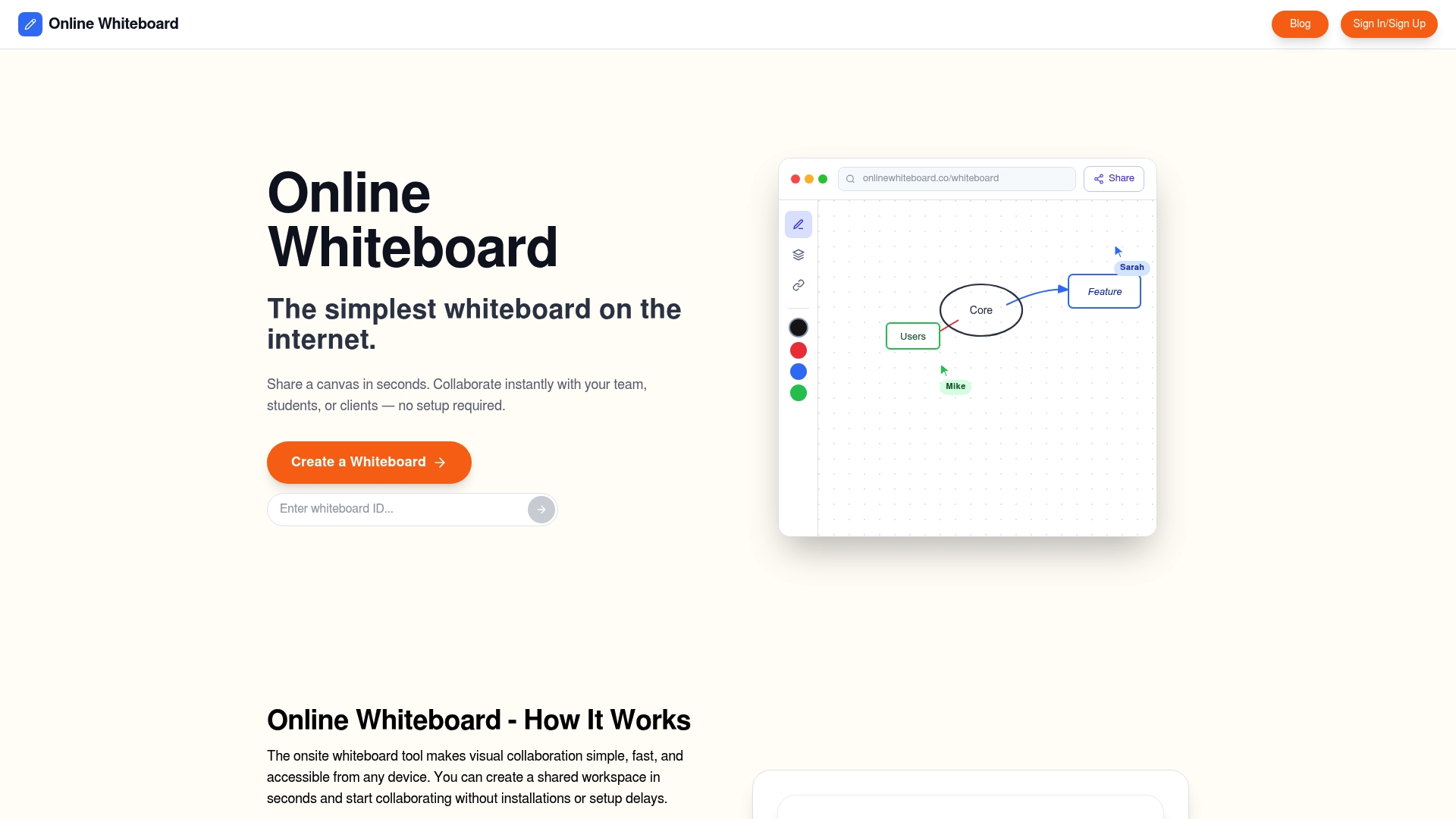
Onlinewhiteboard gives educators, designers, and remote teams a shared canvas that works for both a five-minute sketch and a full workshop. No steep learning curve, no feature bloat. Just a clean, capable space for visual thinking. Try it free and see how it fits your workflow.
FAQ
What is Whiteboard Fox used for?
Whiteboard Fox is used for real-time collaborative drawing, live tutoring, quick team brainstorms, and visual explanations during remote calls. Its primary value is instant access with no login required.
Does Whiteboard Fox require an account to use?
No. Whiteboard Fox lets collaborators join a shared board via link with no account or sign-up needed. Only the board creator needs an account to access paid features.
How long do Whiteboard Fox boards last?
Free-tier boards expire after 14 days. Pro and Team plan boards never expire, making those plans necessary for any ongoing or recurring use.
Is Whiteboard Fox secure for sensitive information?
Whiteboard Fox uses link-based access without advanced permissions or auditing. Users should avoid placing confidential or sensitive data on boards and should share board links only with intended participants.
How does Whiteboard Fox differ from Miro?
Whiteboard Fox prioritizes speed and simplicity with no templates or integrations, while Miro offers structured workflows, hundreds of templates, and integrations with tools like Zoom, Slack, and Jira. Whiteboard Fox suits quick sessions; Miro suits ongoing team projects.